


Installed new free VPN - have NO icon displayed ... or in Customization Toolbar options ..???

I just installed the new built-in VPN - and it appears to show as running in my Mozilla Accounts page (???).
HOWEVER, that is the only place I see it!!
Mozilla account Connected Services
Mozilla VPN 17 hours ago
No icon/display panel anywhere (not showing in Customization of toolbar option either) to see usage, turn on/off, etc.??
Soluzione scelta
The about:config preference browser.ipProtection.enabled controls if the VPN button shows up or not. Most likely it's set to false. Toggling it to true should turn it on. Apparently it is on a progressive roll-out.
Here's a Reddit thread that talks about it: https://www.reddit.com/r/firefox/comments/1s2ik4l/introducing_firefoxs_builtin_vpn_ip_protection/
On my system it's also not enabled by default.
Tutte le risposte (5)
Hi
The product that you refer to is one of our premium products. In order to get premium support from a dedicated agent, please select the product below to submit your question:
Note the "built-in VPN" in desktop Firefox starting Fx 149.0 and the subscription based "Mozilla VPN" app https://www.mozilla.org/products/vpn/ are separate things.
Think I was CLEAR about this VPN being the NEW built-in one - NOT the "premium subscription" product......
Here are some clips from articles about this new built in free VPN:
Introducing built-in VPN
The built-in VPN includes an unprecedented 50 GB per month of free VPN browsing, enough to cover everyday activities like shopping, banking, and reading.
If you reach the monthly limit, IP protection is paused until the next cycle. Firefox will require you to confirm before proceeding without the VPN so your browsing doesn’t unintentionally continue without IP protection.
And finally - this apparent "screen shot" link - https://blog.mozilla.org/wp-content/blogs.dir/278/files/2026/03/Distilled_FeatureLaunch_VPN_Inline_01.png
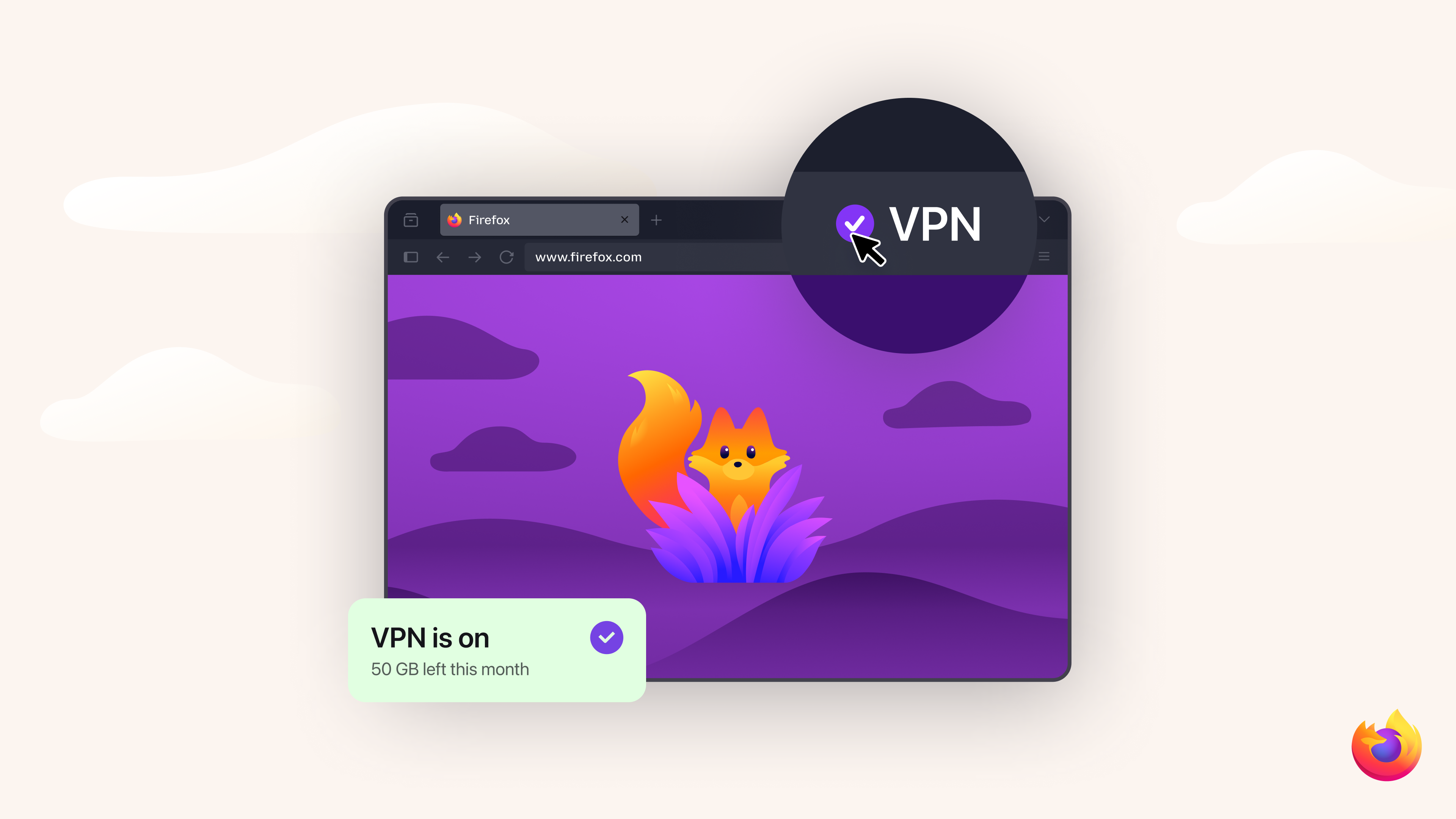
This shows a VPN "on" check mark and also shows how much usage incurred so far. Without this, how do you know your status..???
Soluzione scelta
The about:config preference browser.ipProtection.enabled controls if the VPN button shows up or not. Most likely it's set to false. Toggling it to true should turn it on. Apparently it is on a progressive roll-out.
Here's a Reddit thread that talks about it: https://www.reddit.com/r/firefox/comments/1s2ik4l/introducing_firefoxs_builtin_vpn_ip_protection/
On my system it's also not enabled by default.
Thanks for your help!!