


Recovering from HDD crash, looking for Thunderbird SENT emails

I'm recovering from a HDD crash that damaged the boot sector only, my files were unharmed. I am/was using Thunderbird. My Roadrunner IN BOUND e-mails were saved on the Roadrunner servers and successfully downloaded to the new Thunderbird client installed on my new hard drive. But none of my SENT e-mails were stored by Roadrunner.
I want to find my old HDD file of SENT e-mails only and move it to my new drive so they'll load in my new Thunderbird. Roadrunner support said they should be on my old HDD but because my old Thunderbird settings were in POP while my new Thunderbird is in IMAP, the file may not be compatible. Of course they gave me incorrect settings also, so not sure if that's accurate.
Regardless, even if incompatible, I want to have some way to access my old sent e-mails for tax and other purposes.
Please help!
Thanks Theo
Soluzione scelta
if your profile is not at the appdata\roaming\thunderbird folder, my guess is that you installed thunderbird from Microsoft. If possible, I suggest you uninstall from there and reinstall from https://www.thunderbird.net/en-US/thunderbird/all/ If you used the MS version also on old computer, look in the appdata\local\Microsoft folder
Tutte le risposte (6)
This shouldn't be a problem. The old messages would be in the old profile at the Mail\<POPaccount> folder, or possibly in the Mail\Local Folders folder, with names such as inbox, inbox.msf. and sent and sent.msf. The msf files can be ignored. A simple process would be to:
- install the addon, importexporttools NG
- highlight Local Folders
- rightclick, select the importexport option to import mbox
- locale and select the Sent file and click ok
At this point, you have the old sent messages in Local Folders. If a small amount, just rightclick and COPY to the online sent folder. If there are a lot of messages, I suggest creating a manual filter for the process. I suggest this as uploading is not a strength of IMAP and the filter will slow the process a bit - which is desired. After all is done and you're satisfied, you can delete the Local Folders.
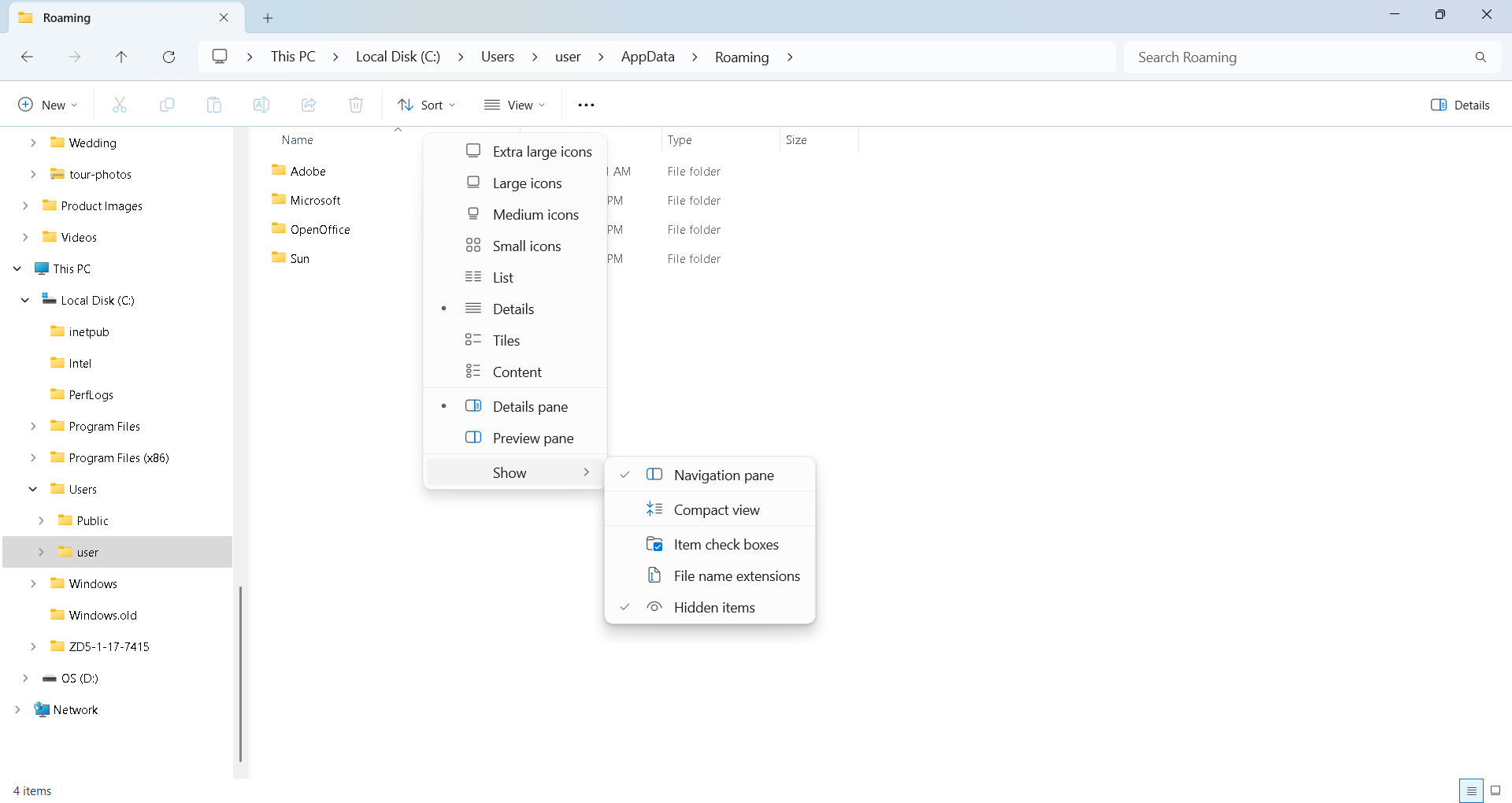
I'm still baffled. I can't find my old Thunderbird profile nor my new one on EITHER my old D or new C hard drive.
I wanted to just copy the old profile to the new one and deal with any duplicates or issues.
I've selected Show Hidden and neither one is showing.
Soluzione scelta
if your profile is not at the appdata\roaming\thunderbird folder, my guess is that you installed thunderbird from Microsoft. If possible, I suggest you uninstall from there and reinstall from https://www.thunderbird.net/en-US/thunderbird/all/ If you used the MS version also on old computer, look in the appdata\local\Microsoft folder
Thanks for your help, David. I'm still going crazy trying to locate my e-mails. I didn't find anything Thunderbird related in any of the AppData folders.
However I found my Thunderbird app on my old hard drive under D > Program Files (x86) > Mozilla Thunderbird
The late date modified of July 3 is a few days before the crash so this must be it. But I don't see any e-mail files.
There's another folder called ProgramData but none of its subfolders say Thunderbird.
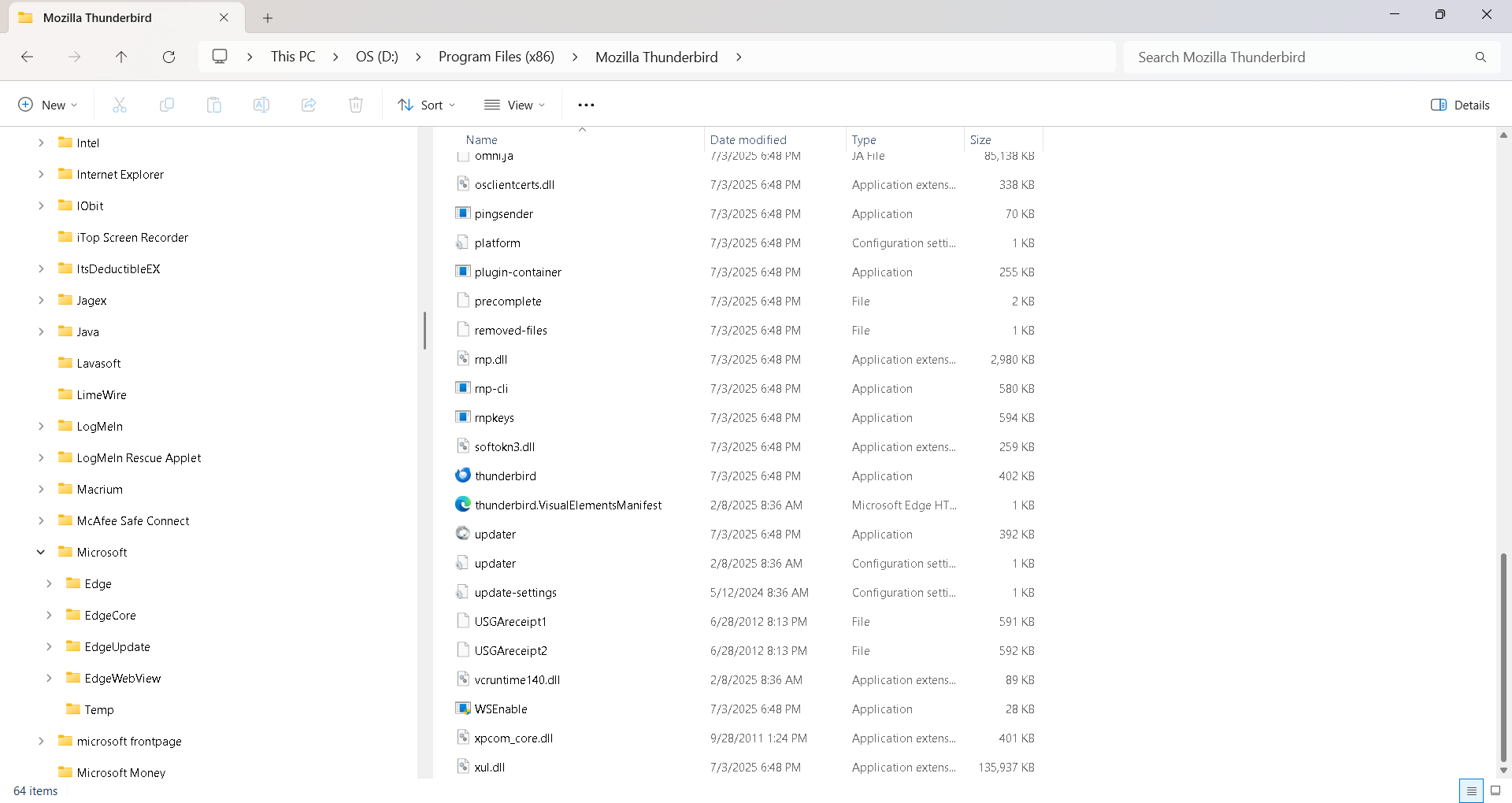
I'm wondering if I may have set up my Thunderbird e-mails to be saved in OneDrive because I was worried about losing them? Not sure where to look there, though.
I had a professional take a look and apparently more than the boot sector was corrupted, so we're doing a full scan for missing files.