


Can't get Firefox to update

I've been getting warning messages telling me to update Firefox or security certificates will expire on 14th January. I clicked on Help -> About, but it doesn't check for updates. I also tried going to Preferences, but I still can't see a way to install updates.
I downloaded a version from here https://www.mozilla.org/en-GB/firefox/download/thanks/ I unpacked it into my home directory, but I'm not sure how to install this version.
I'd like to be able to import my current session into the new version of firefox.
Any help would be appreciated.
Tutte le risposte (1)
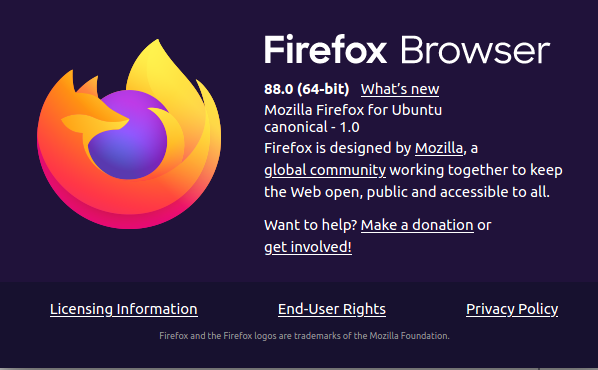
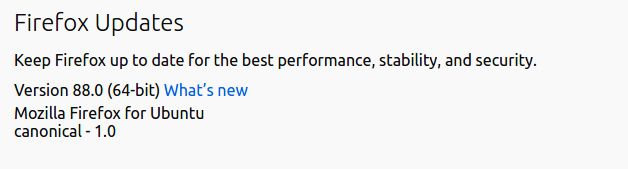
Your Firefox 88.0 is a package build from ubuntu so updates are done in the package manager. Mozilla does not provide internal Firefox updates to third-party or package builds of Firefox, only their own.
However if your Ubuntu or flavour of Ubuntu Linux distro version is no longer supported then you will not get anymore package updates, including for Firefox.
For the tarball version from Mozilla. There is no installer or setup like on Windows as it is basically a compressed archive folder of contents. You can start Firefox in terminal or by a desktop or panel launcher shortcut to firefox-bin or the firefox script in Firefox folder. There are Firefox icons you can use located in the firefox/browser/chrome/icons/default/ folder. And no the "chrome" is not related to Google Chrome in any way as Firefox existed for some six years before Chrome.