


Import emails from Apple Mail

Your import procedure, used with several options, creates only empty folders "Importation Apple Mail".
Thunderbird 128.5.2esr (64 bits) Mail Version 16.0 (3776.700.51.11.1)
Soluzione scelta
mj.quiblier said
Thanks Mapenzi (ornithologue français ?)
No it's "love" in swahili !
mj.quiblier said
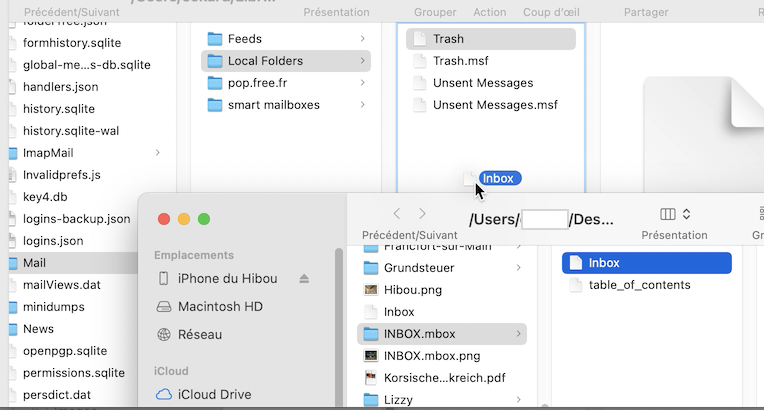
I followed strictly your instructions. Unfortunately the file Inbox or Inbox.mbox cannot be dropped into Local Folders, on the title or under the existing list.Your error was to try drag&drop of the renamed mbox file directly into Local Folders in the folder pane but I wrote open the TB profile folder, go to Mail > Local Folders and drag the Inbox file in Local Folders. To open the profile folder follow instructions in this article "Profiles - Where Thunderbird stores your messages and other user data". https://mzl.la/2cYKHaB
Modificato da Mapenzi il
Tutte le risposte (5)
It's a long time ago (fifteen years?) when Thunderbird could import folders and messages from Apple Mail. I advise a manual method to export messages from Mail and import them in Thunderbird. This is necessary only for POP account messages.
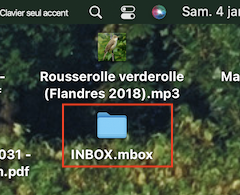
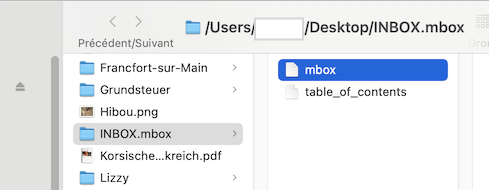
In Mail select a folder you want to export, e. g. INBOX. Go to menu Mailbox > Export Mailbox. You will obtain an "INBOX.mbox" folder in the destination directory, let's say your Desktop (see image). Open the "INBOX.mbox" folder to see that it contains a file "mbox". Rename this file to "Inbox", Thunderbird closed open the TB profile folder, go to Mail > Local Folders and drag the Inbox file in Local Folders. If Local Folders already contains an Inbox file, rename the file to import to Inbox-1. Restart TB, go to Local Folders ans verify that the imported Inbox messages from Mail are displayed. Unfortunately ou would have to proceed the same way to import other folders from Mail
Thanks Mapenzi (ornithologue français ?)
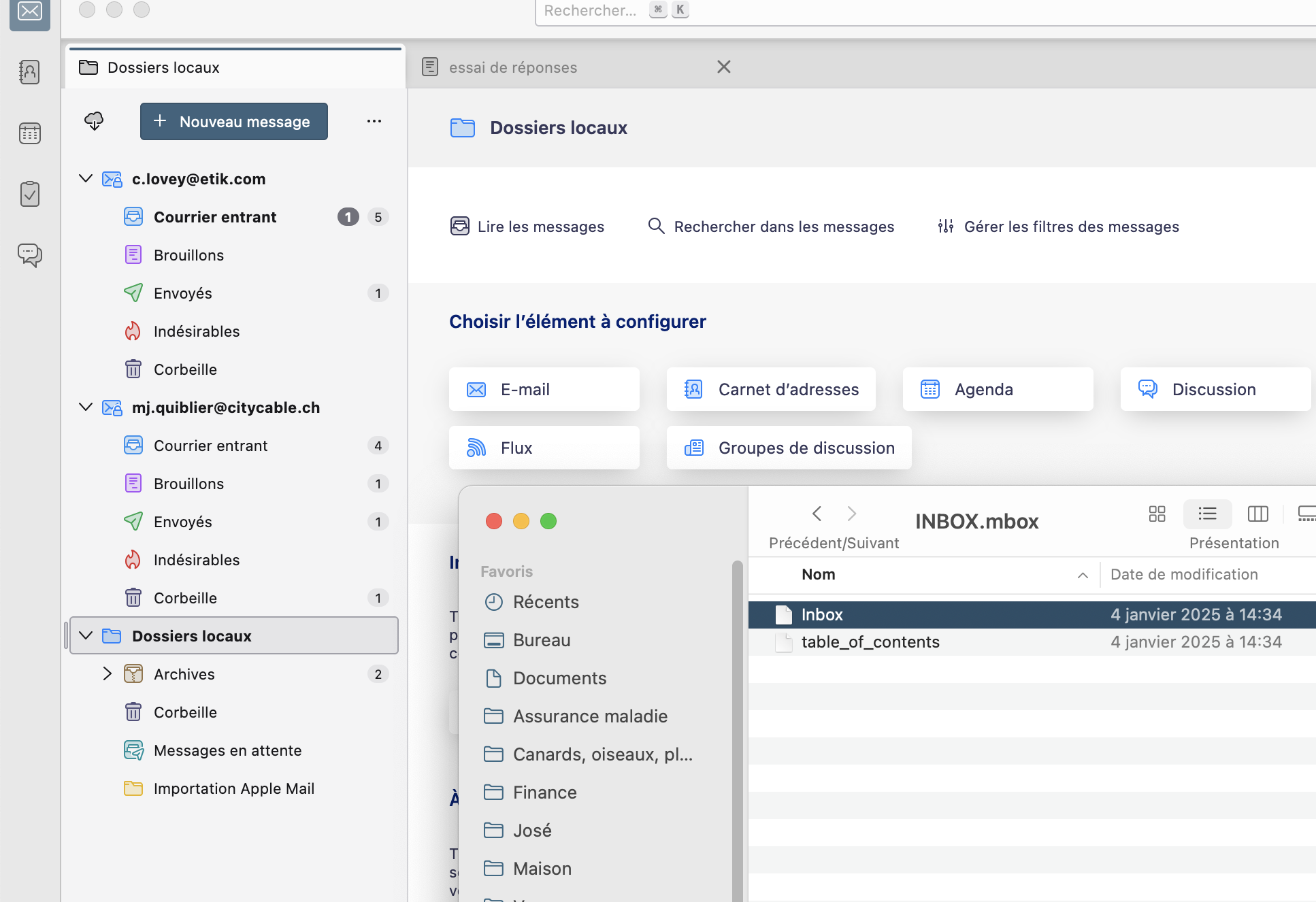
I followed strictly your instructions. Unfortunately the file Inbox or Inbox.mbox cannot be dropped into Local Folders, on the title or under the existing list.
I hoped that the dropping was hidden, closed TB and re-opened : nothing !
Soluzione scelta
mj.quiblier said
Thanks Mapenzi (ornithologue français ?)
No it's "love" in swahili !
mj.quiblier said
I followed strictly your instructions. Unfortunately the file Inbox or Inbox.mbox cannot be dropped into Local Folders, on the title or under the existing list.Your error was to try drag&drop of the renamed mbox file directly into Local Folders in the folder pane but I wrote open the TB profile folder, go to Mail > Local Folders and drag the Inbox file in Local Folders. To open the profile folder follow instructions in this article "Profiles - Where Thunderbird stores your messages and other user data". https://mzl.la/2cYKHaB
Modificato da Mapenzi il
Perfect ! Thank you very much and happy year 2025 !
I asked "ornithologue français ?" because you attached a Rousserole verderole to your first answer.
You're welcome! My best wishes for 2025 for you, too. Yes, I'm an amateur ornithologist living in France. Marsh Warblers are fabulous singers!