


For years Thunderbird just showed incoming messages, now it includes threads even though I didn't change anything.

This week Thunderbird started downloading messages together with the back-and-forth of emails. It shows me as Sender (as I started the thread a couple of days ago), even when it's actually another person replying to my messages. When I click on the the message in my Inbox, it opens all the messages in the thread (there can be a dozen tabs open). I tried clicking on Ignore Thread/Subthread. I clicked on the Thread icon in the column, that doesn't help. Also, in the Subject column, there is a "right arrow" icon before the icon showing I've responded to the message, which indicates there is a thread (several back-and-forths) and that didn't show before. How do I change it back to just showing the message, and if it's a reply, the Subject line would show "Re: ..."?
Soluzione scelta
I kept digging around and found solution on TechGlimpse. In the affected Folder (Inbox), View > Sort By > Unthreaded. Don't know how it got changed, and none of the other folders/accounts were changed to Threaded.
Modificato da SFAnders il
Tutte le risposte (3)
can you post a screen shot? see https://support.mozilla.org/en-US/kb/how-do-i-create-screenshot-my-problem
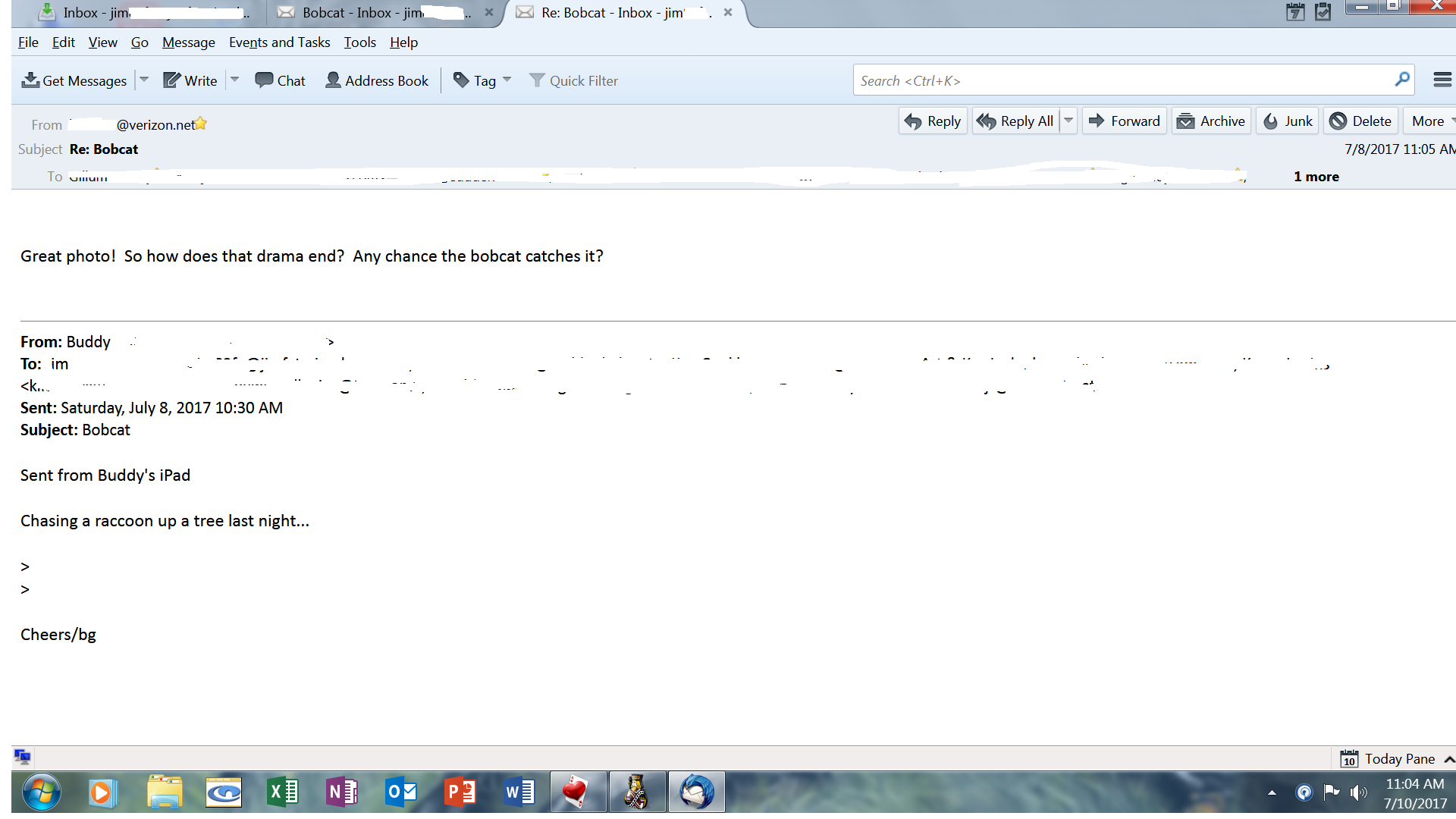
I wanted to attach a screenshot of the message I first had problems with, but that one "disappeared" as did all the threads. I will see if I can retrieve it in webmail.
Soluzione scelta
I kept digging around and found solution on TechGlimpse. In the affected Folder (Inbox), View > Sort By > Unthreaded. Don't know how it got changed, and none of the other folders/accounts were changed to Threaded.
Modificato da SFAnders il