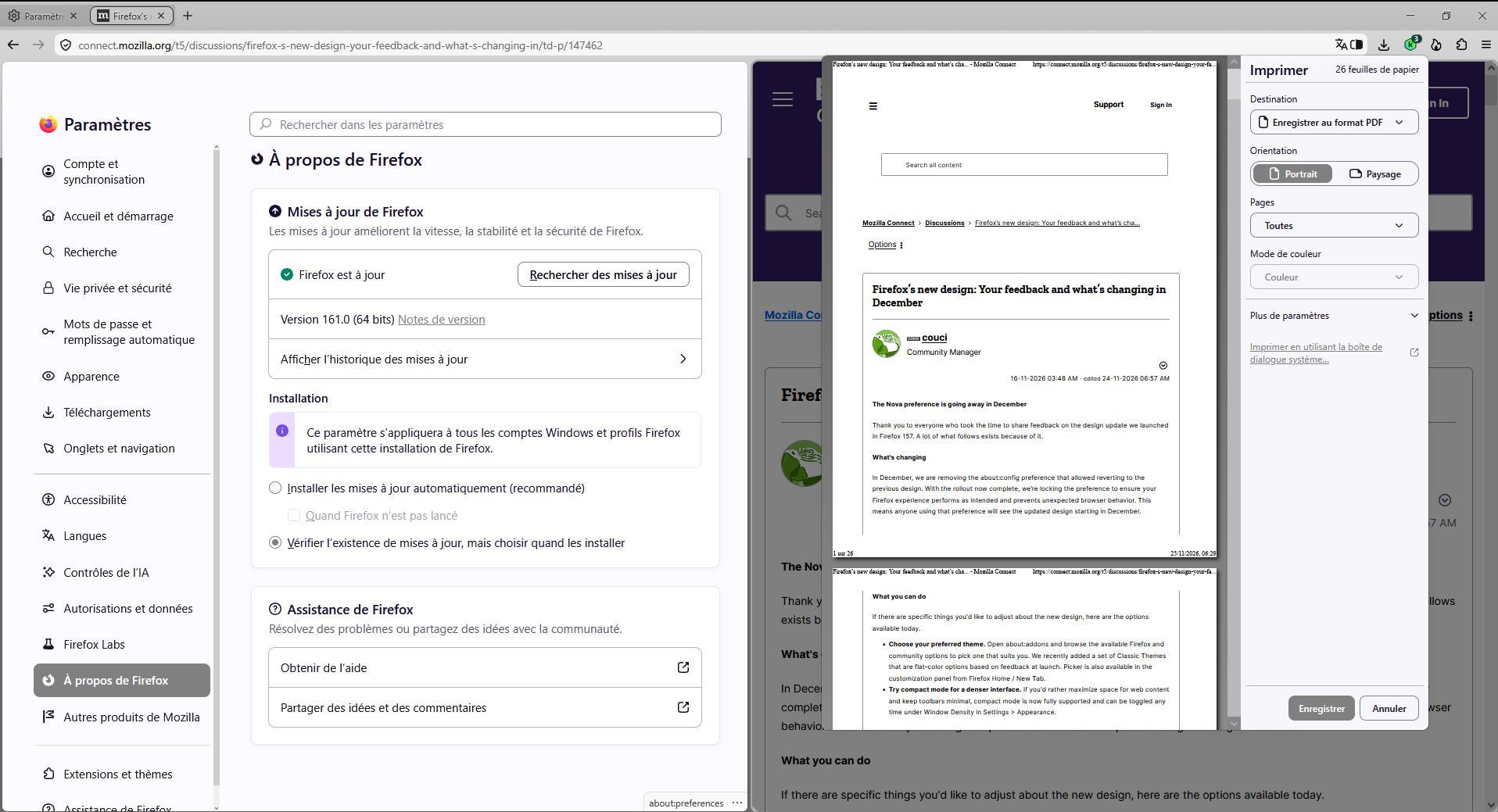
Disable the latest update theme color and round corners

I would like to disable the recent update at settingbrowser.nova.enabled. The purple-pink colors and rounded corners are VERY hard for me to see. I need the gray background, black writing, and square corners back. Thank you.
Semua Balasan (9)
Hi
I would not recommend using that about:config pref as it is likely to be removed in the future.
This Firefox theme may help:
https://addons.mozilla.org/en-US/firefox/addon/firefox-proton/
Thanks for responding. I already did the Proton extension, but my printer dialog is still purple and the corners are still rounded. So, it is an incomplete fix. I need to get rid of the purple entirely as it is very hard for me to the print through the colored backgrounds. Ideas? Thank you.
Bonjour
A space for users to give product feedback https://support.mozilla.org/en-US/kb/what-mozilla-connect
Highlight color setting https://support.mozilla.org/en-US/questions/1611525
Among others discussions,
Just to see. userChrome.css and userContent.css, together. https://www.camp-firefox.de/forum/thema/141025-auf-die-schnelle-nova-to-proton-ein-umfassendes-css/?postID=1295648#post1295648 https://connect.mozilla.org/t5/discussions/hate-the-rounded-corners-inside-firefox-disabled-them-in-windows/m-p/142075/highlight/true#M58044
A discussion thread, colors https://support.mozilla.org/en-US/questions/1608312
A discussion thread, how do i turn the tabs back to how they were before https://support.mozilla.org/en-US/questions/1610048
A discussion thread, i don't like you last updates with interface change https://support.mozilla.org/en-US/questions/1615448
Below, clarification : i'm not a fan the Nova Style. I use, css. Among others css.
WARNING from the moderator team: This script is not provided by Mozilla and is not officially supported.
Firefox is a work in progress and, to allow for continuous innovation, Mozilla cannot guarantee future updates won’t impact your customizations. For this reason, Mozilla does not officially support style rules customization.
Please read Firefox advanced customization and configuration options to learn more.
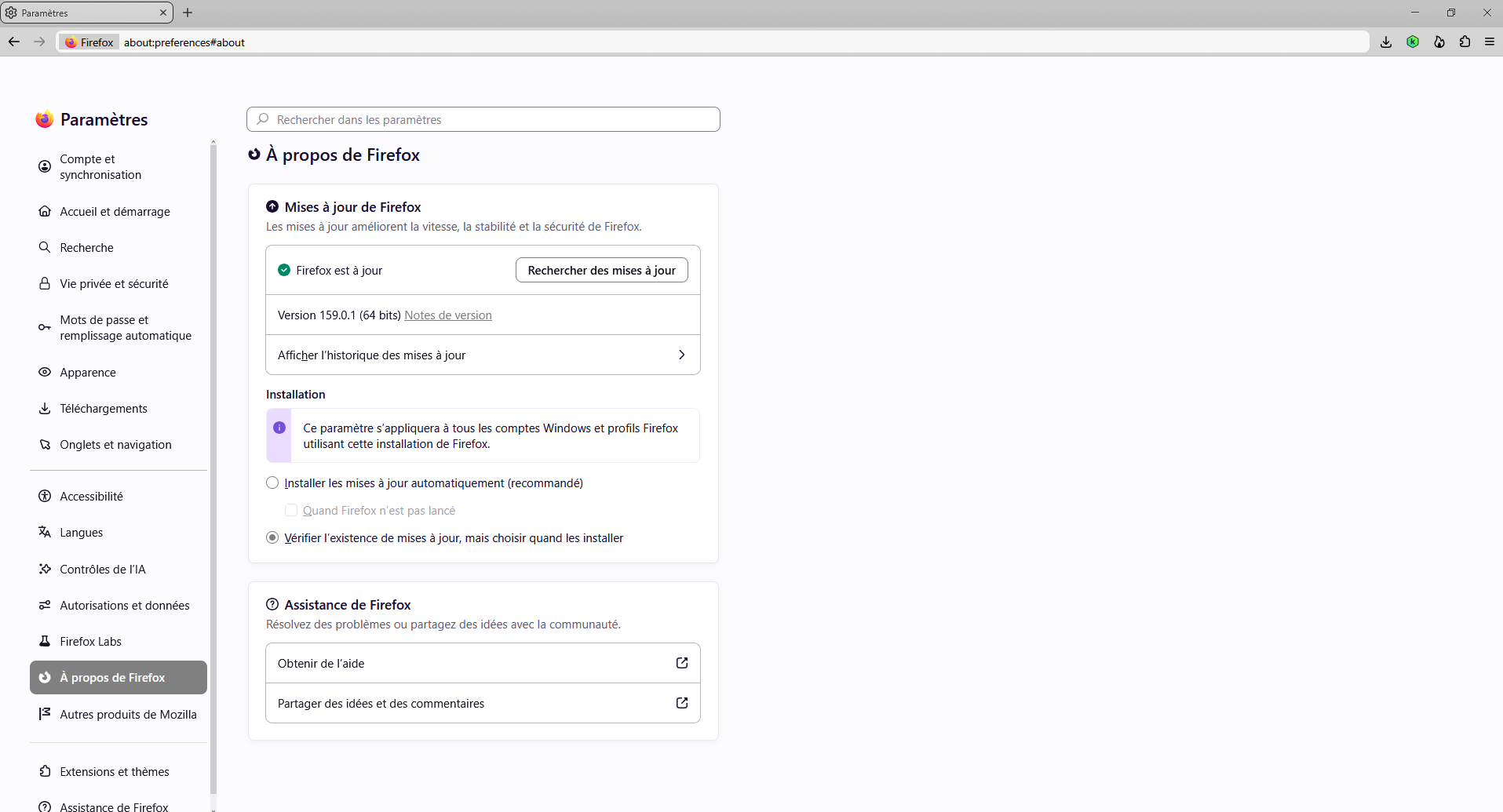
Diperbarui oleh Paul pada
Farbe Violett in Version 157 tauschen https://www.camp-firefox.de/forum/thema/140978-farbe-violett-in-version-157-tauschen
But, apparently, Individuelle Anpassungen https://www.camp-firefox.de/forum/forum/16-individuelle-anpassungen, i don't see topics, about, printer dialog is still purple.
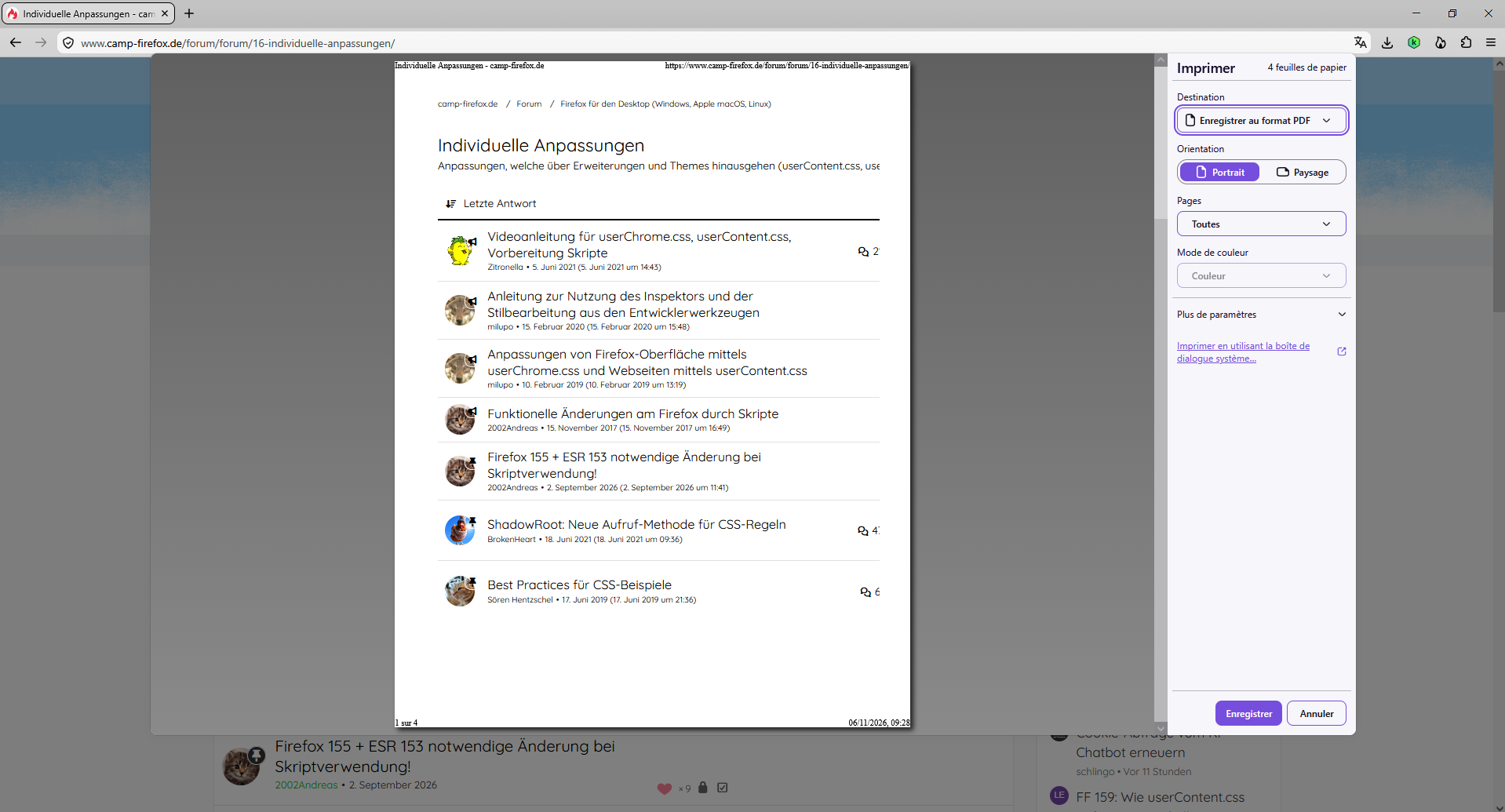
Although this plugin can make ugly colors disappear, the extremely ugly oversized rounded corners still exist
Bonjour
As for me, userChrome.css and userContent.css, together.
:root { --color-accent-primary: Grey !important; --color-accent-primary-hover: Grey !important; }
WARNING from the moderator team: This script is not provided by Mozilla and is not officially supported.
Firefox is a work in progress and, to allow for continuous innovation, Mozilla cannot guarantee future updates won’t impact your customizations. For this reason, Mozilla does not officially support style rules customization.
Please read Firefox advanced customization and configuration options to learn more.
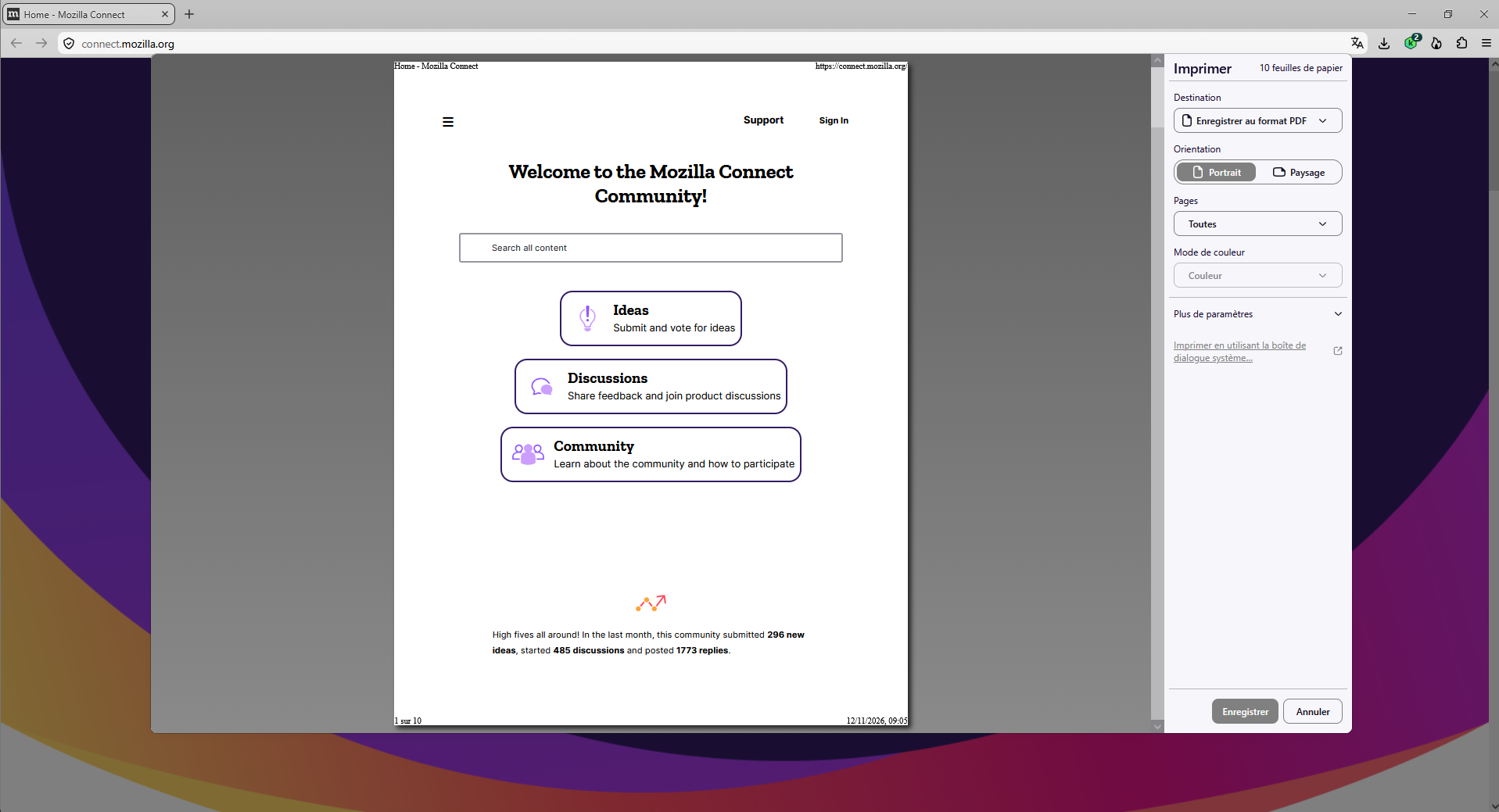
Diperbarui oleh Paul pada

Hi, I can really understand why this would be difficult to read — the purple-pink colours and rounded corners sound quite tiring on the eyes. You could try having a look under Settings, then Appearance, and seeing if a plainer theme feels a bit easier for a while, just to see if the main window settles down a little. It might also be worth checking whether the same colours show up in a private window, as that sometimes helps narrow down whether it is just a theme thing. I hope you find something that feels comfortable again soon.
Bonjour
Firefox’s new design: Your feedback and what’s changing in December https://connect.mozilla.org/t5/discussions/firefox-s-new-design-your-feedback-and-what-s-changing-in/td-p/147462
As for me, I'm not a fan the Nova Style. I use, css. Among others css.