


no respond from Thunderbird (bug2071123)

When starting thunderbird, the program cannot find my e-mails and does not respond. It is frozen. deinstallation and new installation did not help. The version i do not know because I cannot open the menue.
Diperbarui oleh Wayne Mery pada
Semua Balasan (5)
Please show a screen shot of the Thunderbird main window on startup.
Here the screen shot
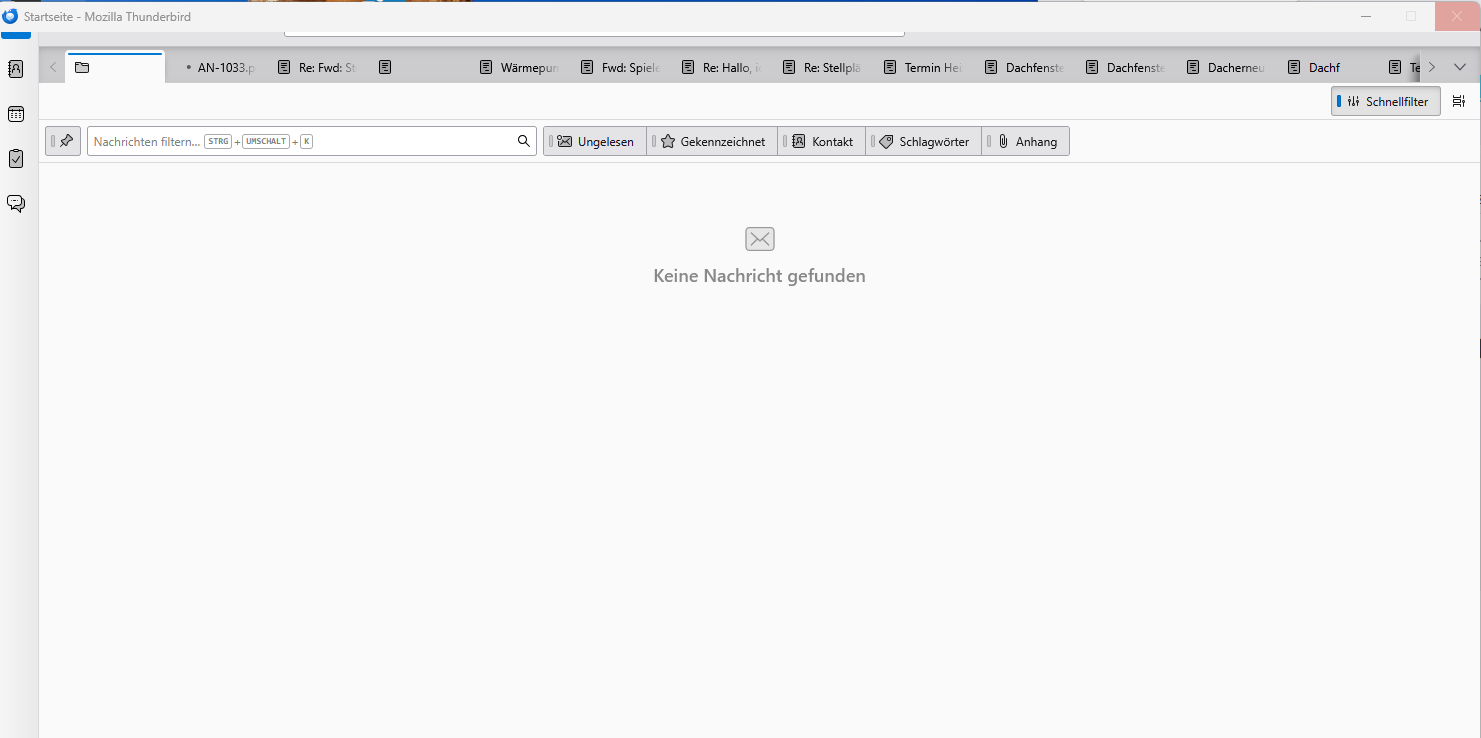
Likely https://bugzilla.mozilla.org/show_bug.cgi?id=2071123 which has a patch. It will take some time for this to reach a release.
Find your version number at Help > About
First test to do: try to start Thunderbird in 'troubleshoot mode' https://support.mozilla.org/en-US/kb/troubleshoot-mode-thunderbird Press the shift key and launch Thunderbird. Your problem might appear even in troubleshoot mode but maybe menus will react.... Can you tick any of your numerous message tabs in order to display their contents or are they unresponsive, too?