


After I refresh Firefox, will the sync restore extensions etc?
Hello, I use Firefox on two desktop computers and one mobile device. Firefox is being slow on one desktop, so I want to "refresh" it. The [page] says that extensions and search engines will be removed... but will they be restored by Firefox Sync from the other desktop computer? Or will sync also remove extensions on the other computer? Thanks
Solusi terpilih
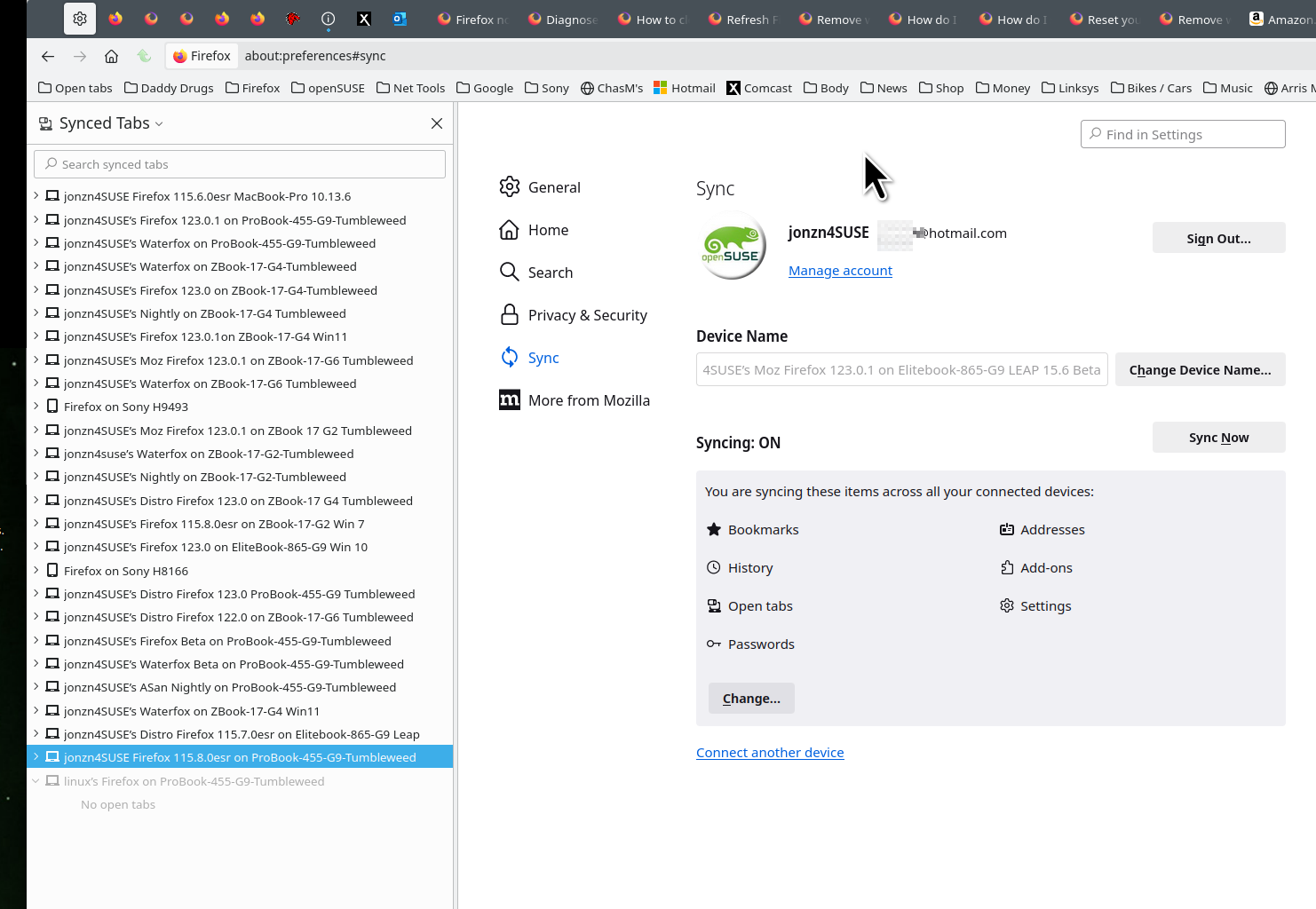
Sync will bring back your extensions from the other devices once you sign into your Mozilla account. Refresh is scary which is why I've only done it maybe 3 times in all my years running Firefox. ;-) I also run most versions of the browser plus Waterfox on several devices so my data is in more than 1 browser and on more than 1 device. see old screenshot
Baca jawaban ini dalam konteks 👍 1Semua Balasan (2)

Solusi Terpilih
Sync will bring back your extensions from the other devices once you sign into your Mozilla account. Refresh is scary which is why I've only done it maybe 3 times in all my years running Firefox. ;-) I also run most versions of the browser plus Waterfox on several devices so my data is in more than 1 browser and on more than 1 device. see old screenshot
Diperbarui oleh jonzn4SUSE pada
Whatever your issue is, it could be diagnosed by running Troubleshoot mode to see if an extension or too many of them is the issue.
Diperbarui oleh jonzn4SUSE pada