Amazon Shortcut ICON will not show up on my Firefox Home Screen

No matter how many times I visit Amazon.com, it WILL NOT show up on my Home Screen as an ICON. I have tried 2 Rows and 4 Rows. I visit amazon many times in a week, sometimes many times in a day and it never shows up on the Home Screen after my last Firefox Upgrade to 142.0. Before the upgrade, it was always on my Home Screen. I have deleted many ICONS hoping it would somehow fill in as I visit Amazon - but it's not happening.
How can I fix this?
Thanks!
Semua Balasan (3)
Hi Jean
This support article should help you to add it manually:
https://support.mozilla.org/en-US/kb/customize-items-on-firefox-new-tab-page#w_shortcuts
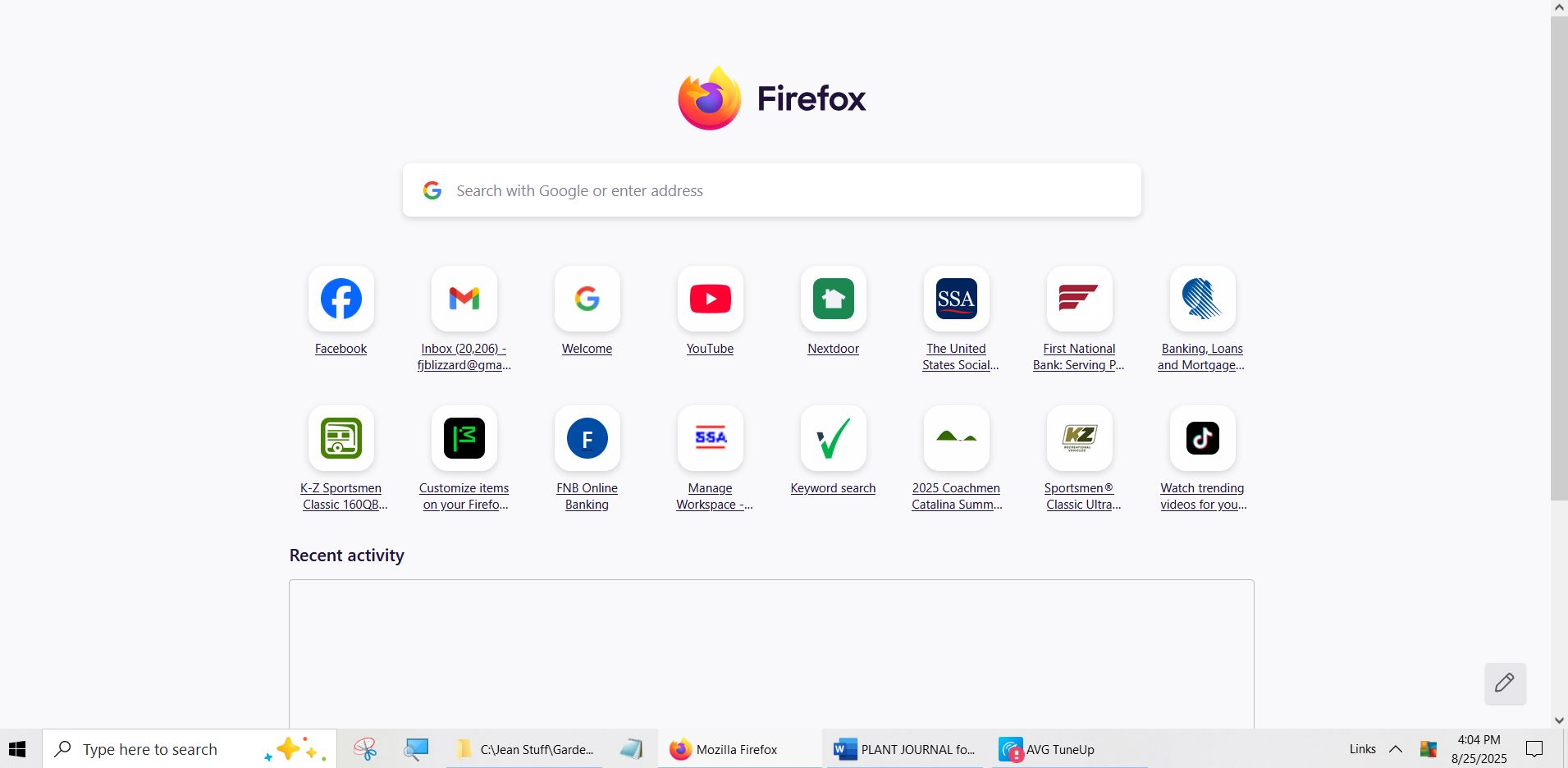
Sorry, the link you posted wasn't helpful. I DO NOT HAVE AN "Add Shortcut" button on my home page since the most recent upgrade of FireFox. I used to have one. Attached is a screen snap of my home page. You'll see there's no "icon" or link to "add an icon".
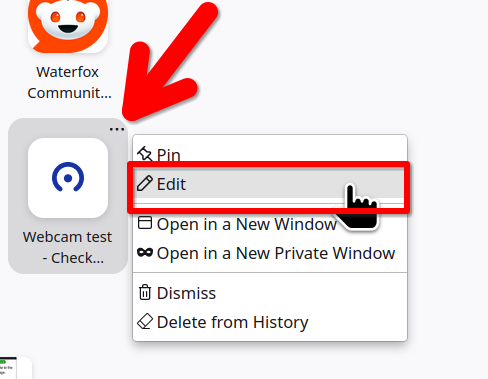
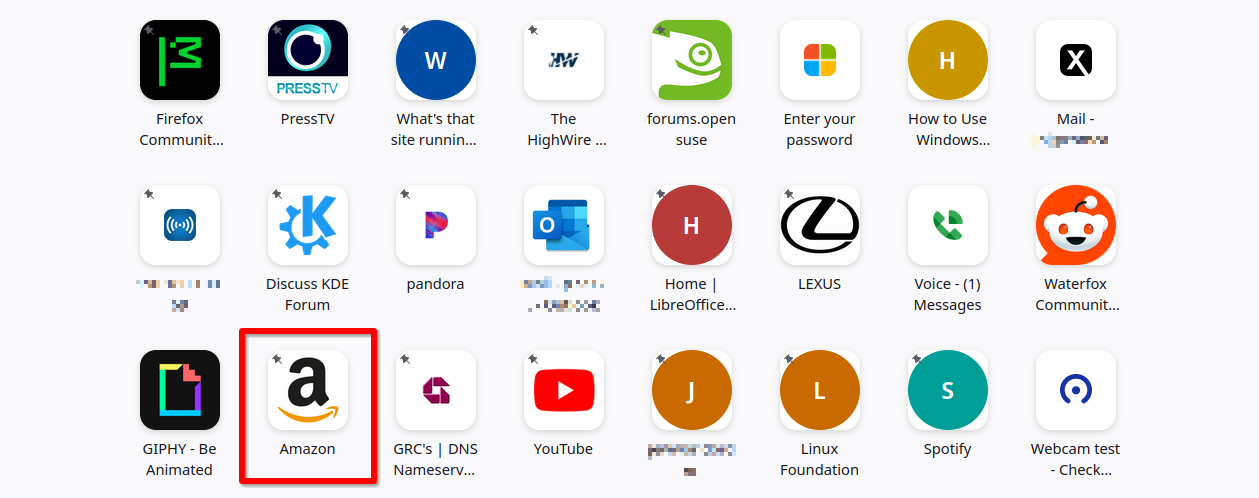
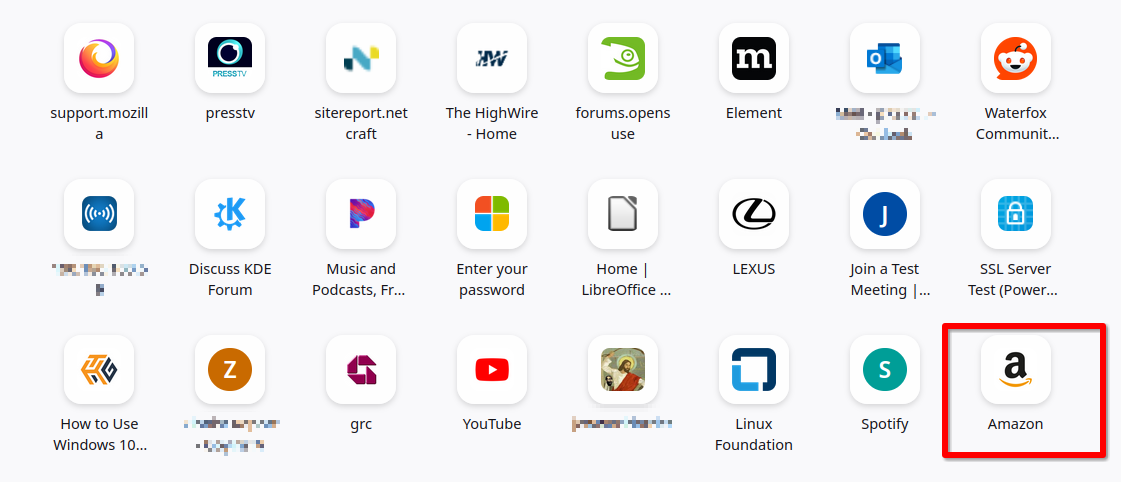
Interesting... Just edit one of the icons and make it Amazon see screenshots