


Problems in Sending Mail "relaying not allowed"

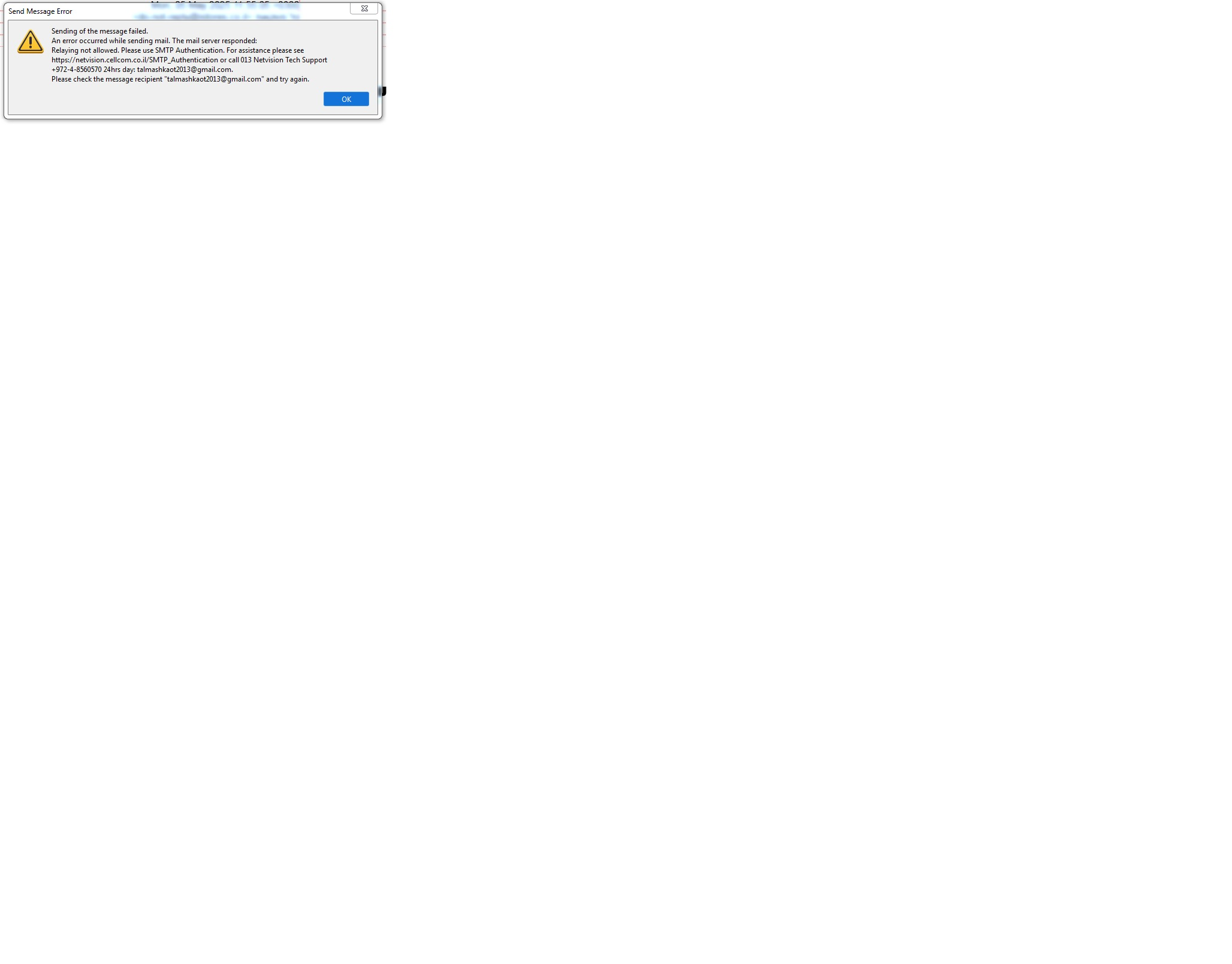
When sending mails, usually by Reply or Forward, lately I started receiving failure messages, like
Sending of the message failed. An error occurred while sending mail. The mail server responded: Relaying not allowed. Please use SMTP Authentication. For assistance please see https://netvision.cellcom.co.il/SMTP_Authentication or call 013 Netvision Tech Support +972-4-8560570 24hrs day: talmashkaot2013@gmail.com. Please check the message recipient "talmashkaot2013@gmail.com" and try again.
Netvision tech. support refuse to investigate the matter and suggest that I use their website e-mail (which works). I prefer using Thunderbird.
What is the solution to this the problem? Most e-mails still work...
Diperbarui oleh Wayne Mery pada
Semua Balasan (4)
Hello there We have read the message We try to help.
They would have said that you could use their website to solve it? And to use their solution database? What you have already done judging by your writing?
Diperbarui oleh Googlethunderbird. pada
Hello there
Using Thunderbird.with other email programs.open Thunderbird go to tools and account settings
and choose outgoing server on the left pane select the smtp account that is connected to that server on the right and try to find the edit button click on it.
Under authentication method try to choose normal password to use.
Diperbarui oleh Googlethunderbird. pada
Hello there
Did you had updates from other software? Try to switch off the vpn from that antivirus that is running there then try to send Thunderbird or other mail again? The sending could work again.
mu6sys, your problem is gone by now, no?