

Utas ini telah diarsipkan.
Silakan membuat pertanyaan baru jika Anda membutuhkan bantuan.

Diarsipkan
how to remove customise toolbar?

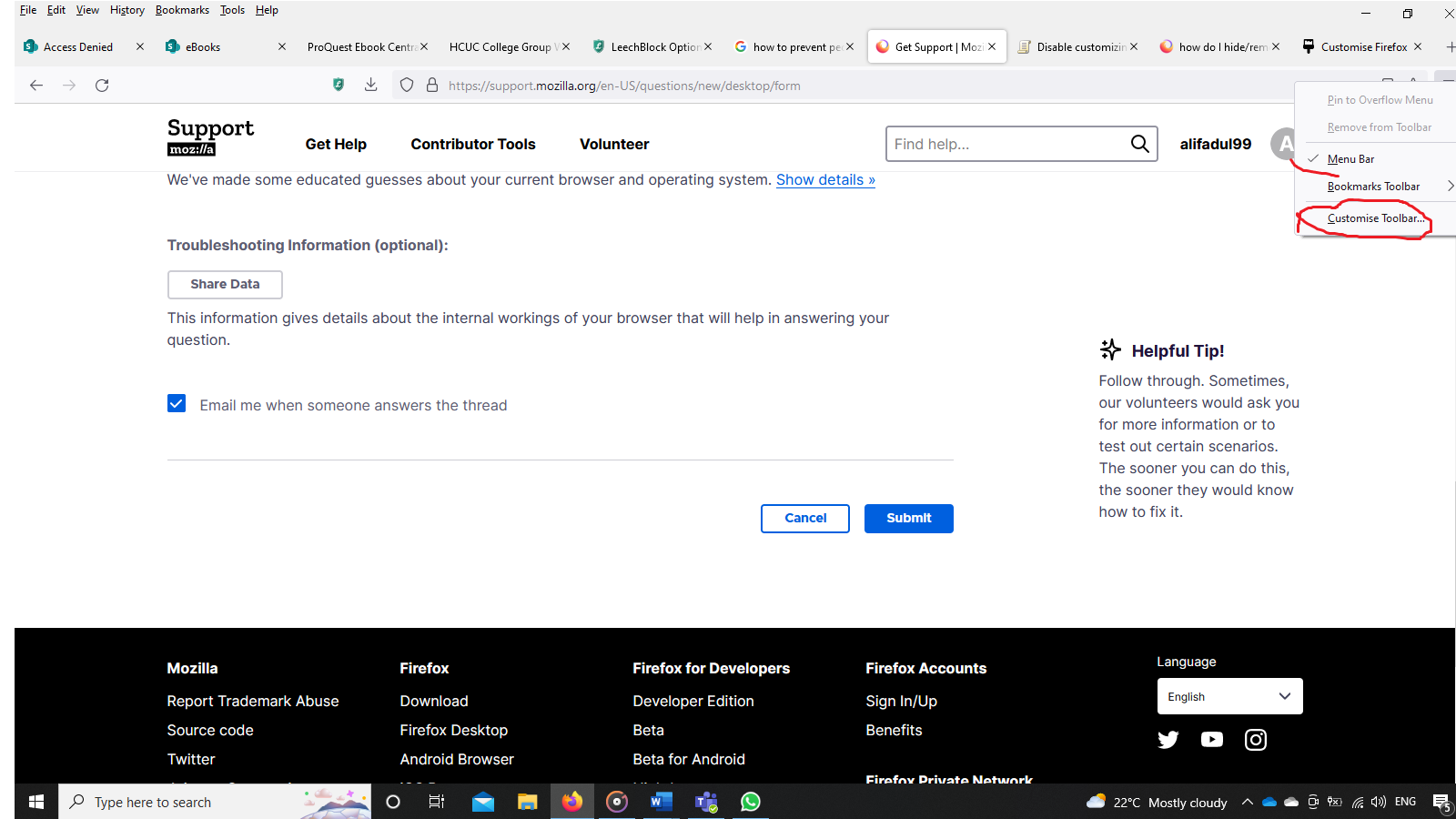
How can i remove the customise toolbar that appears when you right click on the three lines on the top right.
How can i remove the customise toolbar that appears when you right click on the three lines on the top right.
Semua Balasan (3)
I think Customize always appears on the right-click context menu for toolbar buttons. Why is it a problem?
Firefox does not have a built-in method to edit menus. You can use the unofficial, community-supported approach of creating style rules in a userChrome.css file if needed.
Dropa said
My default for 101.0.1 doesn't show that by default. So what css did you use to change that.
I used no css to change it, it just shows it
Note that "Customize Toolbar.." appears in a lot of menus, so you would have to use CSS code that hides them in all cases you are concerned about. Some include the "View -> Toolbars" menu and "More tools" in the "3-bar" Firefox menu button drop-down list.