

Utas ini telah diarsipkan.
Silakan membuat pertanyaan baru jika Anda membutuhkan bantuan.

Solved
Diarsipkan
Firefox nightly shows black background when opened

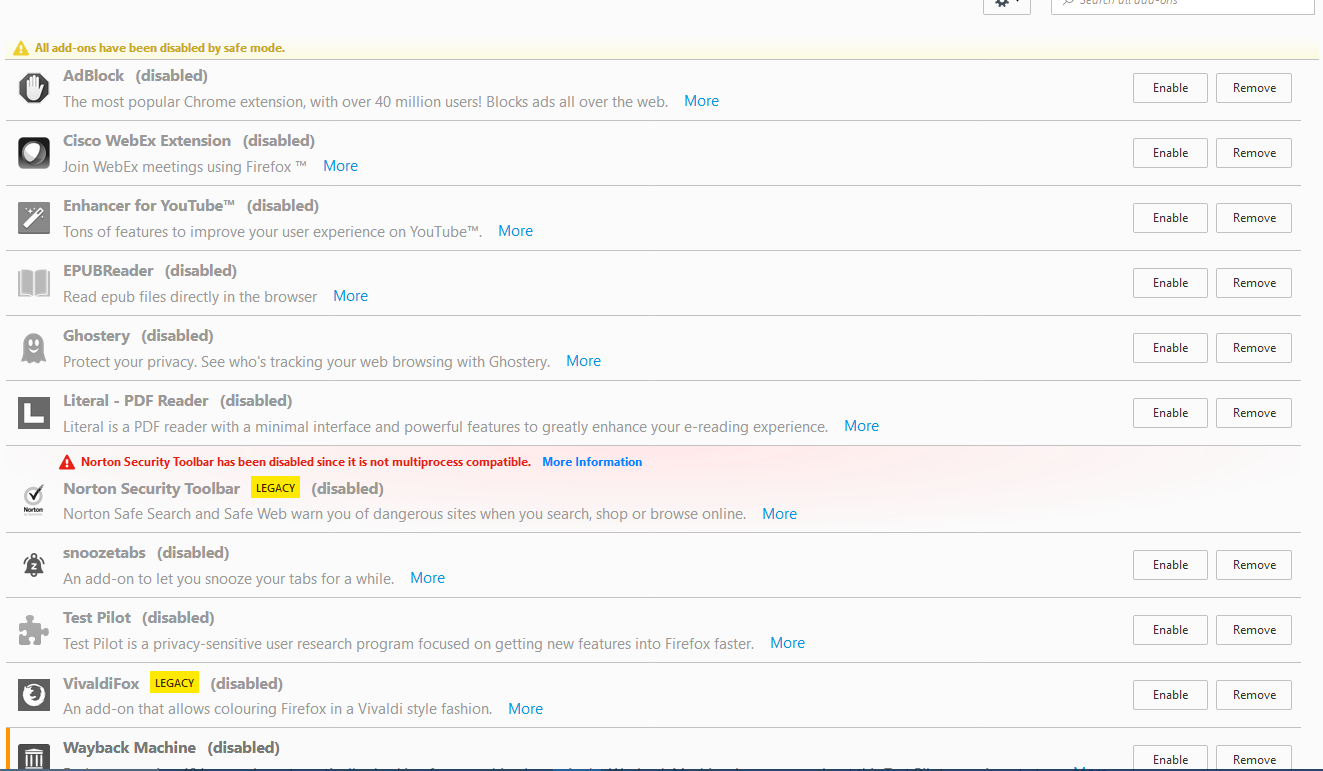
Opening nightly gives me a black background for some reason. Mousing over the screen changes the cursor, and clicking seems to work, but the background doesn't change. Nightly works in safe mode, so I have some pictures of my add-ons.
Opening nightly gives me a black background for some reason. Mousing over the screen changes the cursor, and clicking seems to work, but the background doesn't change. Nightly works in safe mode, so I have some pictures of my add-ons.
Semua Balasan (2)
Here are the pictures

Solusi Terpilih
You can try to disable hardware acceleration in Firefox.
- Options/Preferences -> Advanced -> General -> Browsing: "Use hardware acceleration when available"
You need to close and restart Firefox after toggling this setting.
You can check if there is an update for your graphics display driver and check for hardware acceleration related issues.