


Firefox 156 cannot change browser UI language after update
Hello,
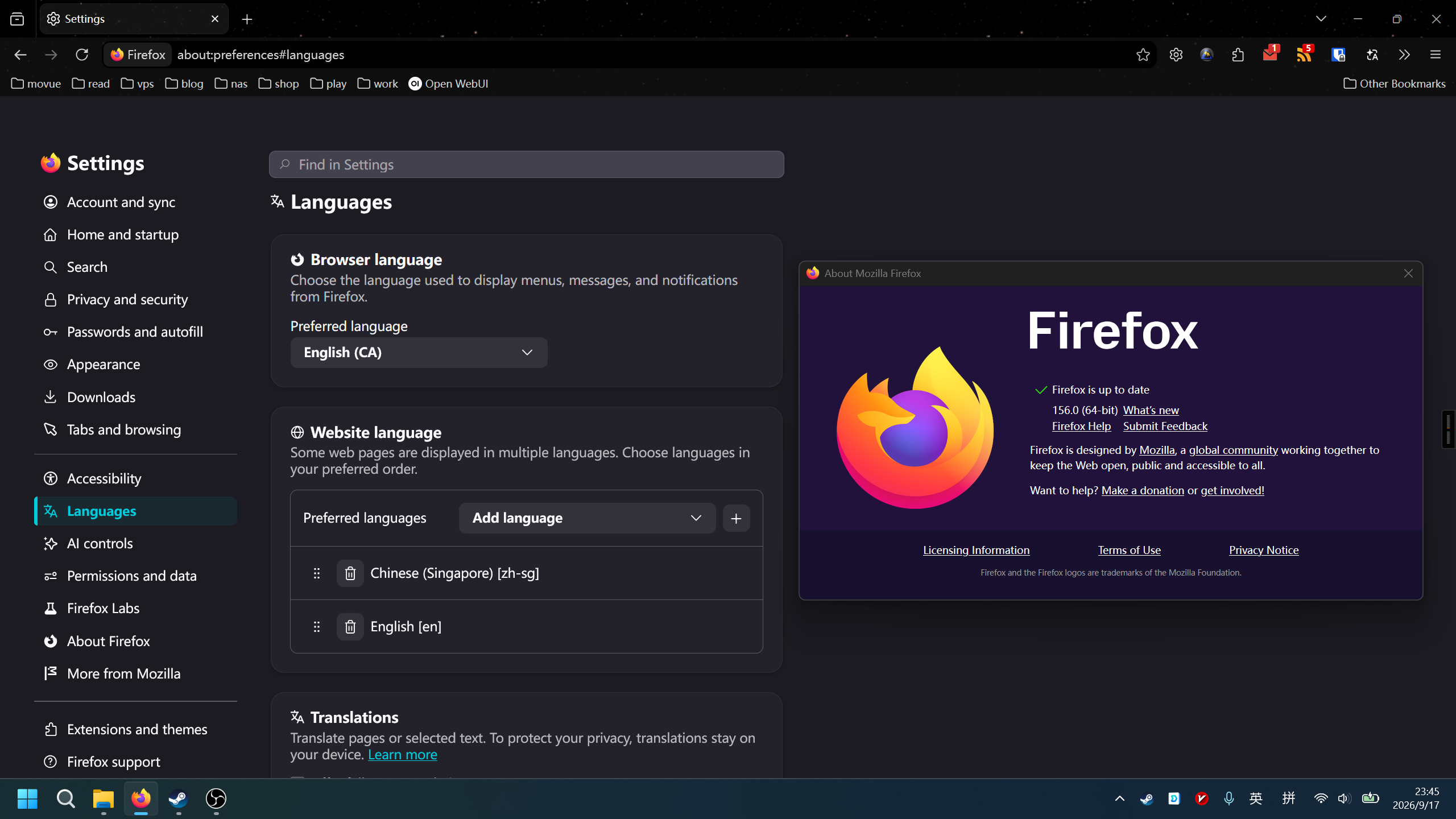
After Firefox automatically updated to version 156.0 (64-bit) on Windows 11, I can no longer change the browser interface language.
The browser UI is currently displayed in English. In Settings > Languages, I can select Chinese as the Browser Language, but the change is never applied.
What happens: - I select Chinese as the Browser Language. - Firefox asks to restart (or saves the setting). - After restarting Firefox, the entire interface is still in English. - Rebooting Windows does not help. - The setting appears to be ignored.
Before updating to Firefox 156, the browser language worked correctly.
Additional information: - Firefox version: 156.0 (64-bit) - Operating system: Windows 11 - The issue started immediately after the automatic update. - Website language settings work normally. - Only the browser UI language cannot be changed.
Has anyone else experienced this issue after updating to Firefox 156?
Thank you.
Wšě wotmołwy (2)

I have only just figured it out it came up as Russian ?? so I changed ( English into English ) after looking and prodding a few more, hang on a sec this is ( AI ) i know that from If you spell something wrong it just underlines it No answer so if you ( Type fast and for get to look ) its a Mess look at that i Just put a capital letter in ( Mess also a small i ) when single should always be a capital. Work that one out. Do not use abreviations either see what I mean yeh supose You Do Cus who speaks like that anyway. Yes I do Know there are two Bs inthat word let have a go at this now so I can get om. He He
I ddo not know how to find the rules and do not read them anyway