


Windows 10 reached EOS (end of support) on October 14, 2025. If you are on Windows 10, see this article.

Pomoc přepytać

Hladajće so wobšudstwa pomocy. Njenamołwimy was ženje, telefonowe čisło zawołać, SMS pósłać abo wosobinske informacije přeradźić. Prošu zdźělće podhladnu aktiwitu z pomocu nastajenja „Znjewužiwanje zdźělić“.

Dalše informacije

Cannot connect to Exchange (microsoft) account.

  • Žane wotmołwy
  • 0 ma tutón problem
  • Wočinjeny

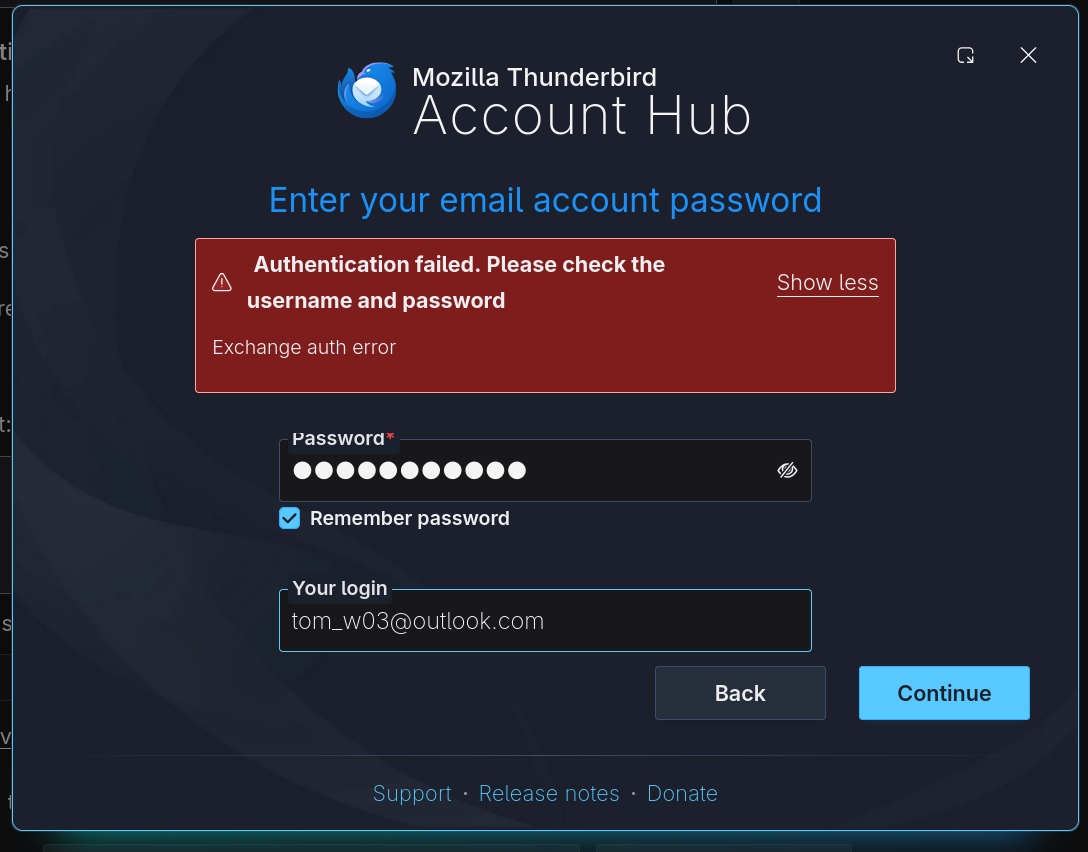
I'm using thunderbird 149.0.1. I'm trying to add a microsoft exchange account (@outlook.com). Using the account hub, after I entered the full name and email address and did the two-factor authorization, I'm stuck on the second screen (see attached). According to the instruction , I should not enter my account password in the first dialog box. However this is not possible since the password field is required. If I enter my account password in the password field, and leave the "Your login" part blank (or fill it with my email address), the window would complain "Exchange auth error" after I clicked continue. If I put a random string in the "Your login" field, clicking continue would lead me to a microsoft signin dialog, and if I sign in with my credential and password, the same "Exchange auth error" would still appear after I finished all the steps in the microsoft popup.
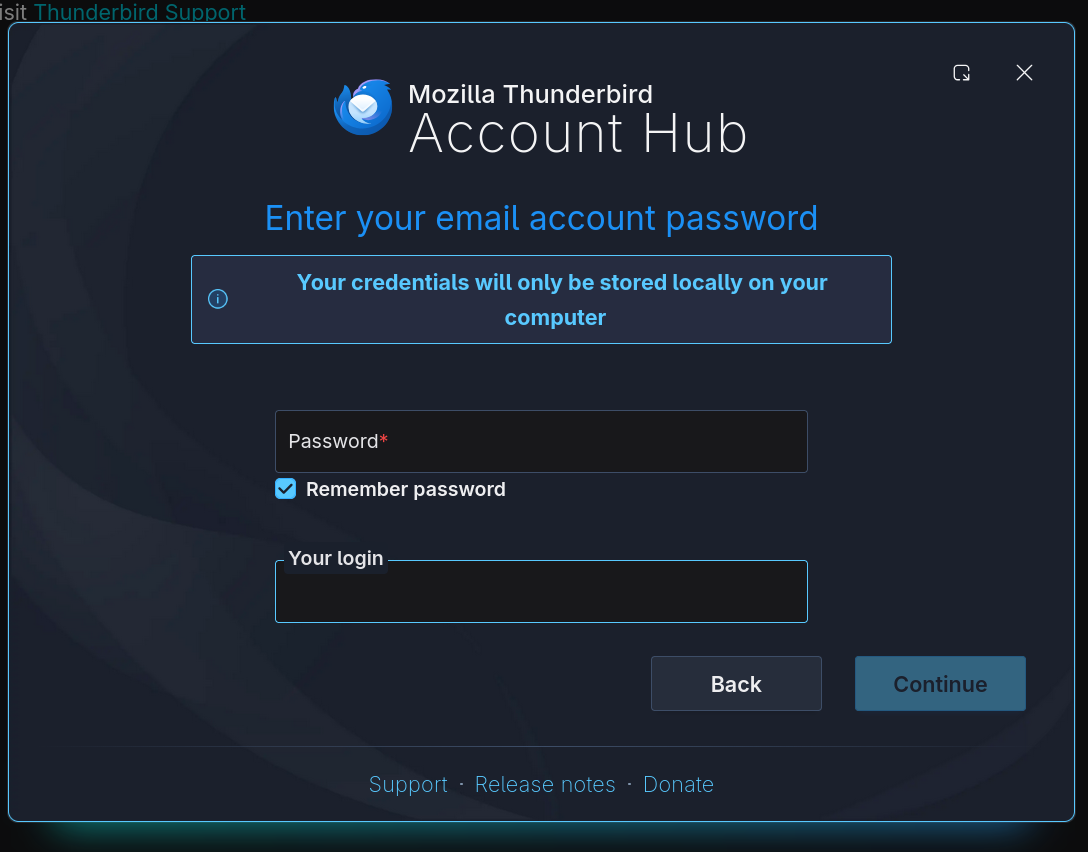
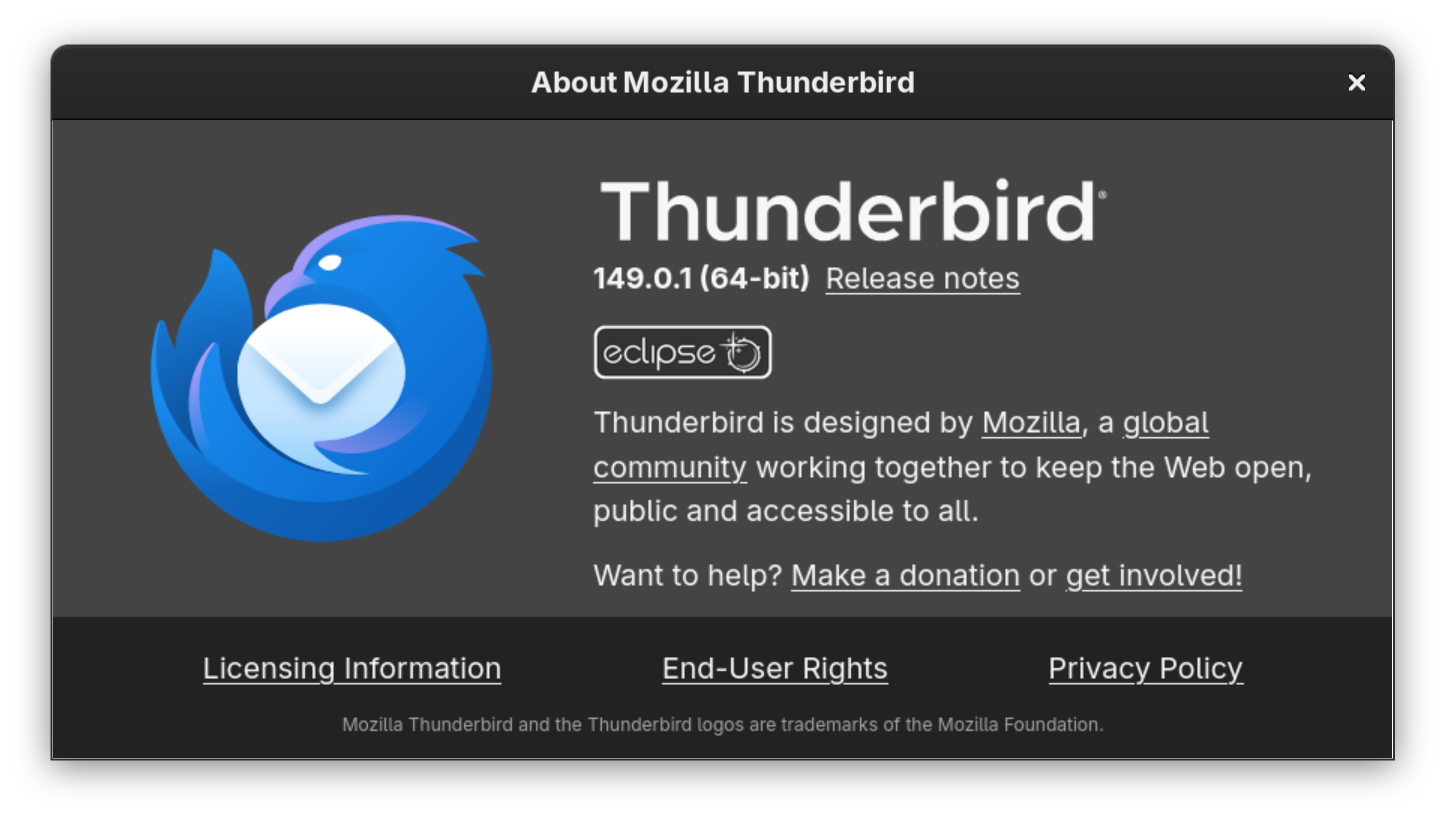
I'm using thunderbird 149.0.1. I'm trying to add a microsoft exchange account (@outlook.com). Using the account hub, after I entered the full name and email address and did the two-factor authorization, I'm stuck on the second screen (see attached). According to the [[Thunderbird and Exchange|instruction]] , I should not enter my account password in the first dialog box. However this is not possible since the password field is required. If I enter my account password in the password field, and leave the "Your login" part blank (or fill it with my email address), the window would complain "Exchange auth error" after I clicked continue. If I put a random string in the "Your login" field, clicking continue would lead me to a microsoft signin dialog, and if I sign in with my credential and password, the same "Exchange auth error" would still appear after I finished all the steps in the microsoft popup.
Připowěsnjene fota wobrazowki

Dyrbiće so pola swojeho konta přizjewić, zo byšće na přinoški wotmołwił. Prošu stajće nowe prašenje, jeli hišće wužiwarske konto nimaće.