I changed password for email provider, but it wont update in thunderbird even though I do not use password manager

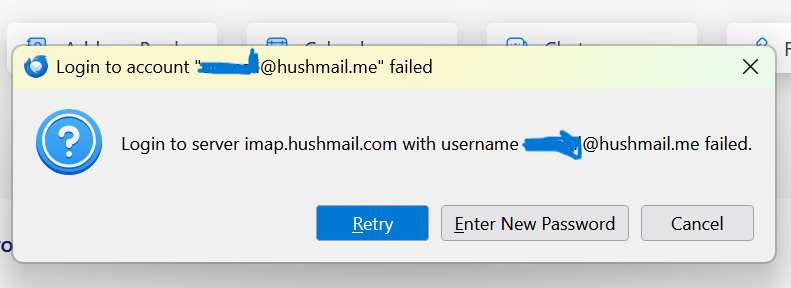
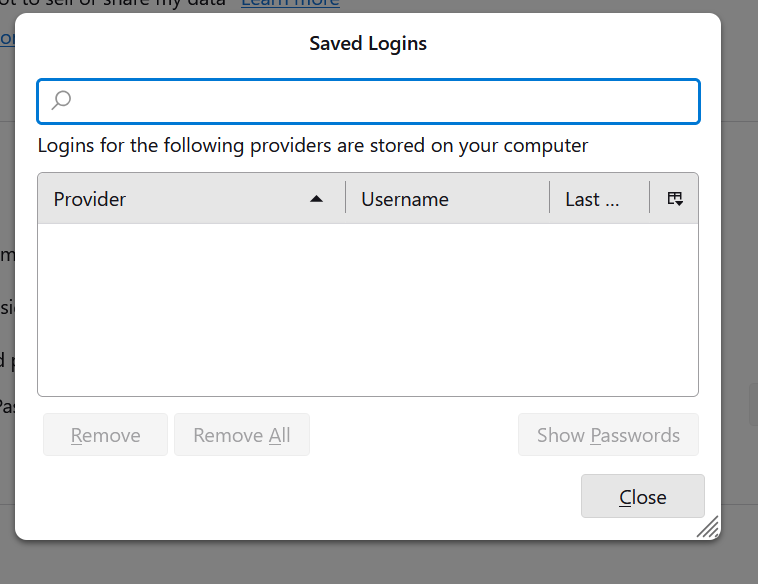
Hi, I use hushmail as an email provider, and thunderbird to download my hushmail emails onto my laptop. I recently changed the hushmail password, but I cannot see how to update it in thunderbird. I have read several help posts suggesting I need to change the password in 'saved logins', but I don't have any saved passwords there. I know the password is correct because I can access my emails with it online on the hushmail site, just not through thunderbird. I have attached pics showing that I don't have any saved logins, and the message I get when I try to download emails. Any help would be appreciated, thanks in advance.
Wšě wotmołwy (3)

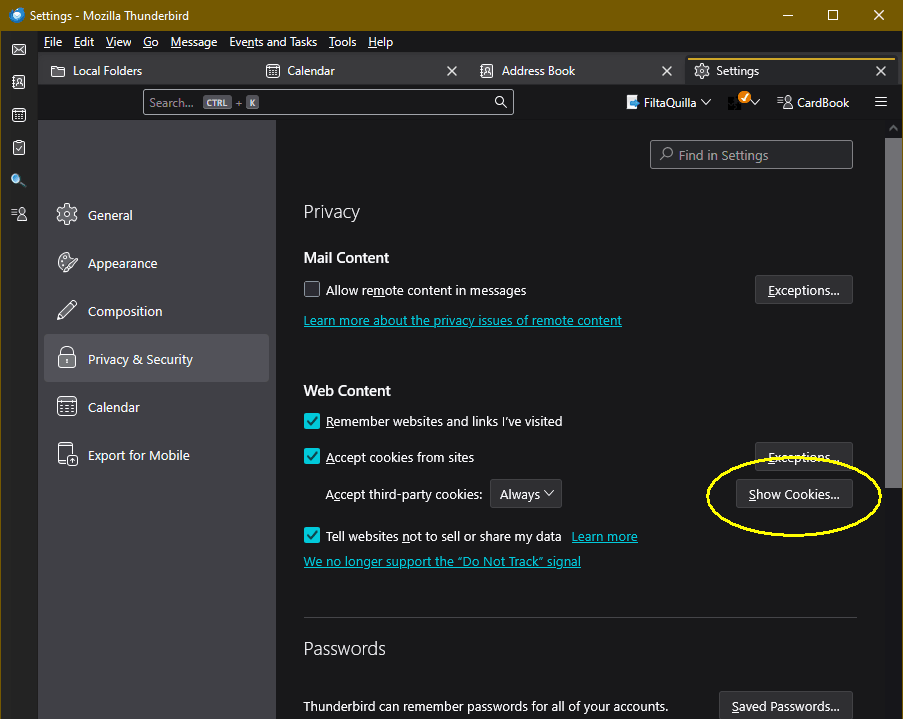
Another place where passwords or logon tokens can be cached is in a cookie. Try combing through Thunderbird's saved cookies and delete any that reference Hushmail.
They can be found (in Windows) at <Tools | Settings | Privacy & Security | Web Content | "Show Cookies" button>.
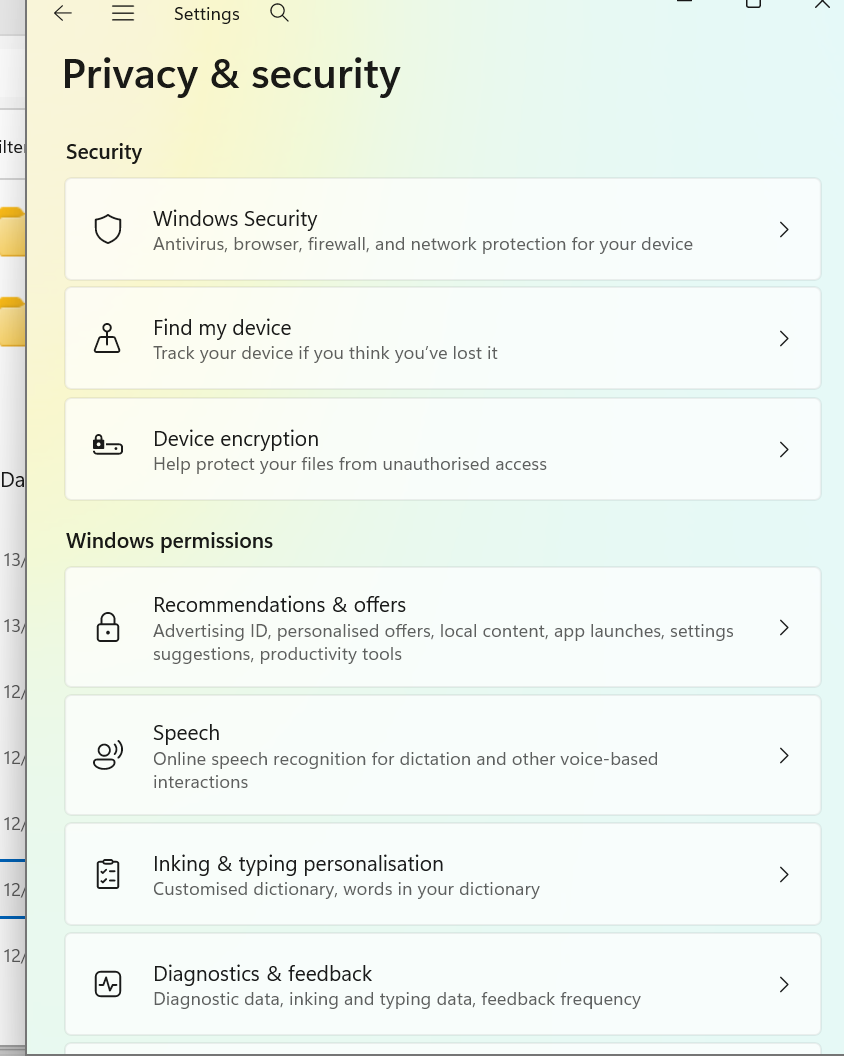
Thank you for replying, Lin. I looked for the folder you suggested but I cannot find it on my laptop. 'Settings/privacy and security' does not have a 'web content' folder so I guess my system is configured differently. I searched for the file but nothing came up . i use windows 11 if that is relevant. i have attached a screenshot of my settings/privacy and security folder - is this the right path please?
Sorry, I worded that poorly. What I meant to say was that's where the setting are found in Thunderbird for Windows, not Windows itself (the menus are a little different for Linux and other operating systems.) See the attached image.