


Downloading pdf

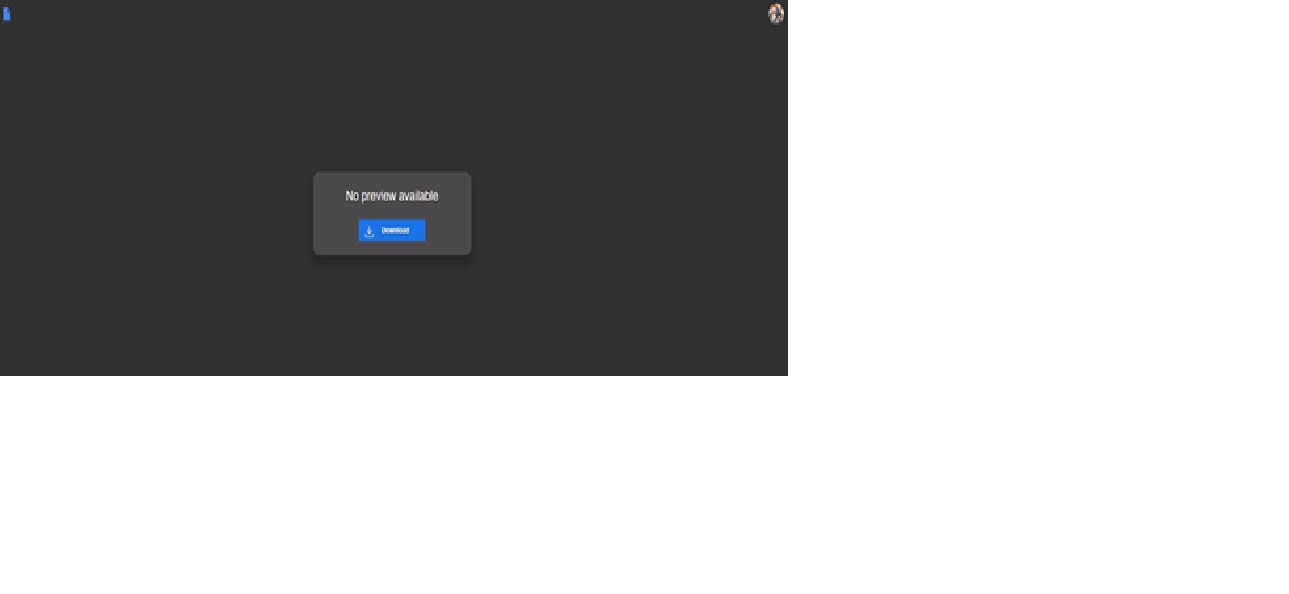
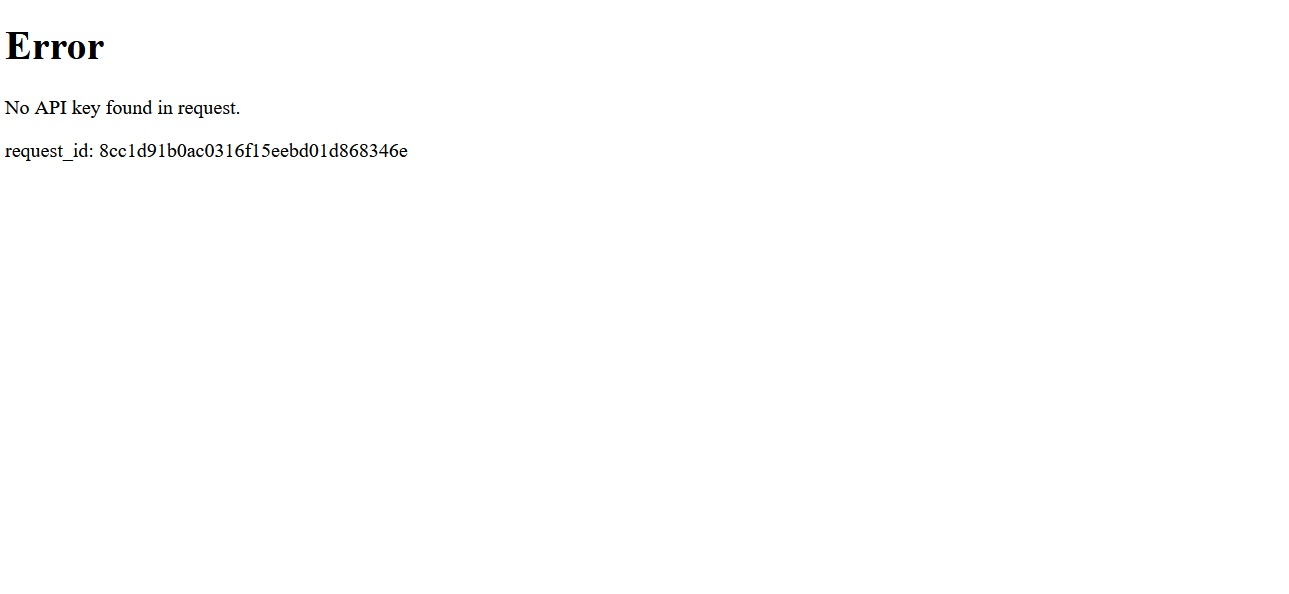
I am unable to download a bank statement pdf from my online banking, using Firefox. I AM able to downoad it using Google Chrome. I am able download OTHER pdfs on Firefox - just not my bank statements! I HAVE been able to download bank statements successfully in the past, using Firefox, but now am unable to. When I try to download statement from the bank website, firstly I get a black screen with small message saying "No preview available", and an invitation to download. On clicking Download, I'm taken to a white page saying "Error No API key found in request. request_id: a2ad87061f2bed614b1d53708d35cb26", but no further options. I've exchanged messages with my bank, who've found no solution, and advised me to look into it with you guys - ie, Firefox browsing. I've played around with Firefox settings, cookies, security settings, etc, but all to no avail.
Any clues how I can resolve this?
Wšě wotmołwy (5)
Hello,
here are some ways to troubleshoot it :
Firefox settings to change how PDF's are downloaded. Click the menu button (three horizontal lines) in Firefox and choose Settings. In the General panel, scroll down to Applications. Find Portable Document Format (PDF). Change the action to Save File or "Always ask" to avoid issues with the built-in viewer.
Fix download folder/perms Go to Settings -> General -> Downloads. Ensure a valid download folder is selected. Alternatively, select "Always ask you where to save files" to fix issues with default write permissions.
If all above doesn't work, try this : Disable Insecure Download Blocking: Type about:config in the address bar, search for block_download_insecure, and set it to false. Keep in mind that this option reduces SECURITY
WARNING from the moderator team: Changing Firefox preferences from the about:config page can sometimes break Firefox or cause strange behavior. You should only do this if you know what you're doing. Please read Firefox advanced customization and configuration options to learn more.
Wot Paul změnjeny

houseoffrancis said
I am unable to download a bank statement pdf from my online banking, using Firefox. Any clues how I can resolve this?
How about showing us some clues to help us help you solve the issue and block any personal info.
Desertdish, I've tried your suggestions to the best of my ability, but no improvement. jonzn, not sure what you're asking. However, here are a couple of screenshots which might shed light: When I ask my bank site to download statement, I get the black screen with 'Download' on it. (See first attached doc). When I click on Download, I get the white screen (see second attached doc). After that, I have nowhere to go!
Thanks for help.
At my bank, I can't directly download the PDF statement that's showing either. Their PDF viewer has what appears to be a download icon but it does nothing. So, what I do is print the PDF in their viewer and choose "Save as PDF" or "Microsoft Print to PDF" as the printer destination in Firefox's print dialog and save it as a PDF on my system that I can work with. Sort of a round-about way of downloading it.
Hmmm.. I re-read your original message. You aren't seeing the statement at all to even be able to print it.
You might try disabling any ad blocking extensions and turning off Enhanced Tracking Protection if it's on in case something is being blocked.