


Cannot sync

I have 3 devices connected to Mozilla account, 2 smartphones and 1 PC and NONE of them are syncing properly, bookmarks sync perfectly and everything else fails miserably. Some part of history does sync but nowhere near the full history. Syncing of open tabs is *completely* broken.
Wubrane rozrisanje
https://support.mozilla.org/en-US/kb/how-do-i-choose-what-information-sync-firefox
What information can I share across my devices?
You can choose to sync the following information on your devices: Bookmarks: this allows you to access all your favorite sites on all your synchronized devices.
History: this allows you to access sites you have visited in the past on all your synchronized devices.
Open tabs: your open tabs on other devices can be accessed from the Synced Tabs button on your computer, and in the History screen on your Android device. See the View synced tabs from other devices article for details.
Passwords: this synchronizes the usernames and passwords you use to log in to websites. If you use a Primary
Password, see Use a Primary Password with Sync for important information on how Sync and the Primary Password interact.
Tutu wotmołwu w konteksće čitać 👍 0Wšě wotmołwy (3)
Wubrane rozrisanje
https://support.mozilla.org/en-US/kb/how-do-i-choose-what-information-sync-firefox
What information can I share across my devices?
You can choose to sync the following information on your devices: Bookmarks: this allows you to access all your favorite sites on all your synchronized devices.
History: this allows you to access sites you have visited in the past on all your synchronized devices.
Open tabs: your open tabs on other devices can be accessed from the Synced Tabs button on your computer, and in the History screen on your Android device. See the View synced tabs from other devices article for details.
Passwords: this synchronizes the usernames and passwords you use to log in to websites. If you use a Primary
Password, see Use a Primary Password with Sync for important information on how Sync and the Primary Password interact.
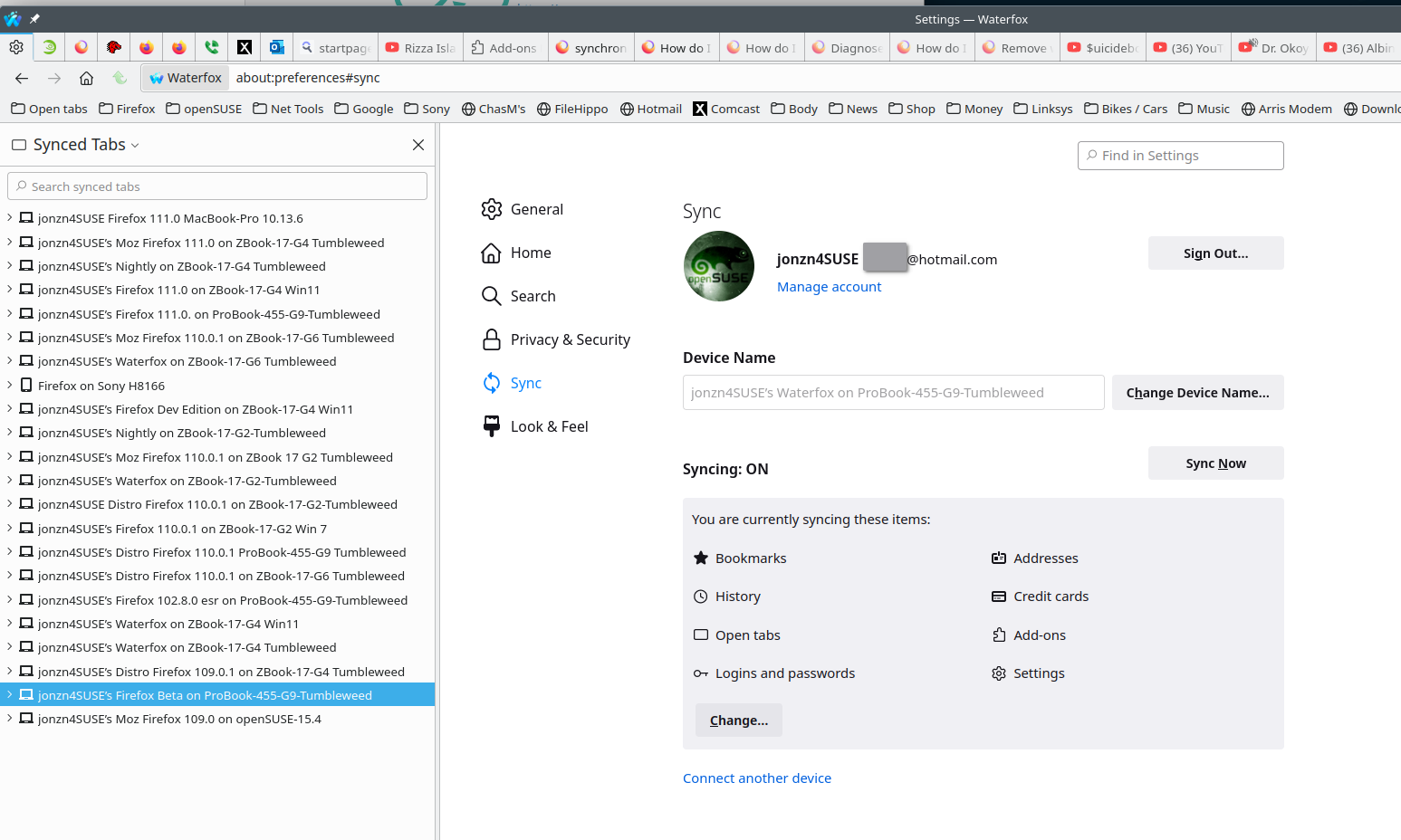
Wot jonzn4SUSE změnjeny
I apologize that I didn't click the button where tabs from other devices show up, hence thinking, my current opem tabs don't seem to display tabs from other devices