private browsing for IOS 18.6.1

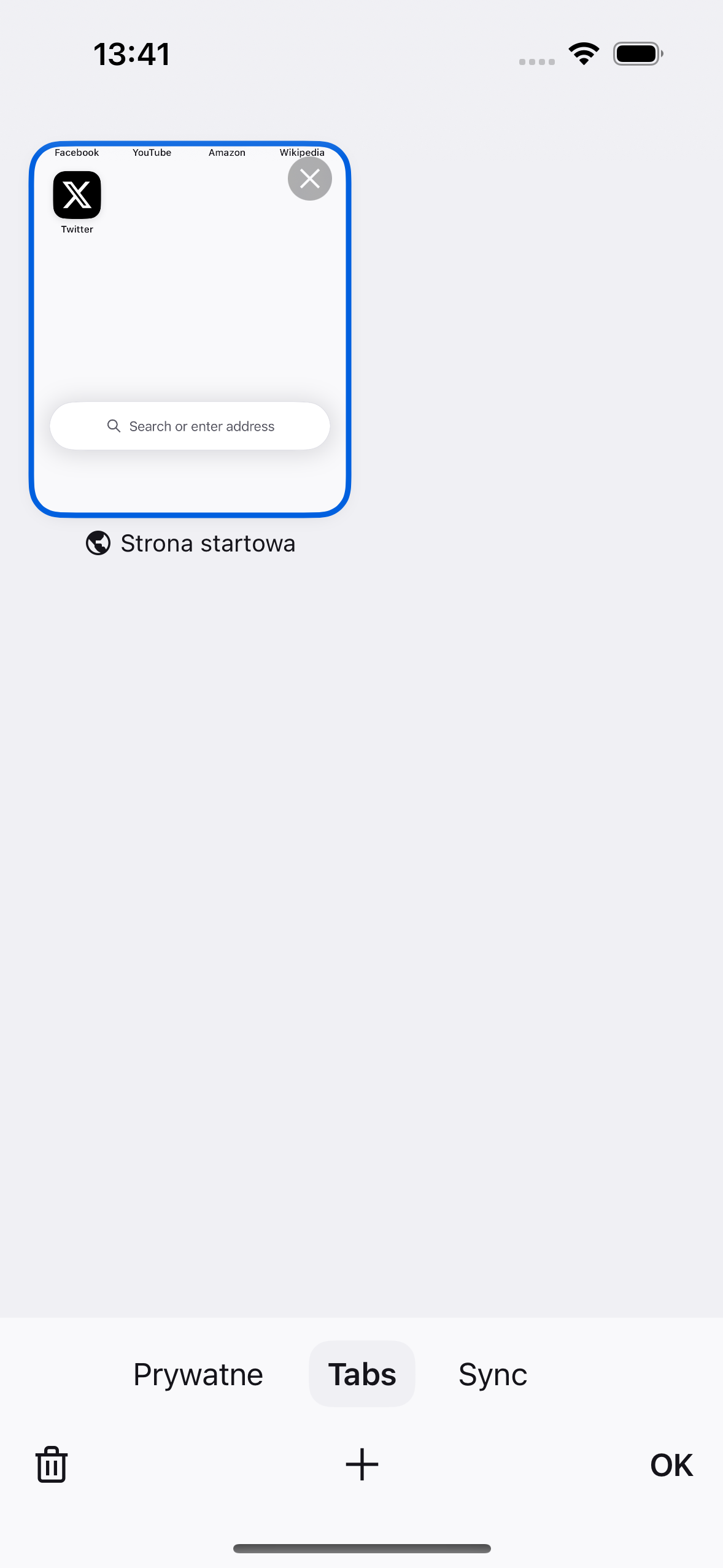
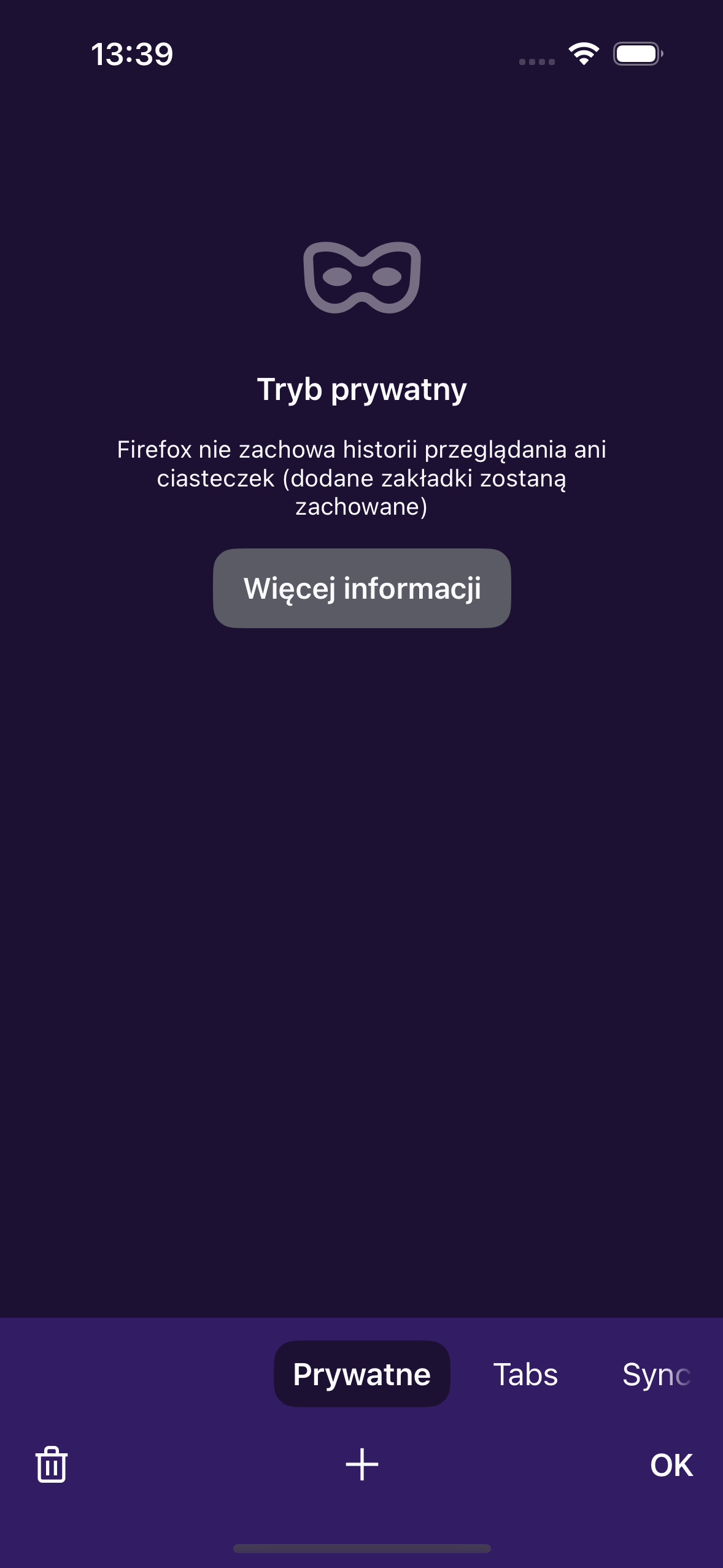
I’ve dowloaded firefox. i’ve read the tutorials for browsing setting private browsing but the “masked symbol never appears to click. I tried to download from “App Store” the Private Mode but indicated I had it and back to square one. I like it on my desktop bur can’t on my iPhone 11 Pro Max updated to highest release of IOS
I’ve dowloaded firefox. i’ve read the tutorials for browsing setting private browsing but the “masked symbol never appears to click. I tried to download from “App Store” the Private Mode but indicated I had it and back to square one.
I like it on my desktop bur can’t on my iPhone 11 Pro Max updated to highest release of IOS
Wšě wotmołwy (1)
I think they don't use the mask symbol anymore. You should go to the Tabs tray (a square with a number) and select Private.