


Profile Randomly Inaccessible
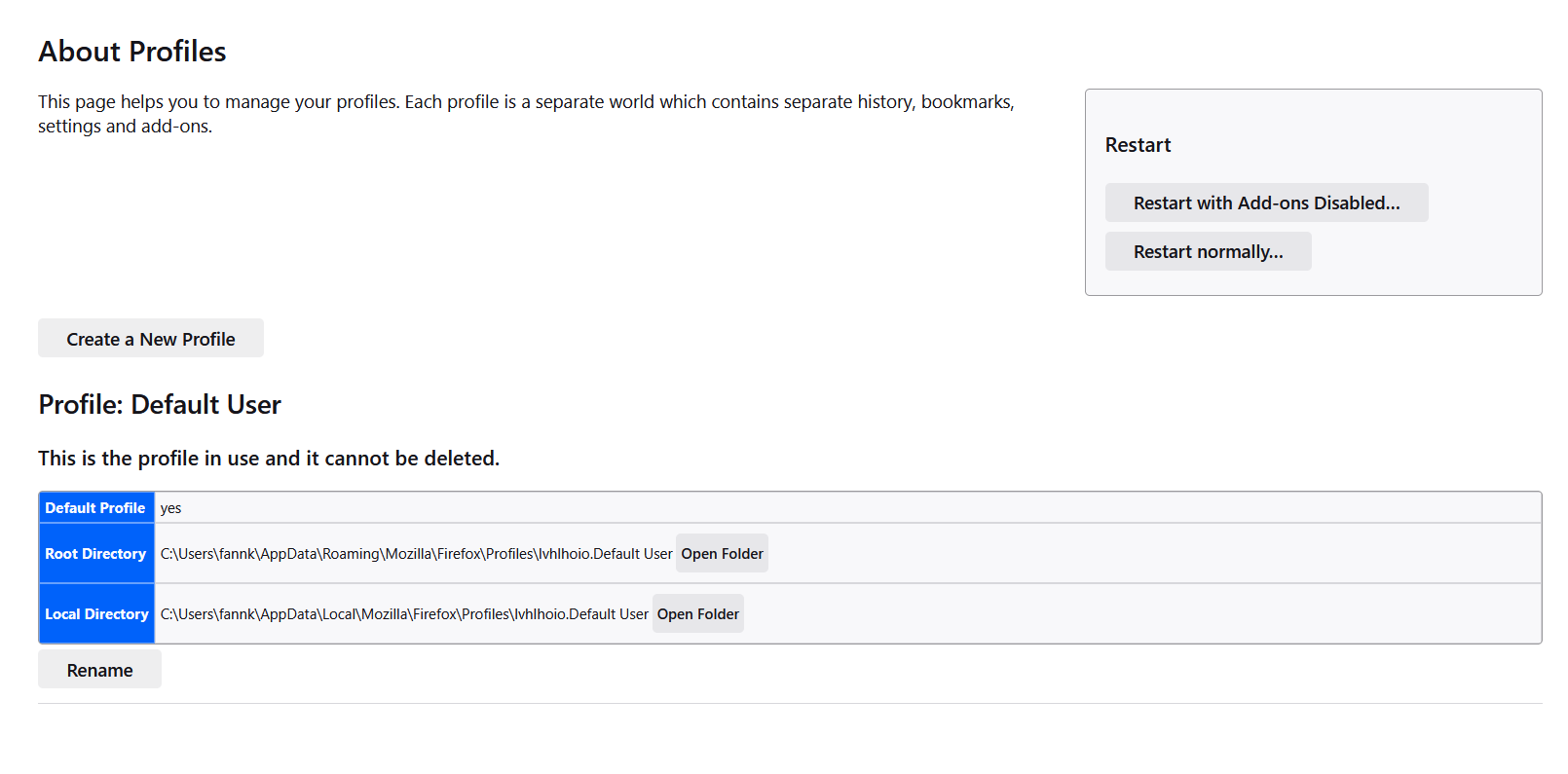
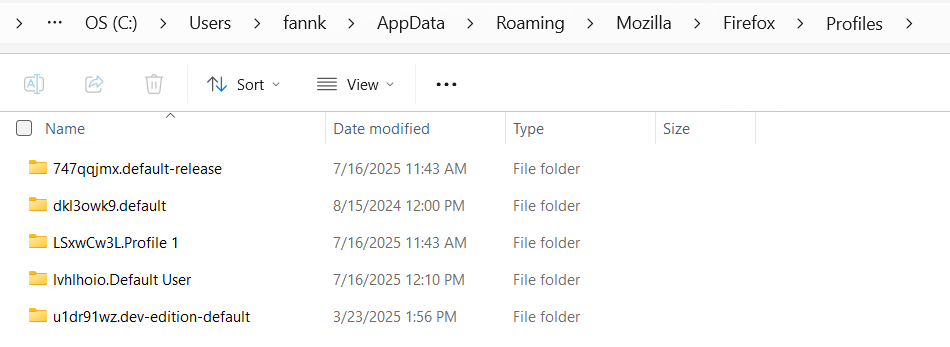
I opened up Firefox just now to find that my two profiles currently in use are completely inaccessible. I was faced with a "Create Profile" dialogue that launched me into a brand new profile with none of my settings, keybinds, cookies, extensions, anything. Despite this, I know for a fact that my old profiles are *still* there. As you can see my profile folders are right there, with all their data intact as far as I can tell from inspecting their contents, yet they are not accessible from the about:profiles.
Please help me. What is happening with the profile manager? How do I access those old profiles?
Wubrane rozrisanje
Vexi said
Hello! This sometimes happens when you customize Firefox or downgrade it to an older version. You can fix this by going to your profile folder in Explorer (like in the screenshot you attached) and opening the file conpatibility.ini. Edit the file in Notepad so that where it says LastVersion= you write the version number of Firefox you are using. I hope this helps! Vexi
I had fixed my issue through another method by reinstalling Firefox and doing a bunch of copy and pasting with my profiles around, so I'm no longer in need of this solution. Thanks a lot for your reply.
Tutu wotmołwu w konteksće čitać 👍 1Wšě wotmołwy (2)
Hello! This sometimes happens when you customize Firefox or downgrade it to an older version. You can fix this by going to your profile folder in Explorer (like in the screenshot you attached) and opening the file conpatibility.ini. Edit the file in Notepad so that where it says LastVersion= you write the version number of Firefox you are using.
I hope this helps!
Vexi
Wubrane rozrisanje
Vexi said
Hello! This sometimes happens when you customize Firefox or downgrade it to an older version. You can fix this by going to your profile folder in Explorer (like in the screenshot you attached) and opening the file conpatibility.ini. Edit the file in Notepad so that where it says LastVersion= you write the version number of Firefox you are using. I hope this helps! Vexi
I had fixed my issue through another method by reinstalling Firefox and doing a bunch of copy and pasting with my profiles around, so I'm no longer in need of this solution. Thanks a lot for your reply.