


Since the latest Firefox update a few days ago, I am not able to log into my Outlook/Webmail account; nothing happens.
Since the latest Firefox update a few days ago, I am not able to log into my Outlook/Webmail account; nothing happens.
I can access it on google chrome but not on Firefox.
Wšě wotmołwy (3)
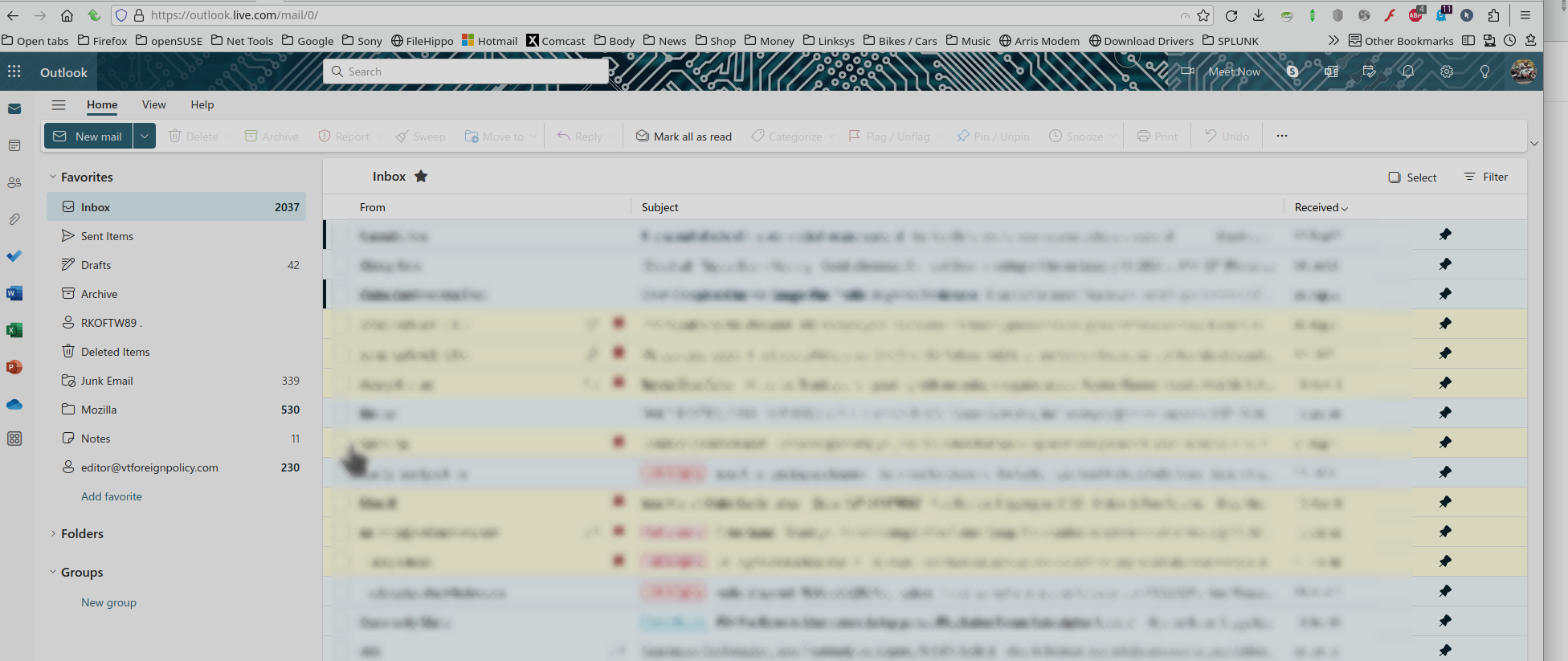
Can you post a screenshot showing the issue. I'm able to access my account. see screenshot
You can remove all data stored in Firefox for a specific domain via "Forget About This Site" in the right-click context menu of an history entry ("History -> Show All History" or "View -> Sidebar -> History").
Using "Forget About This Site" will remove all data stored in Firefox for this domain like history and cookies and passwords and exceptions and cache, so be cautious. If you have a password or other data for that domain that you do not want to lose, make sure to backup this data or make a note.
You can't recover from this 'forget' unless you have a backup of involved files.
If you revisit a 'forgotten' website, data for that website will be saved once again.