


Loosing ALL cookies when Firefox session ended
I've just done a clean install of Windows 11 12H2 and, consquently, FireFox.
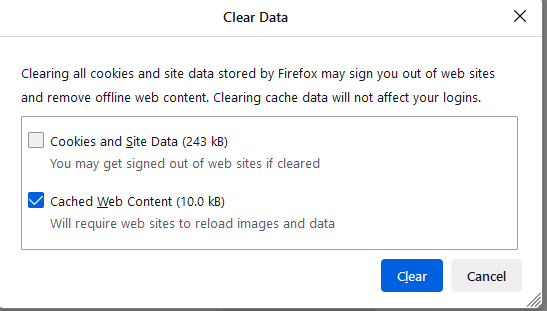
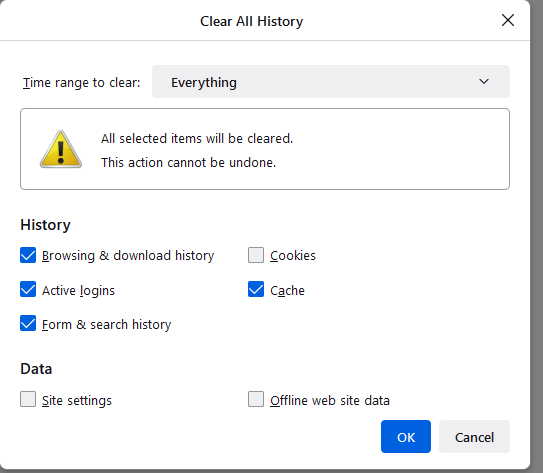
Don't know why I'm loosing all cookies when Firefox session ended.
Firefox 101.0.1 x64 OS Windows 11 Pro v 21H2 (Build 22000.776)

Wubrane rozrisanje
Hello,
You're in permanent browsing mode. To turn it of got into your setting, "Privacy & Security", Scroll down to "History" and uncheck "Always use private browsing mode". After this you will have to restart your browser, but this will fix your problem!
Tutu wotmołwu w konteksće čitać 👍 1Wšě wotmołwy (2)
Wubrane rozrisanje
Hello,
You're in permanent browsing mode. To turn it of got into your setting, "Privacy & Security", Scroll down to "History" and uncheck "Always use private browsing mode". After this you will have to restart your browser, but this will fix your problem!
Thank you for your quick resp;onse. All OK now!!