

Tuta nitka je so archiwowała.
Prošu stajće nowe prašenje, jeli pomoc trjebaće.

Archiwowany
history

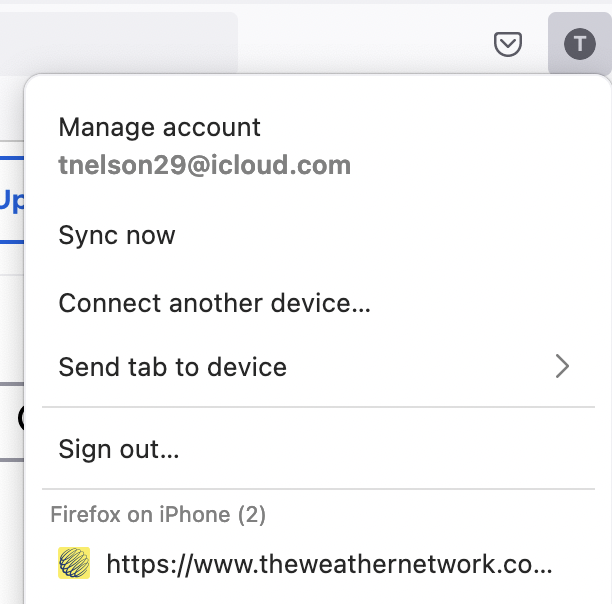
How can I delete the web sites that appear under my profile icon when signed in to my account? They show up under the heading "Firefox on iPhone". The first website listed can be seen in the screenshot shown below. There are many more. How can I delete them? I think I have deleted them from my phone, but they still show up on my iMac when signed in to my Firefox account.
I am using iMac OS 12.3.1
Thanks, tn
How can I delete the web sites that appear under my profile icon when signed in to my account? They show up under the heading "Firefox on iPhone". The first website listed can be seen in the screenshot shown below. There are many more. How can I delete them?
I think I have deleted them from my phone, but they still show up on my iMac when signed in to my Firefox account.
I am using iMac OS 12.3.1
Thanks,
tn

Wot tnelson291 změnjeny
Wšě wotmołwy (1)
I guess you're sharing tabs between devices. Just turn it off.