


Options menue disappears

Hello there,
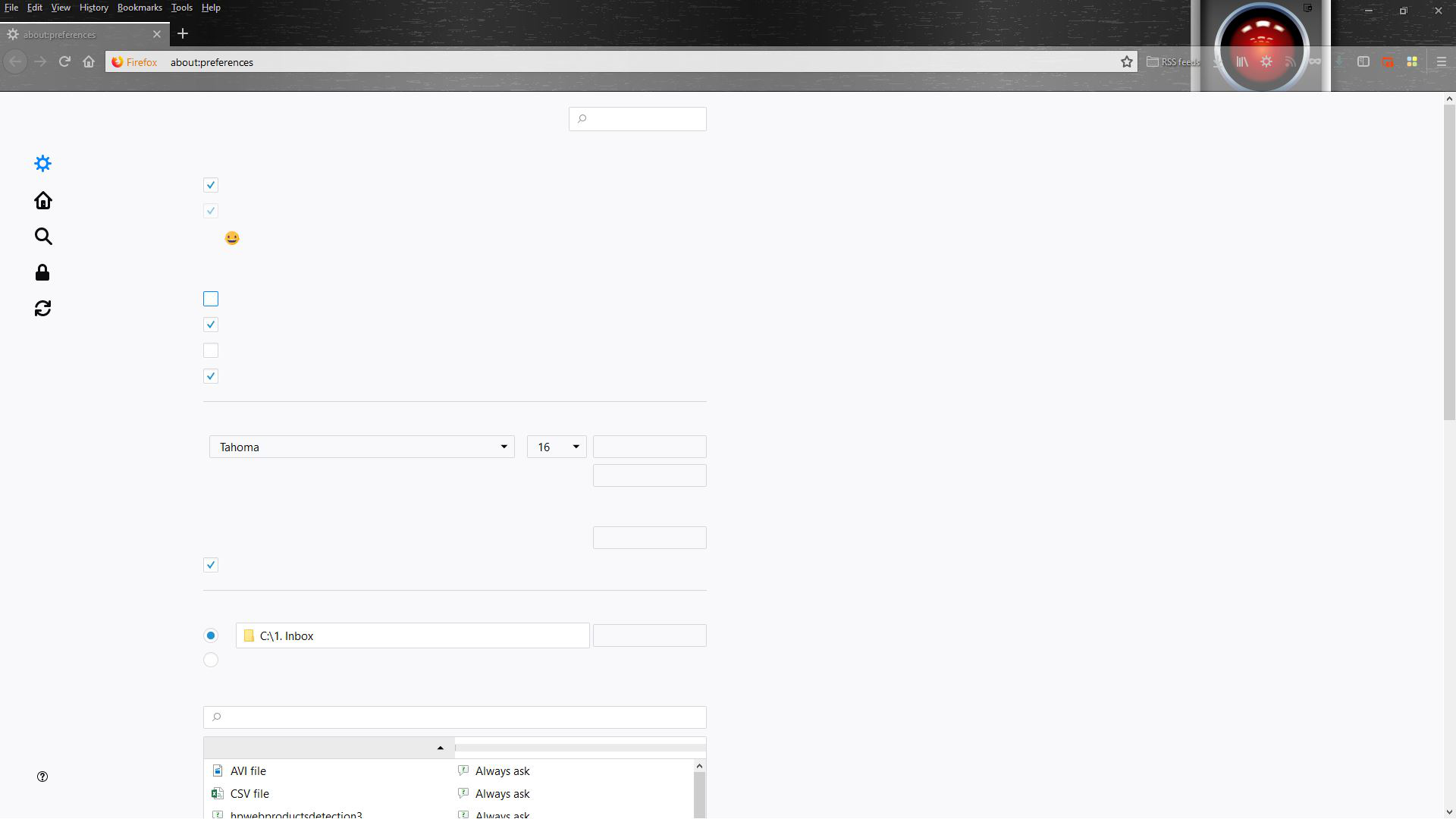
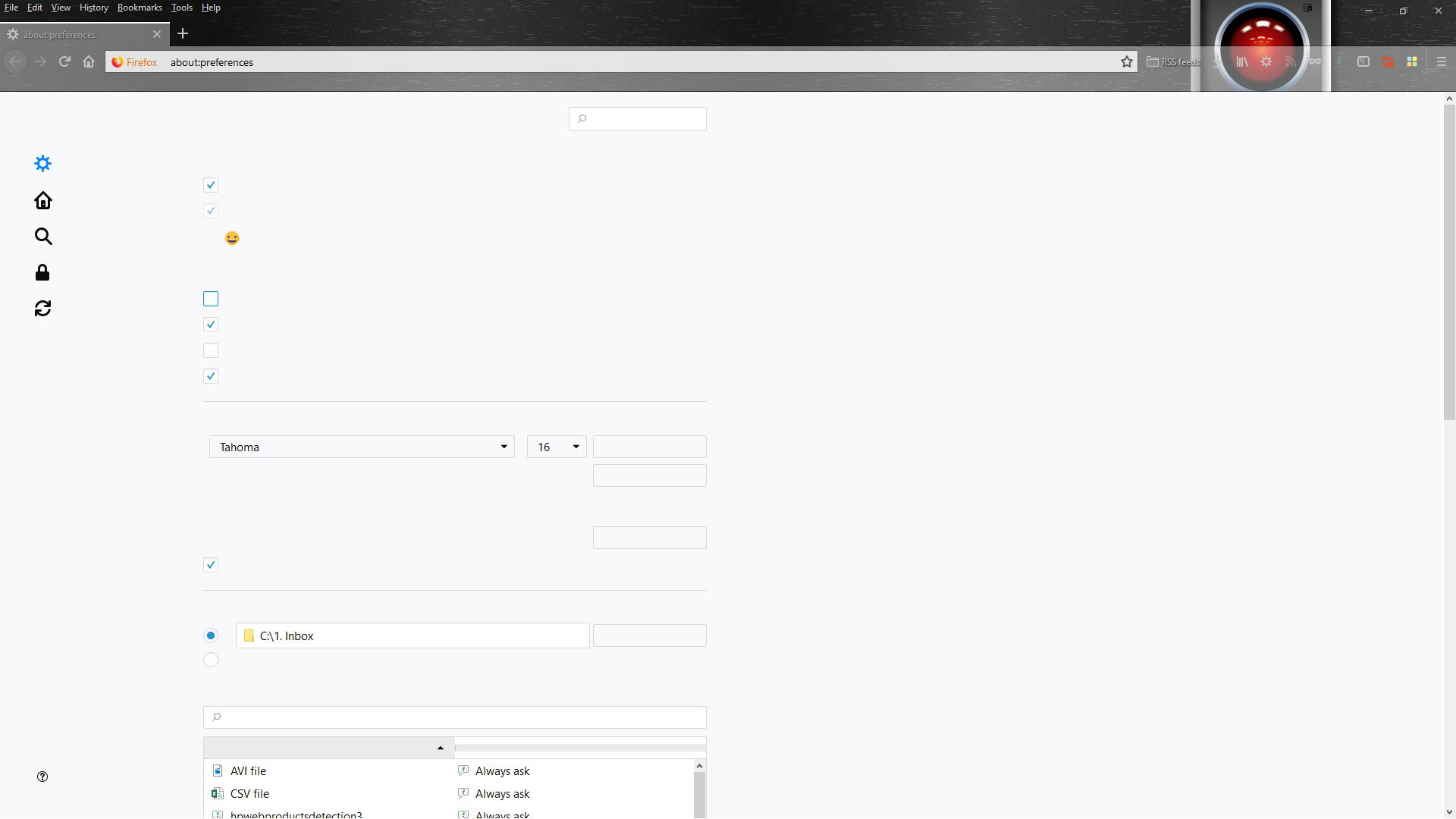
After clicking on the options menu, the different parts of the submenus have simply disappeared (Please refer to the screenshot). Can you please help me? My laptop runs on Windows 10.
Thanks for the help!
Cheers,
Luis
Wšě wotmołwy (1)
Separate Security Issue, please update your Flash 27.0 r0 by removing it with this tool : https://helpx.adobe.com/flash-player/kb/uninstall-flash-player-windows.html If you use it Reinstall with Flash Player Version: 31.0.0.108 Current Version https://get.adobe.com/flashplayer/otherversions/ Step 1: Select Operating System Step 2: Select A Version (Firefox, . . . .) Note: Other software is offered in the download. <Windows Only>
Hi, ya it's gone. Various things can do that. When you made your question you could have shared data, this would have allowed us to see your Extensions and your Video Card Drivers. The above could be the issue.
But will go this way : uninstall Firefox. Then Delete the Mozilla Firefox Folders in C:\Program Files , C:\Program Files(x86) & C:\ProgramData Then restart system. Then run Windows Disk Cleanup. (Note: This should be Pinned and run Weekly, If never done below expect 10's of gig's) Then run it again and click the button that says Cleanup System Files. Note: your Firefox Profile is saved. But you should make a back up before you do :
- https://support.mozilla.org/en-US/kb/back-and-restore-information-firefox-profiles
- https://support.mozilla.org/en-US/kb/export-firefox-bookmarks-to-backup-or-transfer
Reinstall with Current Release Firefox 62.0.0 with a Full Version Installer
Please let us know if this solved your issue or if need further assistance.