


Refresh after Windows10 looks like old Firefox; all FF pages look "safe mode" and other issues.

Hello,
I recently downloaded Windows 10 and noticed FF going really slow. So somehow I refreshed it. I knew it would erase certain bits of data, but I am now unable to reset things.
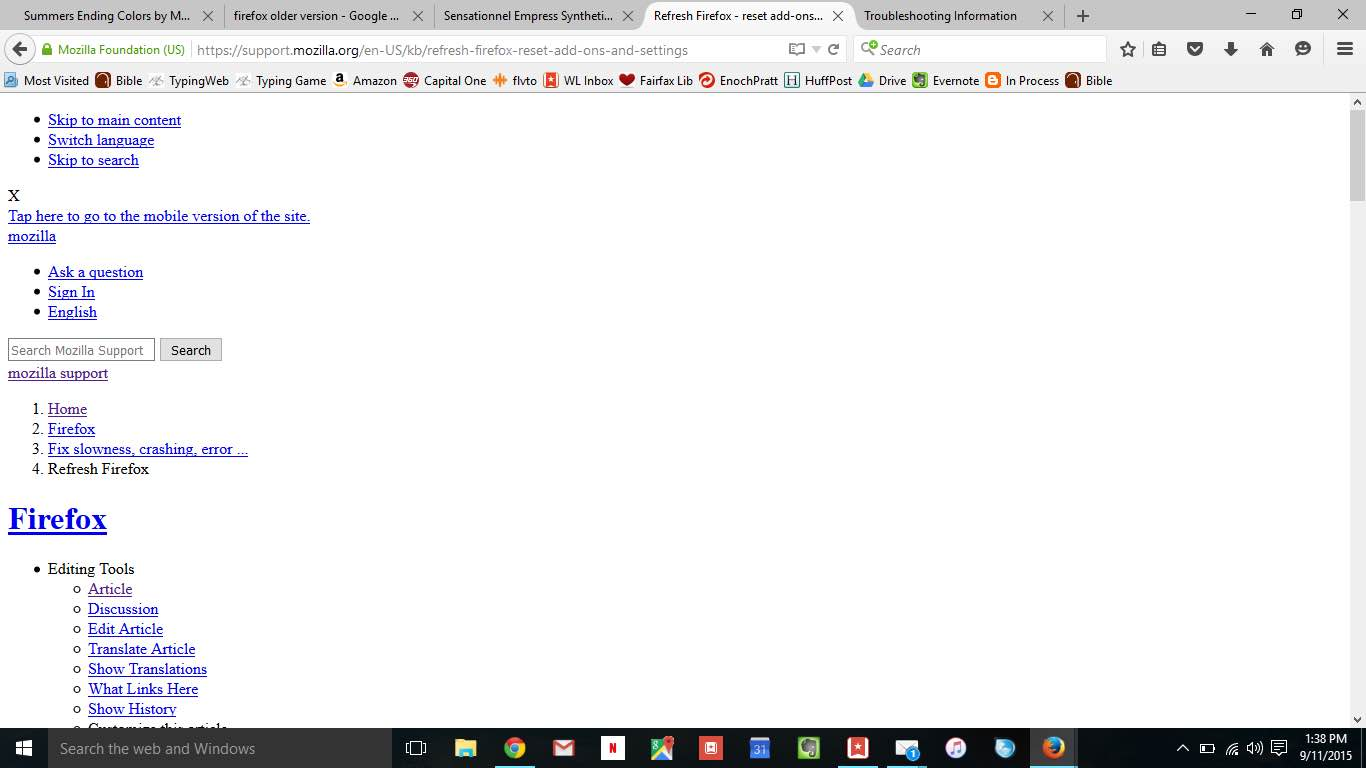
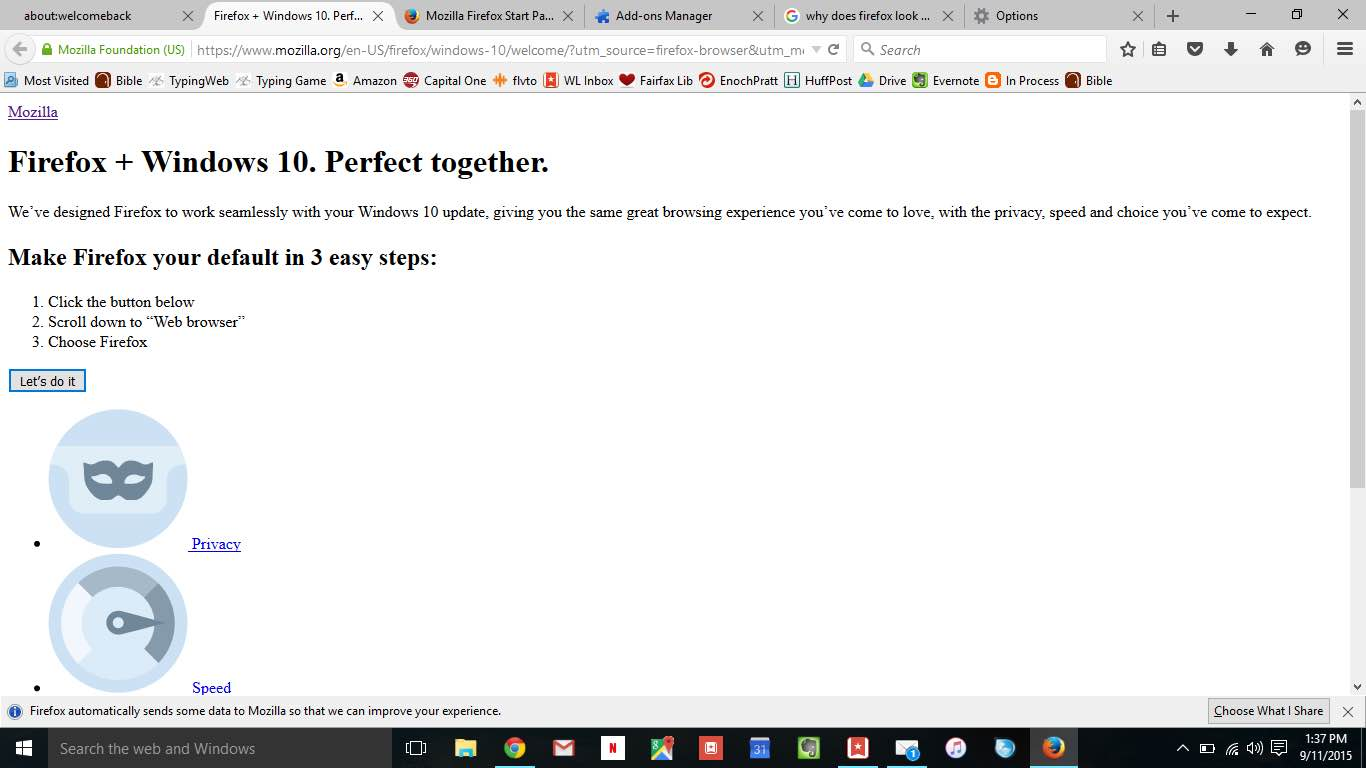
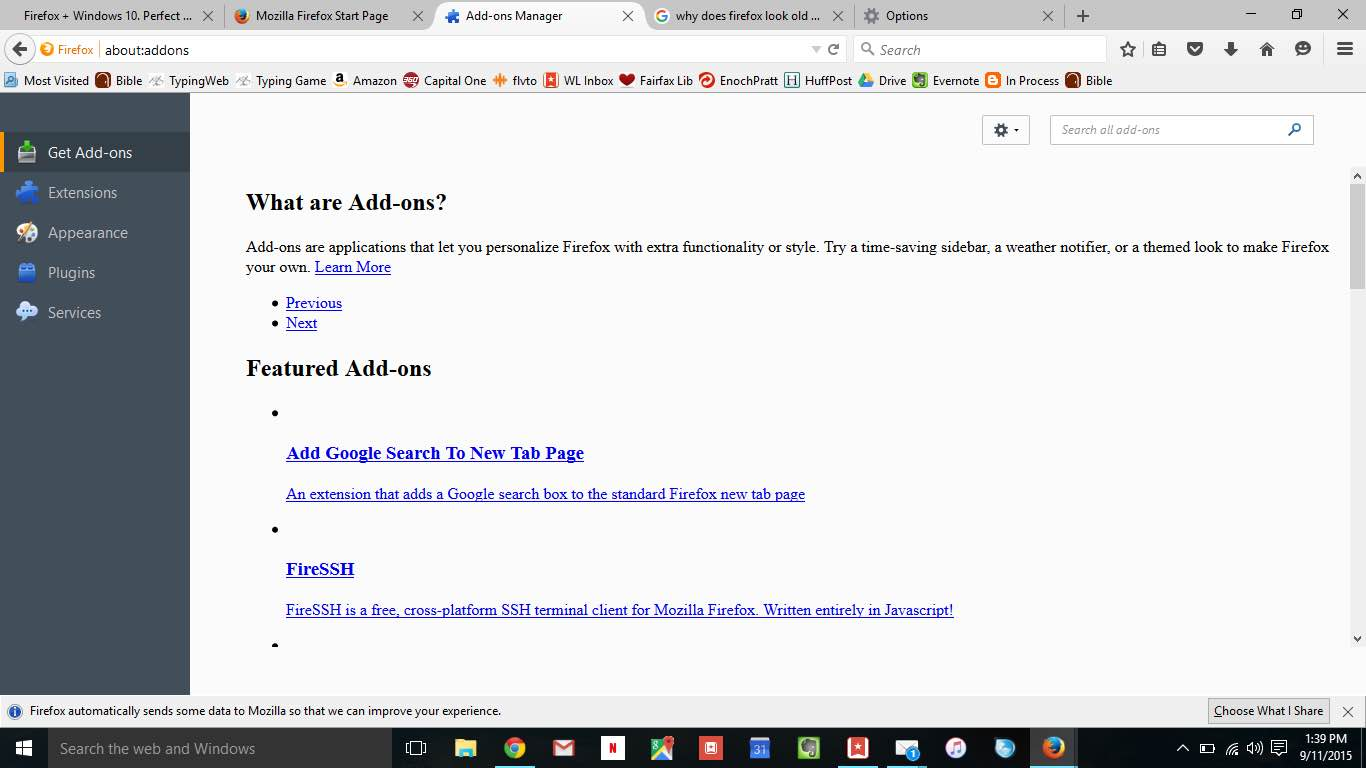
It looks like an older version. When I go to any FF page, everything appears in a list. I can't choose a new theme, for example, b/c the Mozilla page can't show graphics. Also, I'm typing this in Chrome b/c there's no text box when I open this page in FF. I do not want to go back to Chrome.
Thank you!
Wubrane rozrisanje
thanks, in this case please disable https scanning within avast, since it's known to cause various problems:
- Open the Avast dashboard on the affected system.
- Select Settings from the left sidebar menu.
- Switch to Active Protection.
- Click on Customize next to Web Shield.
- Uncheck the "Enable HTTPS Scanning" option and click ok.
http://www.ghacks.net/2014/10/31/avasts-https-scanning-interferes-with-firefox-and-other-programs/
Wšě wotmołwy (4)
hi ErnaSheree, what security software are you using on that system?
The free version of Avast.
Wubrane rozrisanje
thanks, in this case please disable https scanning within avast, since it's known to cause various problems:
- Open the Avast dashboard on the affected system.
- Select Settings from the left sidebar menu.
- Switch to Active Protection.
- Click on Customize next to Web Shield.
- Uncheck the "Enable HTTPS Scanning" option and click ok.
http://www.ghacks.net/2014/10/31/avasts-https-scanning-interferes-with-firefox-and-other-programs/
That fixed it. I would never have figured that out. Thanks so much!
Wot ErnaSheree změnjeny