


Content Encoding Error for firefox 11.0 whats going on ? older versions are good ?

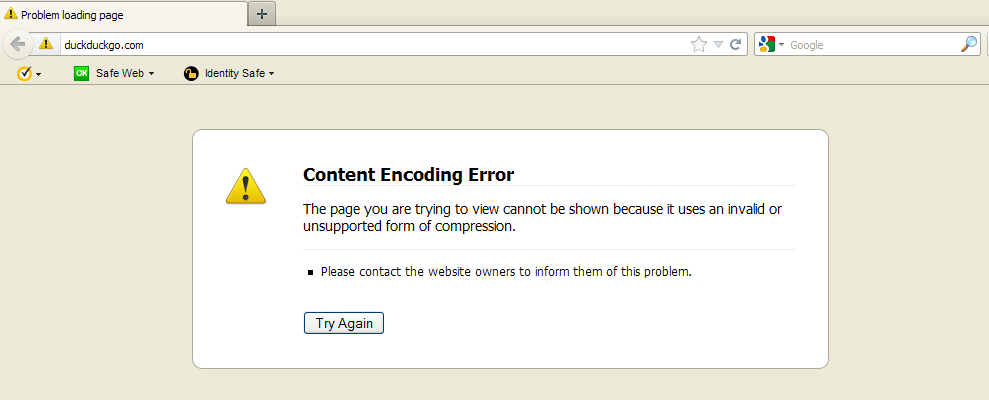
well . I had the version 12.0 and gave me this problem ..Content Encoding Error The page you are trying to view cannot be shown because it uses an invalid or unsupported form of compression.
I uninstalled it to install version 11.0 . but still the same even when I add Google search it never search the page never changes ..
help please ...
Svi odgovori (4)
Where do you see that error?
Can you post a link?
Did you try to clear the cache?
- Tools > Options > Advanced > Network > Offline Storage (Cache): "Clear Now"
What is the value of the network.http.accept-encoding on the about:config page?
ok I did try to clear everything but nothing the same .. my homepage is : http://www.duckduckgo.com I have cleared everything please help
the site can be open with other web browsers ..
Does it work without the www. prefix?
Does it work if you temporarily set the network.http.accept-encoding pref to deflate or an empty string, just for testing?
for firefox nope its not working but after using it with other browsers it works fine