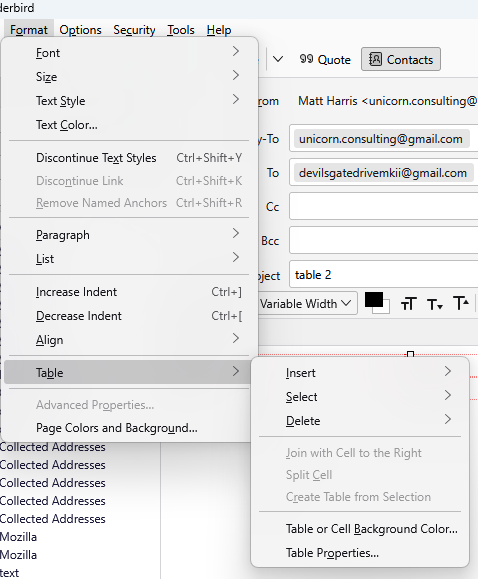
lines bordering cells in table

lines bordering cells in table
Svi odgovori (8)
Yes? Which is your problem with those lines?
Thanks How do I get them to display solid? Russell Greene
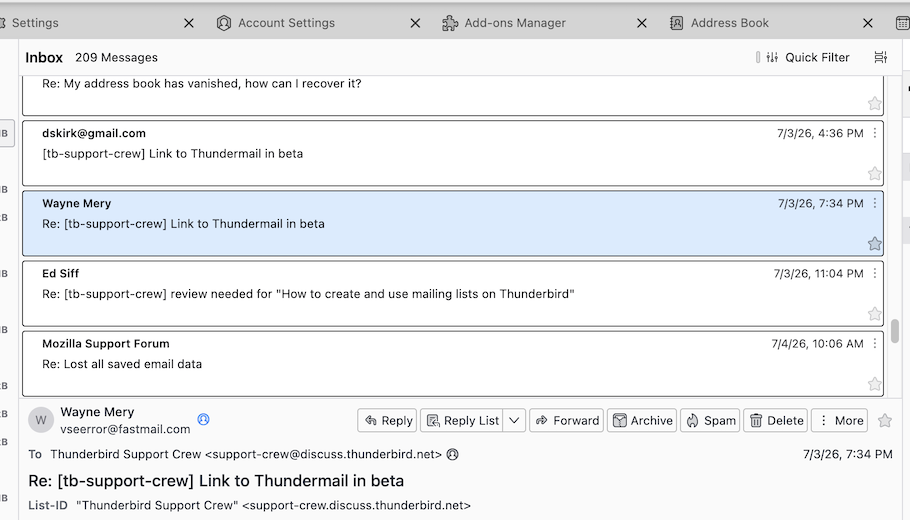
If in "cards view" you want the cards displayed with a solid border as shown in my attached image, you can do it only with the following CSS code in a userChrome.css text file:
#threadTree[rows="thread-card"] .card-container{
border: 1px solid !important; }
To do this you need the following requirements:
• go to Settings > General ... scroll down to the bottom and click on Config Editor ....
Search for the preference toolkit.legacyUserProfileCustomizations.stylesheets and toggle its value to true
• open a text editor, copy & paste the above code and save the text file under the name of userChrome.css (delete the suffix .txt your OS will automatically add at the end)
• create a new folder on your desktop, name it chrome and move the userChrome.css in the folder chrome
• in the Thunderbird main window go to Help > Troubleshooting Information > Profile Folder > Open Folder, then quit Thunderbird
• move the chrome folder in the profile folder which might have a name somewhat like xxxxxxxxx. default-release
• restart Thunderbird and verify if the CSS code works in the cards view message list

Russell, what kind of table do you mean? An HTML table in a message?
Rick said
Russell, what kind of table do you mean? An HTML table in a message?
Ah, I didn't think of THAT table in a message. By default borders of a "table cell" are solid in my test mail
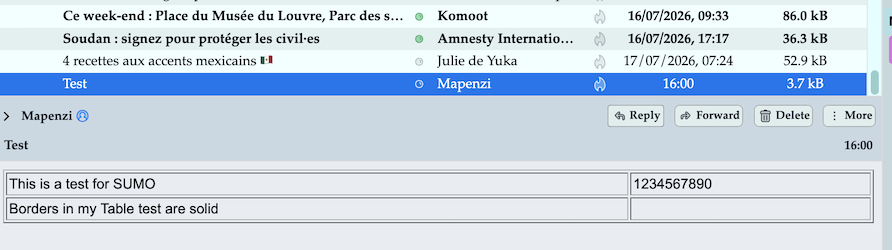
but notin mine! Thanks anway Russell Greene
Just a regular body-text message
This is what I see when I insert a table on Thunderbird ESR 140.12.1
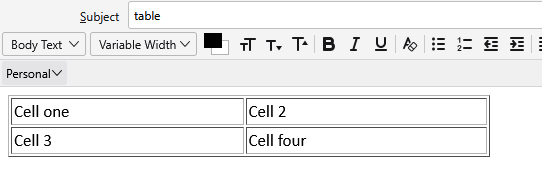
This is how that table displays in the message when received.
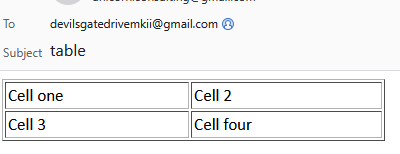
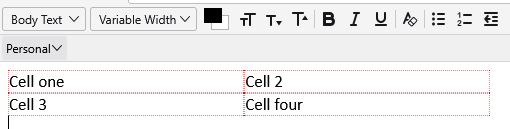
Older versions did not specify the fancy border in the default table so tables were displayed with red dotted line in the edit window
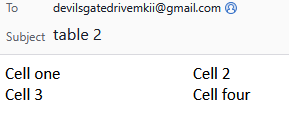
 and were displayed on receipt as
All of the cell border settings can be controlled from the menu as shown below via table properties.