new version of Firefox

You have invited me to download a new version of Firefox.
So What do I do with my existing Firefox?
If I don't like it, can I go back?
Please let me know.
John Parrott
You have invited me to download a new version of Firefox.
So What do I do with my existing Firefox?
If I don't like it, can I go back?
Please let me know.
John Parrott
Svi odgovori (3)
How do i ask Firefox this question?
Still awaiting a reply from Mozilla/Firefox
Hi, I'm pretty sure that you have the latest version of Firefox, 139.
To confirm it:
- Click the menu button
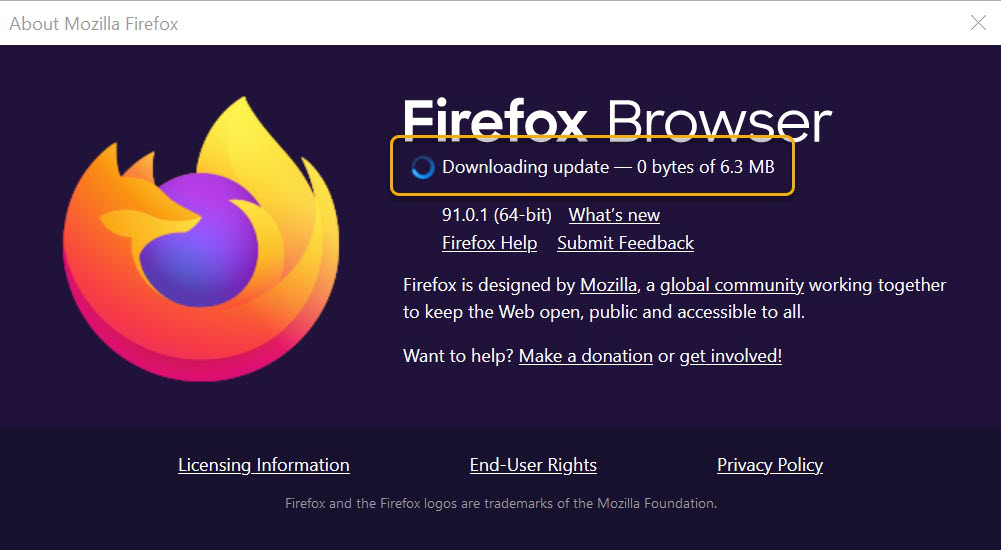
 at the right side of the Firefox toolbar, go to Help, and select About Firefox. The About Mozilla Firefox window will open.
- Firefox will check for updates automatically. If an update is available, it will be downloaded.
- When the download is complete, click Restart to update Firefox.