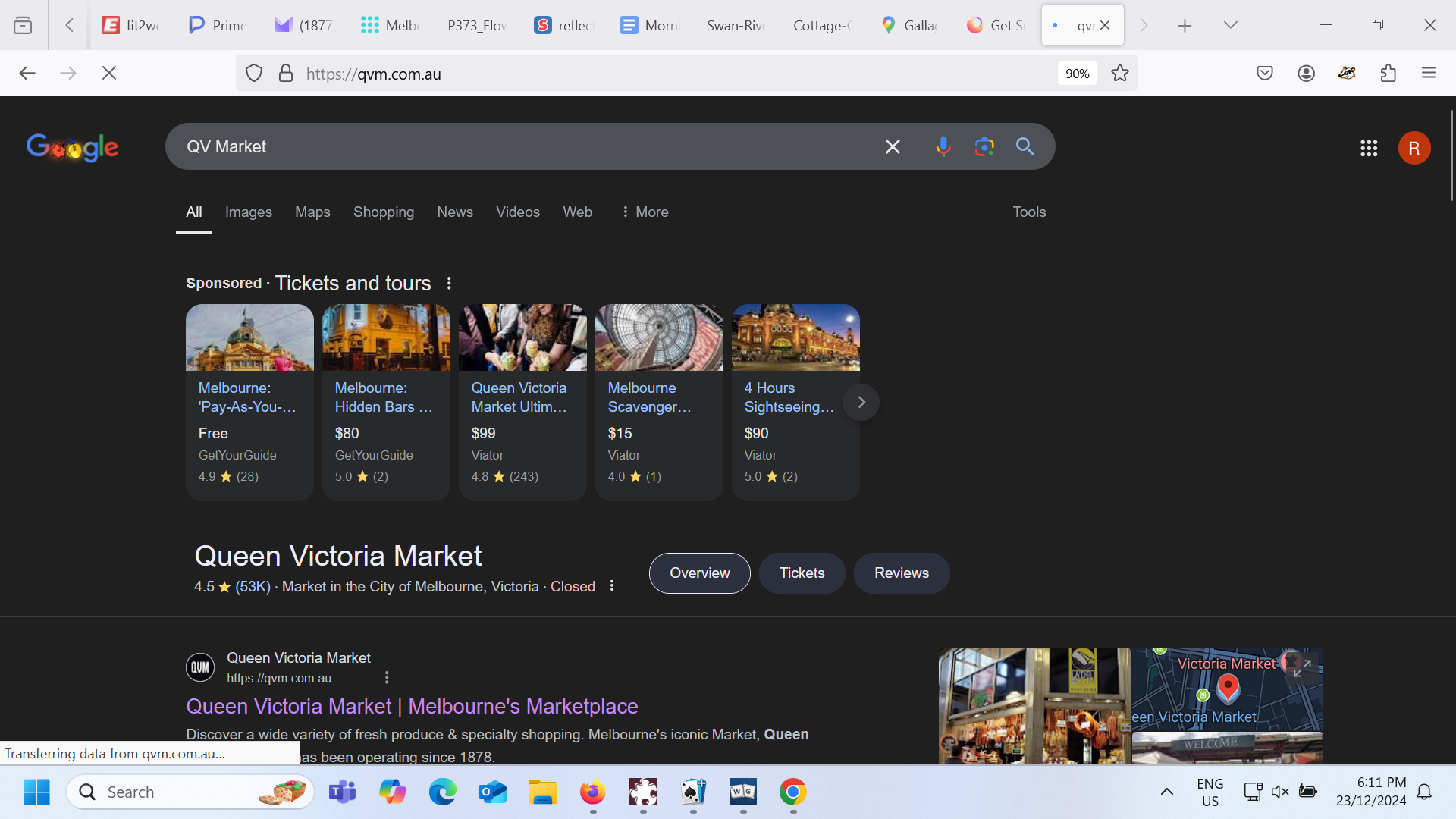
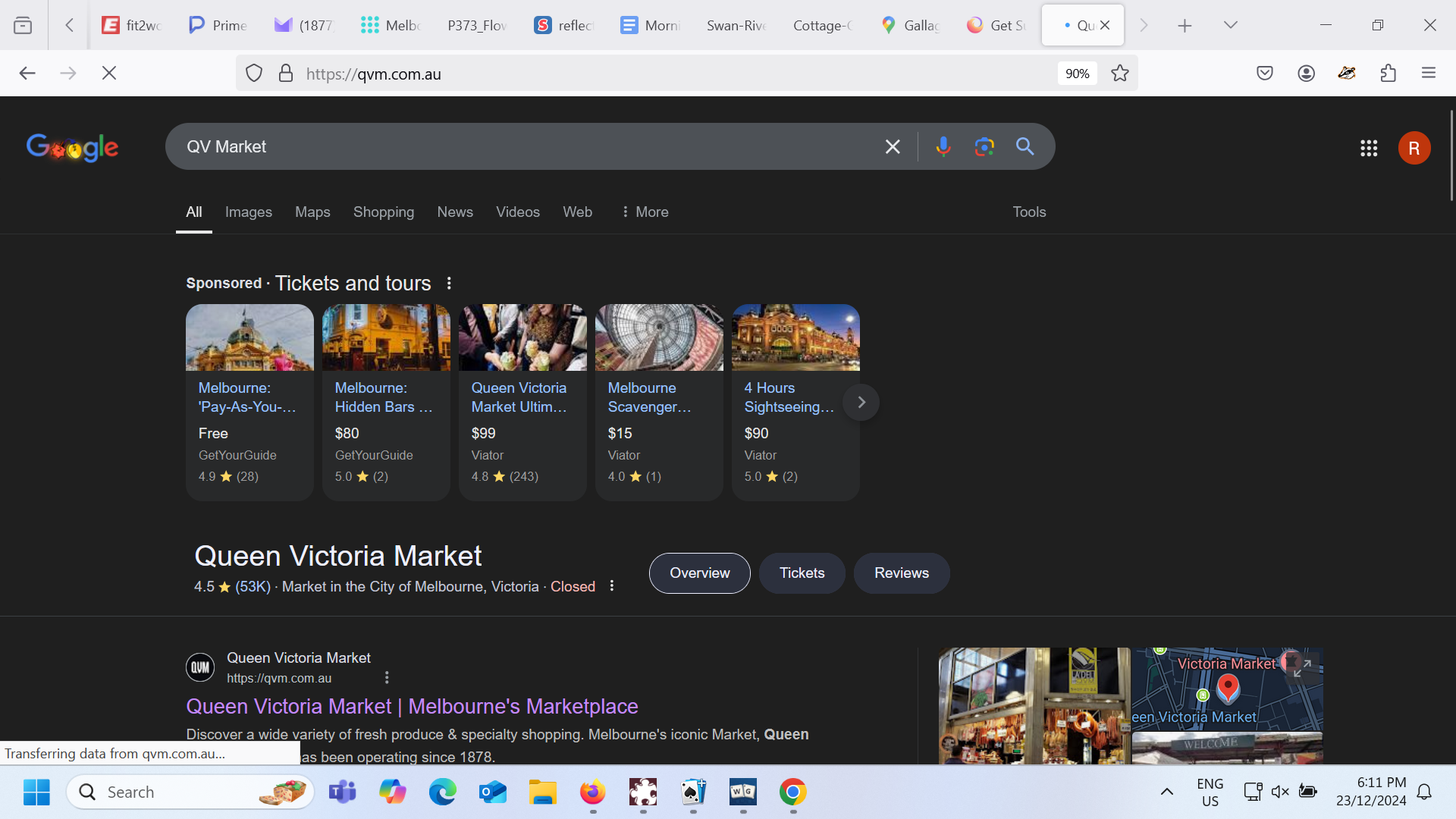
How do I get rid of the dark theme and return to screen to white?

When I do a search I receive it on a black back ground. I have never changed the theme and I can't change it back.
When I do a search I receive it on a black back ground. I have never changed the theme and I can't change it back.
Svi odgovori (2)
First, on the Settings page, I assume your Website Appearance setting is either System or Light, and not Dark. This article has the details on that setting: Change website appearance settings in Firefox.
Google has its own theme settings. Under Settings > Other Settings, mine has
Dark theme: Device default
but it's also possible to choose On or Off. Could you check there?
I still can't get rid of the black search screen. My themes were white until one day they turned black.