


open onedrive from ms account doesn't work

in startpage of my ms account all ms apps can be opened...........EXCEPT the app Onedrive. What to do to make this work?????
using MS Edge all is doing well!!
thanks in advance
Svi odgovori (8)
Onedrive works. see screenshot Show us and provide more detail about the issue you are having.
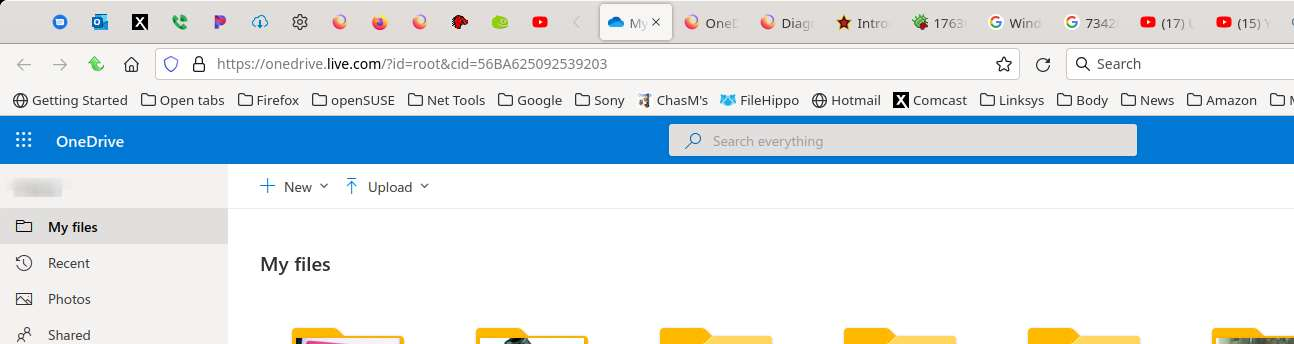
see the screenshot, after clicking onedrive the new page does'n't open, resulting in a blank page that the browser is trying to open.
thanks in advance for responding
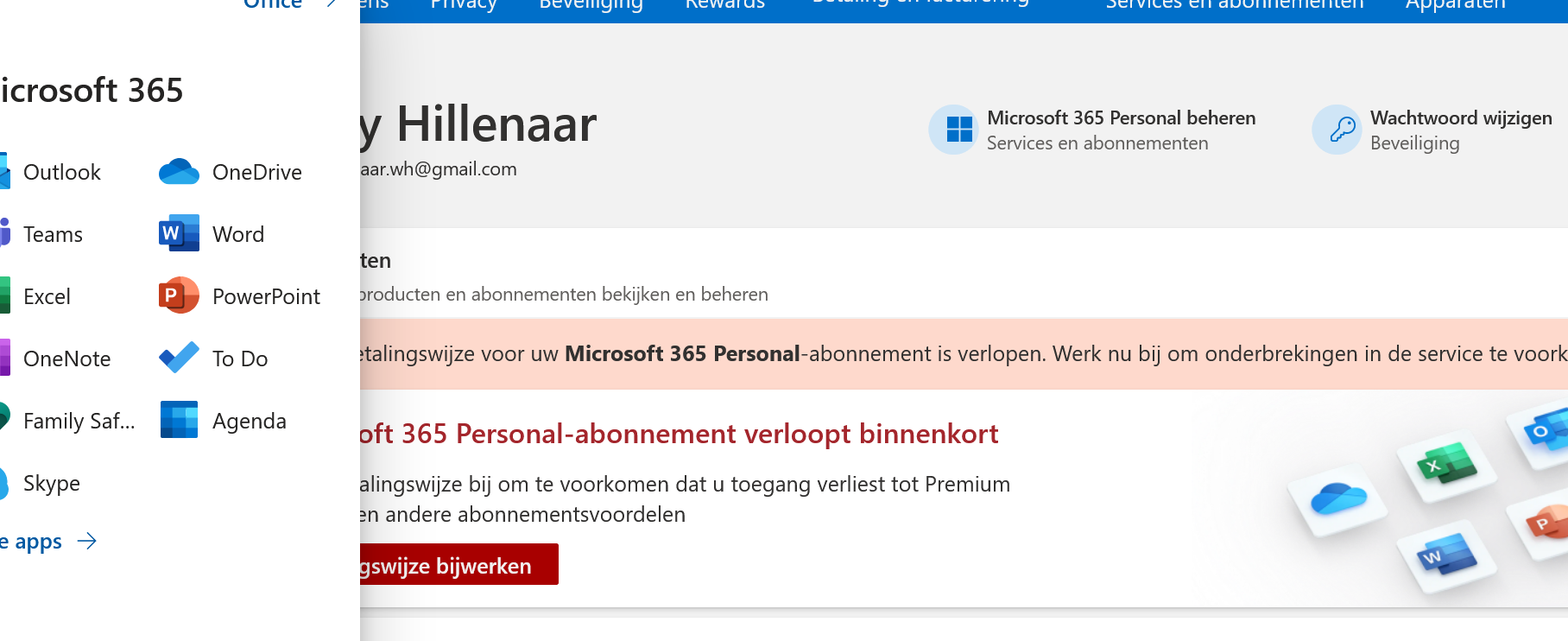
Did you try Firefox in Safe Mode? https://support.mozilla.org/en-US/kb/diagnose-firefox-issues-using-troubleshoot-mode A screenshot showing the full browser window that pops up after clicking onedrive would be helpful.
Izmjenjeno od jonzn4SUSE
in Safe Mode............totally blank
A screenshot showing the full browser window .................. totally blank [a copy screenshot does'n't show the firefox bar]
Interesting.... What security software are you running? Do you have the same issue under a different Windows account?
security software .....eset internetsecurity
different Windows account ............ first time clicking works, but after shifting to other app, i.e. excel [works too] retrying onedrive.................. totally blank again
screenshot ......... see appendix

Look like it's time to not turn off, but disable the security software and see what happens.