


Help disable corporate policies
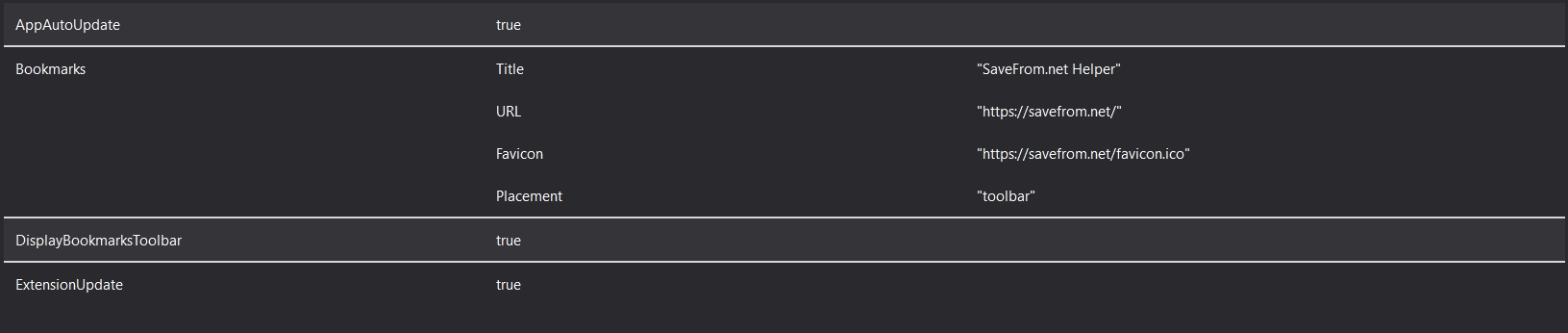
In the settings it is written that "your organization controls your browser." Group Policy is enabled. This is a home browser. How to disable it?
In the settings it is written that "your organization controls your browser." Group Policy is enabled. This is a home browser. How to disable it?
Izabrano rješenje
yes, I already fixed it. The problem was the software.
Pročitaj ovaj odgovor u kontekstu 👍 0Svi odgovori (2)
It looks like you have been infected by some malicious software. You have to remove it first, because this issue will be back on every startup.
Those policies are most likely in regedit.exe, you can search for it in (HKLM/HKCU)\Software\Policies\Mozilla\Firefox.
Odabrano rješenje
yes, I already fixed it. The problem was the software.