


PDF attachments won't open in other mail clients once sent from Thunderbird 31.4.0 Same issue detailed here https://bugzilla.mozilla.org/show_bug.cgi?id=459474

Hi, The above problem seems to have started after the latest Thunderbird update. I’m using TB 31.4.0 on a late 2012 iMac (Yosemite 10.10.2)
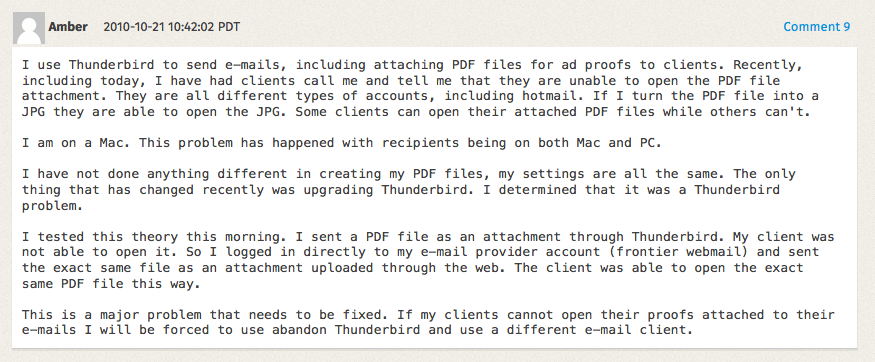
I’ve had a good search around to find a solution but can’t find much on the subject. I’m not very savvy re: code therefore I can’t work out if there is a solution in the link above. Comment 9 is exactly my problem.
Thanks in advance
Svi odgovori (5)
The bug your referencing is about not being able to open PDF files in Thunderbird, The cause if which was malformed emails. INCOMING
Your issue is outgoing, and probably not related. Perhaps you could send me one of these malformed email to unicorn dot consulting at gmail dot com.
What mail client should I open it in to see the result, or is Thunderbird ok?
The error is showing, in this instance, in Mail for Mac (8.2) on a MacBook Pro (Retina, 15-inch, Mid 2014) running Yosemite 10.10.2. I've had reports from other clients regarding similar problems with PDF attachments received from me.
Comment 9 in the above link is still relevant. I've isolated the problem to Thunderbird in the same way the poster in the thread has.
I have emailed you the corrupt PDF.
Thanks Matt.
The PDF is not corrupt, it contains no data at all.
from the message source
--Apple-Mail=_694B8A93-CB52-4579-B4D7-2112F4893BEC
Content-Disposition: inline;
	 filename=test.pdf
Content-Type: application/applefile;
	 name="test.pdf"
Content-Transfer-Encoding: 7bit
No data here to make a PDF from.
--Apple-Mail=_694B8A93-CB52-4579-B4D7-2112F4893BEC
Content-Transfer-Encoding: 7bit
Content-Type: text/html;
	  charset=us-ascii
So instead of sending me the PDF someone sent back (I assume that is what I have as it is forwarded) send me a mail direct with that pdf and we will see if there is something wrong with the mail your sending, or if something is stripping attachments at the other end.
Original PDF arrived without issue, content and message source appear Ok
I think the issue is with the recipient. Corporate edge devices, anti virus programs and other security software can all strip the content of an attachment.
I've set up Mail for Mac along side Thunderbird to further test this.
The PDFs sent from Mail are OK, no problem. The exact same PDFs sent from Thunderbird are the same as you established above - not corrupt but show no data.
You are right - this problem only occurs when Mail for Mac receives a PDF from Thunderbird.
Any further ideas?