


firefox will not load zyngagames.com game
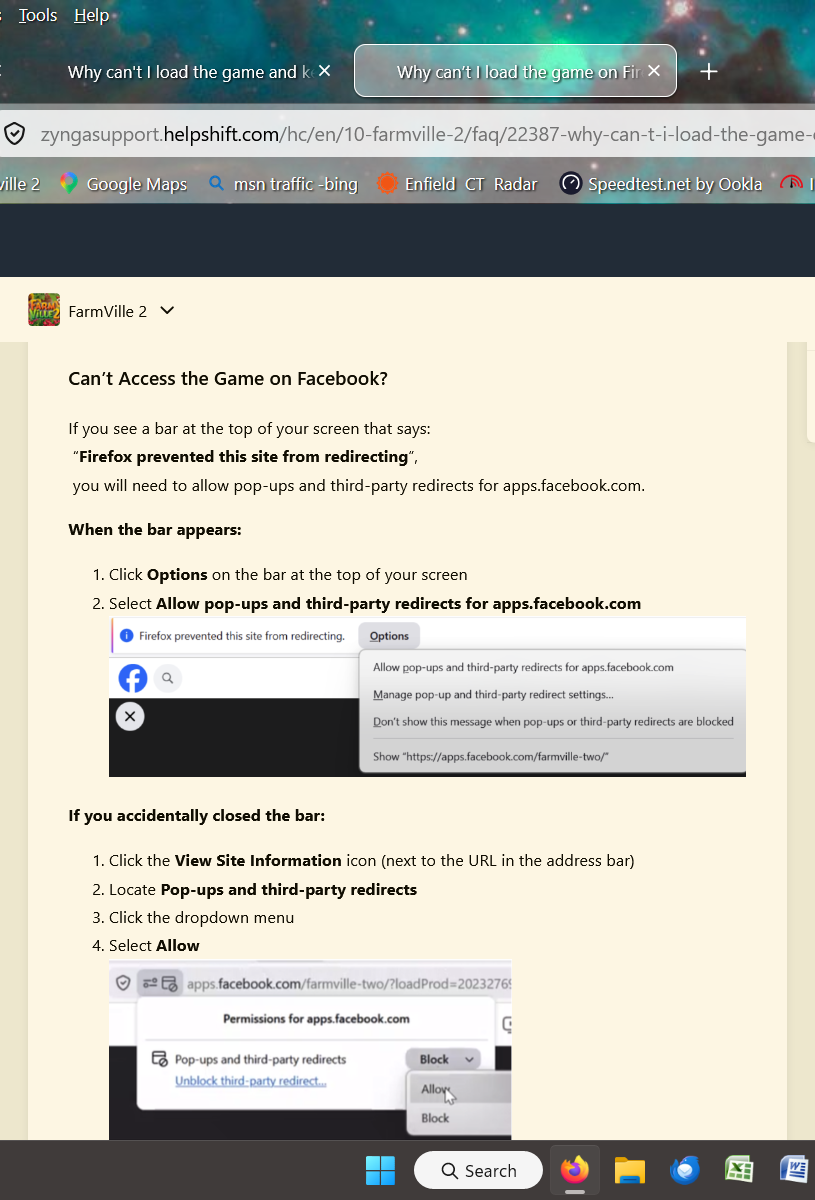
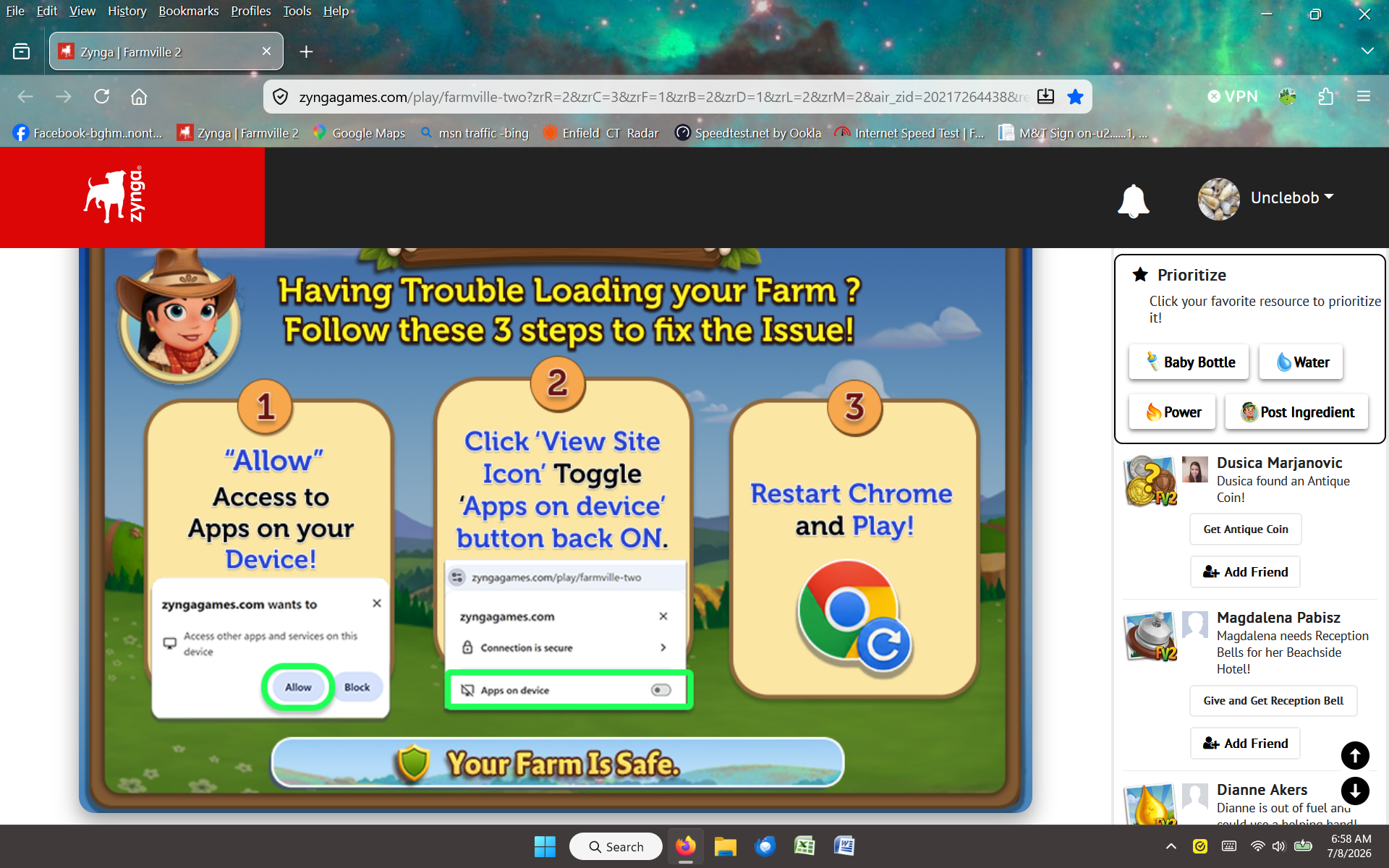
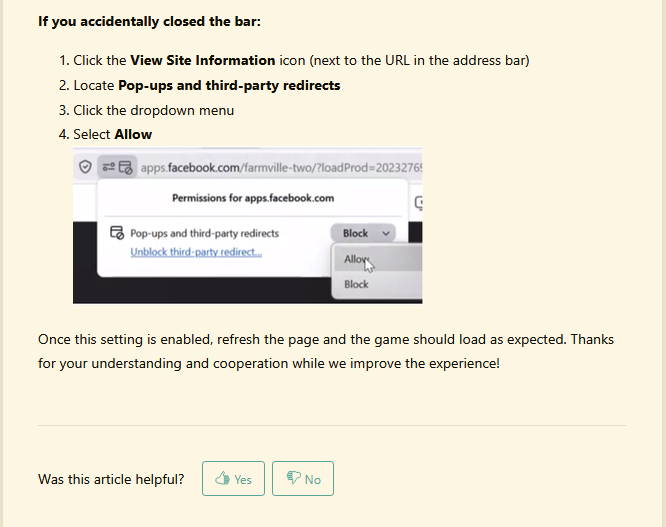
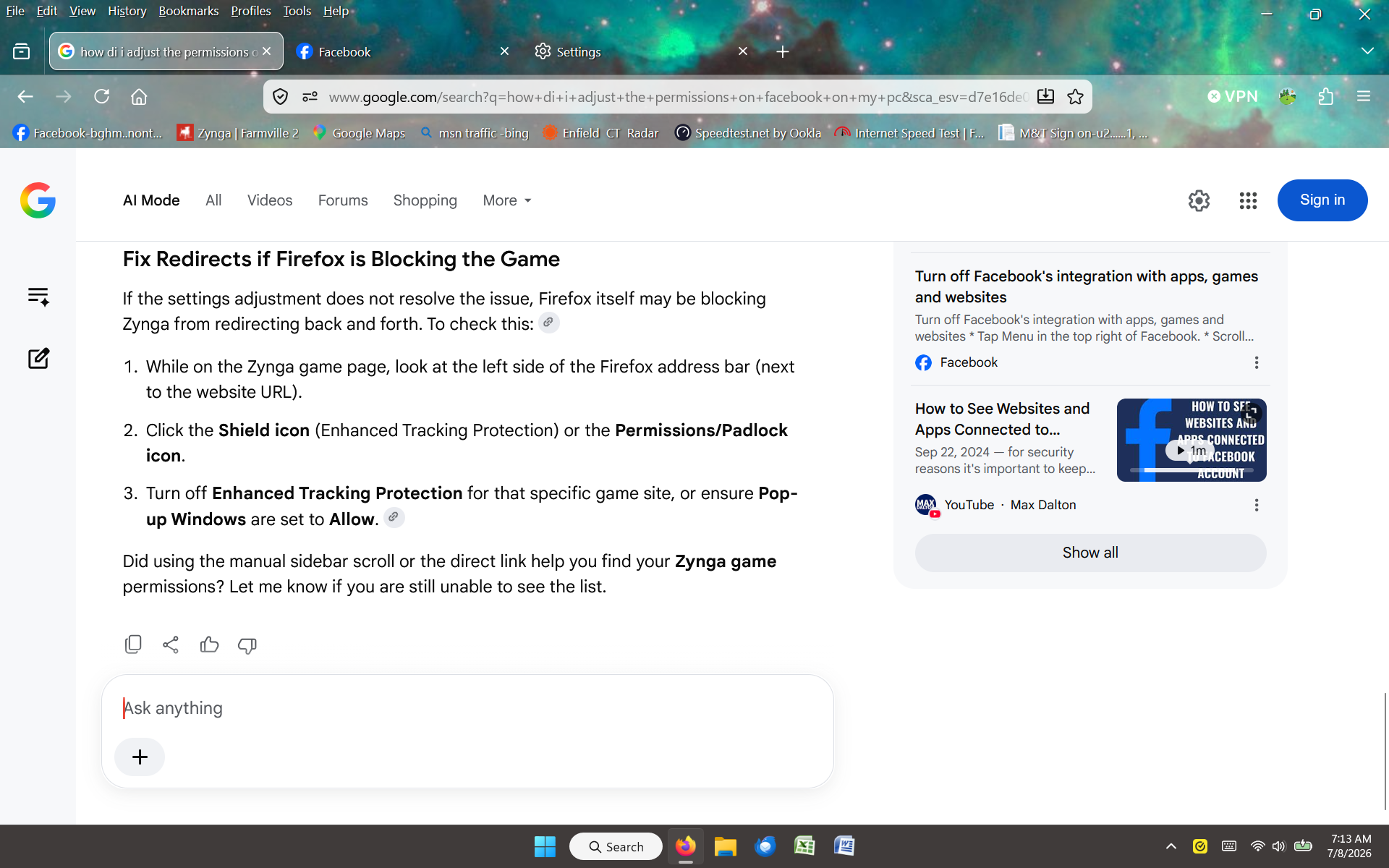
after the last Firefox update the zynga game Farmville 2 will not load. It gives me a screen to fix mentioning chrome..but all efforts to manually fix referencing Firefox have failed. Odd that I can load the plain Zyngagames.com on Edge but it seems they too only load a "local" game that is not connected to any network. Help also mentions to make sure I allow to redirect but that "Options" feature to do so is not there. In fact it seems like the Firefox menu system is even much different and expanded. I will add the screens I have tried etc. Pop ups are allowed, turned off enhanced etc. but cannot find any reference to "third party redirects" Any suggestions are appreciated.
All Replies (7)
We only know as much as Fix problems with Facebook games, chat and more lists. The internals of these apps and games are only known to their authors, so you'd want to reach out to their support channels to find out more.
I did not find any compatibility report relevant to this, either all browsers are affected so it's other issue:
or it works for others so the general recommendation is to do the usual privacy&storage troubleshooting:
Thank you for your reply...I have exhusted my limited techincal abilities. I guess my feeling are that Firefox should be able to fix this.
You can either use the site above, webcompat.com to report the actual site/page that doesn't work for you, or submitting a "Report Broken Site" from within your browser menu that will collect the necessary details, after you verify it's not just blocked over at your side. The steps generally are:
- Please check if you have Enhanced Tracking Protection (ETP) enabled. You can do that by clicking the shield
 icon in the left part of the address bar. If ETP is enabled, try disabling it.
- If the problem is not fixed, try clearing Firefox cache.
- If it does not help, try clearing cookies and data for the website you experience troubles with (warning: you will be logged out on this website).
- If it also does not help, try running Firefox in Troubleshoot Mode. If the problem doesn't persist, please follow the steps from this article to troubleshoot further.
- If nothing from the above helps, try creating a new Firefox profile and check if the issue persists there. If it doesn't, you can start copying files from your old profile to the new one to identify which one causes the issue. See this article on what files to copy.
- Finally, if creating a new profile hasn't helped, please check if the issue persists in other browsers (e.g. Chrome, Edge, Opera or Safari).
- If it does, it is most likely an issue on the website's side. You may want to inform the website owner or administrator about that.
- If it doesn't, that's a compatibility issue. Please report it on WebCompat, so that the team there can look into it.
Again thank you..I have done all you suggested except report and do a new profile..something I really am afraid of. I did try opening in safe mode and issue is there too..I am exhausted...hopefully I can come back and try others you suggested or your detailed help will help others. I love Firefox and hate to leave.
Ah okay in that case a fresh profile won't really make any difference — most of site permissions get cleared per–domain in the steps above.
I unfortunately have to reiterate only the game authors know how it's coded any what it needs to do and access — and amend their docs accordingly. I can only guess here, seeing some local access mentions, that you might find some extra tips in:
FYI for some reason they even recommend using Firefox over some bugs of theirs that they apparently communicate on their site: https://zyngasupport.helpshift.com/hc/en/10-farmville-2/faq/22343-why-can-t-i-load-the-game-and-keep-getting-the-launcher-pop-up/ — I don't follow what actually are they doing and why they need all of these crazy classes of permissions, just sharing for anyone facing the same, there's something to perhaps follow up with the game author.
Sooo, just to maybe help others..with Firefox my desktop has two shortcuts to launch the game. One is the launcher shortcut that gives me an address path that is very very long..I believe this is the long "handshake" path connected to facebook. The other is just one for Zyngagames.com that I signed into with just Zynga that is a much much shorter address path ending with 118. A google search said this shorter path is the direct one to Zynga and I should use that one going forward as the association with Facebook is ending. So I tried that shorter direct one and even turned the enhanced Firefox feature back on and the game loaded!!! I dont know why nor do I care..I was concerned with turning off the enhanced feature which is why I tried it turned back on...so for this hour I leave it alone and see what suppertime brings me as it seems to change during the day. The only sad thing left is unresolavable thing is I lost all my facebook friends that played the game but I can deal with that.I will make new one.s