


THe Send button has vanished in T'bird

The SEND button has vanished in Thunderbird. I don't recall changing anything or performing any updates, though my memory is getting to be unreliable.. In addition, the LINK button has vanished as well. I imagine I did or am doing something stupid and it's an easy fix, but what that might be totally escapes me..
פתרון נבחר
''''OH!. ' I was clicking on the wrong VIEW button. I was using the VIEW button that's just above the New Message;;; button, not the one in the new message window that pops up.. I just did it correctly, and The send button has reappeared. Thank you!
כל התגובות (7)
This sometimes happens... - click 'new message' button - if menu bar not visible, press the alt key - now, on menu bar, click view>toolbars and then tick 'composition toolbar'
I was doing great until your last step, " then tick 'composition toolbar."
There is no entry for composition toolbar. See attached. I have a choice of Menu, Quick Filter, Spaces, Status, and Customze, but no Composition.
???:

did you click 'new message' button first?
Yes, I clicked New Message first. A blank message popped up, I then clicked View, Toolbars, and got the result shown in the screen capture.. I also tried getting to Composition by a different route, but that didn't do anything relating to the Send button (see image #2).
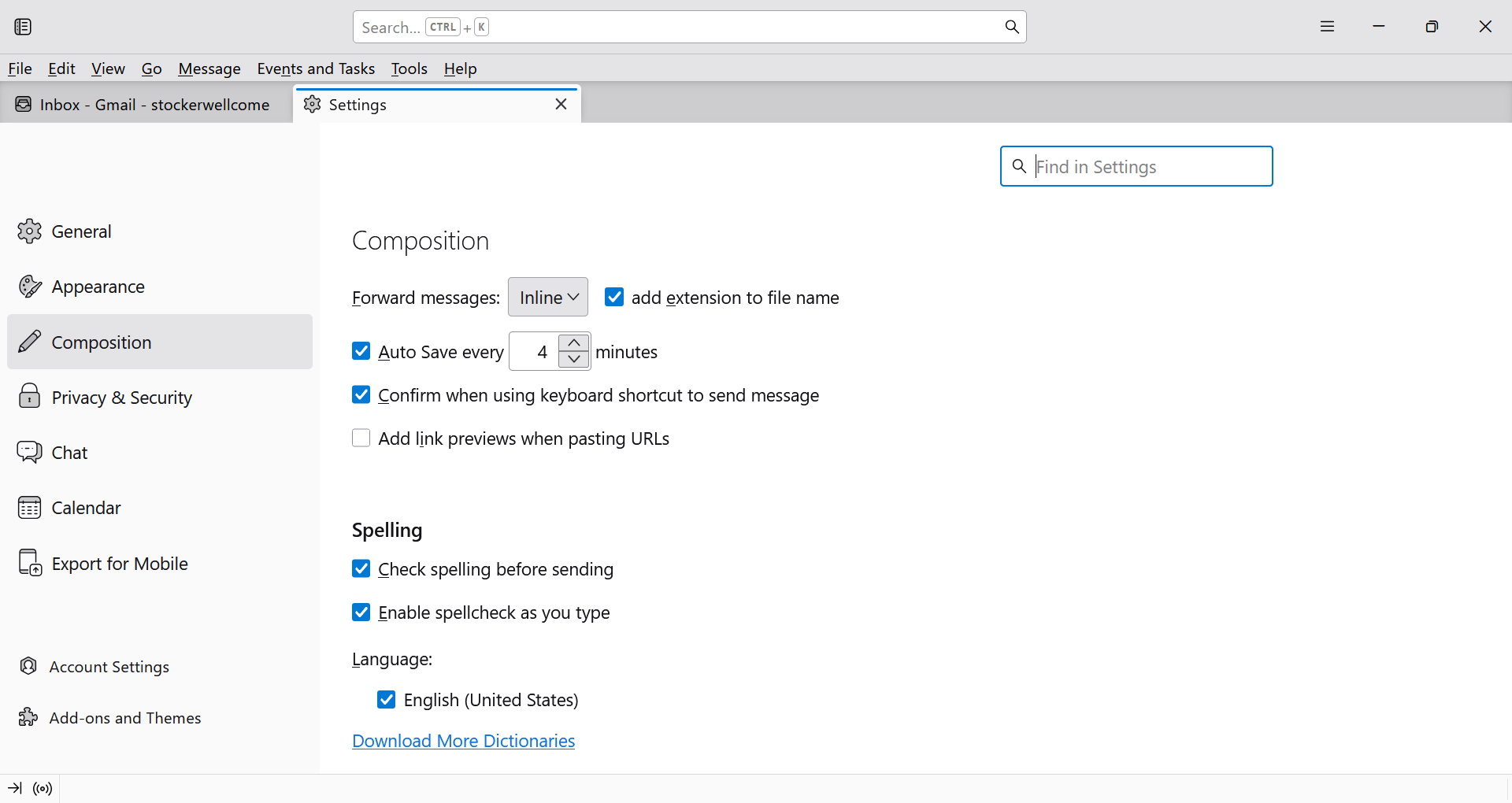
Please click carefully. It looks like you clicked settings>composition. Not what I recommended. Repeat the steps slowly. First, click 'new message' button to get to composition window. Then, if menu bar is not visible, press alt key. Then click view>toolbars If composition toolbar is not shown, do a screenshot of what you see.
פתרון נבחר
''''OH!. ' I was clicking on the wrong VIEW button. I was using the VIEW button that's just above the New Message;;; button, not the one in the new message window that pops up.. I just did it correctly, and The send button has reappeared. Thank you!