


live not working yt

Hi,
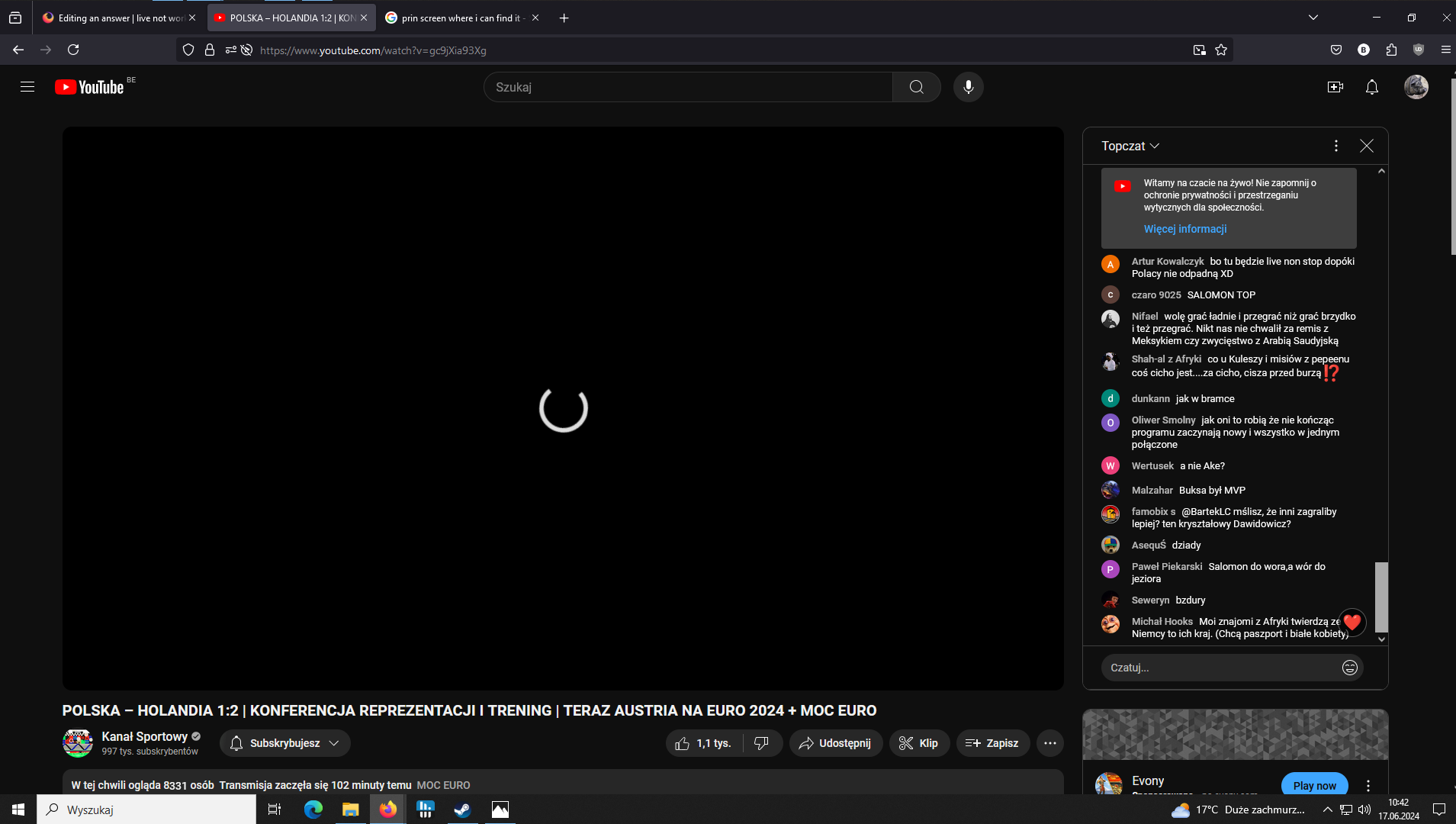
I can't watch live stream on youtube. I see only black screen on loading circkle. Ads working fine but after them i see what i said before. When live is over then i can normally watch it. I can watch twitch normally. There is problem olny on yt. best chris
פתרון נבחר
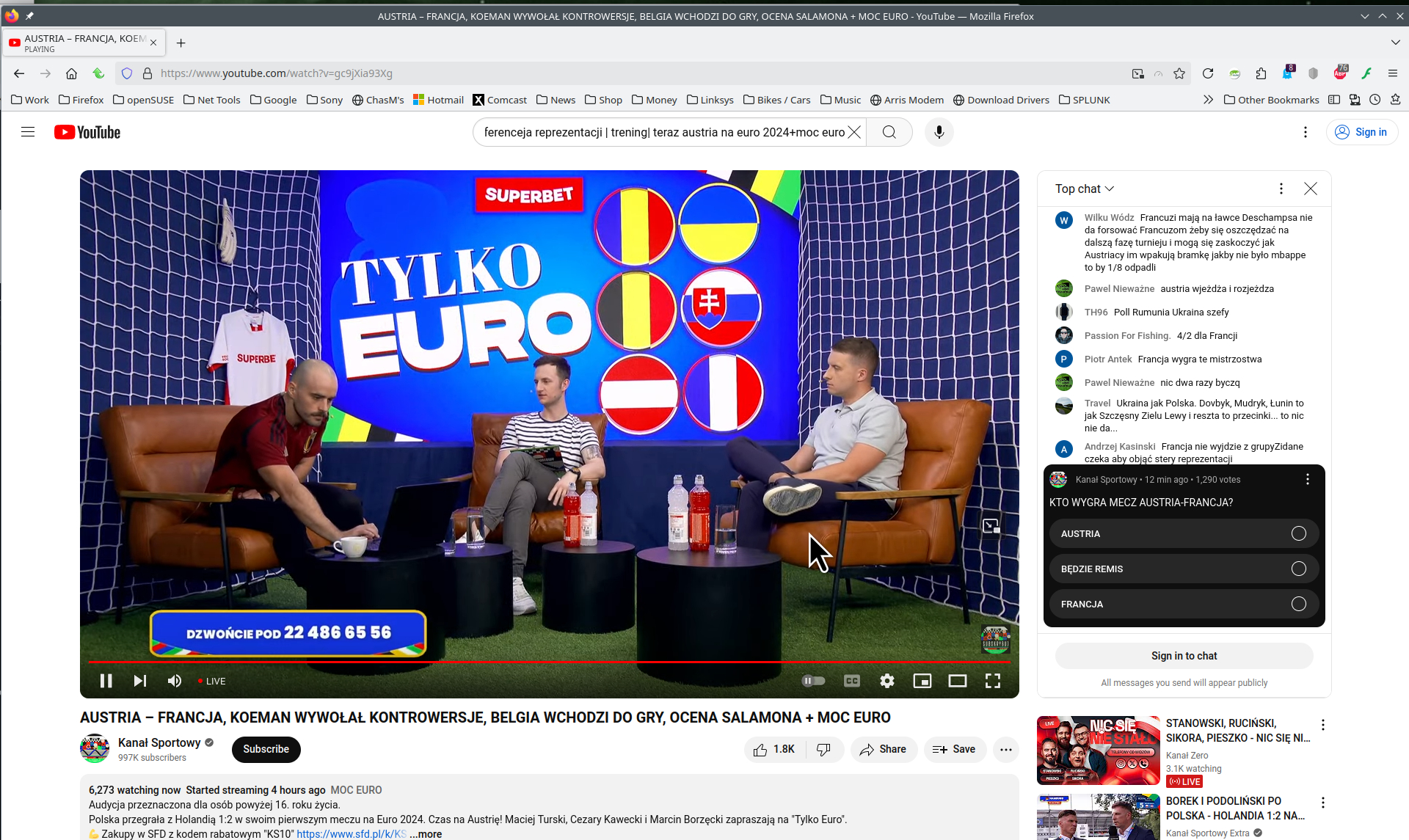
Also no issues for me with the Kanał Sportowy live stream. see screenshot https://www.youtube.com/watch?v=gc9jXia93Xg
Do you have the same issue with Firefox in Troubleshoot Mode?
What security software are you running?
Are you running pro or home version of Windows? If pro, you should have sandbox enabled for testing. https://www.howtogeek.com/399290/how-to-use-windows-10s-new-sandbox-to-safely-test-apps/
Try downloading a different version of Firefox and see if you have the same issue. Remember to install in a different directory than your current install. https://www.mozilla.org/en-US/firefox/channel/desktop/
You can also Refresh Firefox. https://support.mozilla.org/en-US/kb/refresh-firefox-reset-add-ons-and-settings
Read this answer in context 👍 1כל התגובות (4)
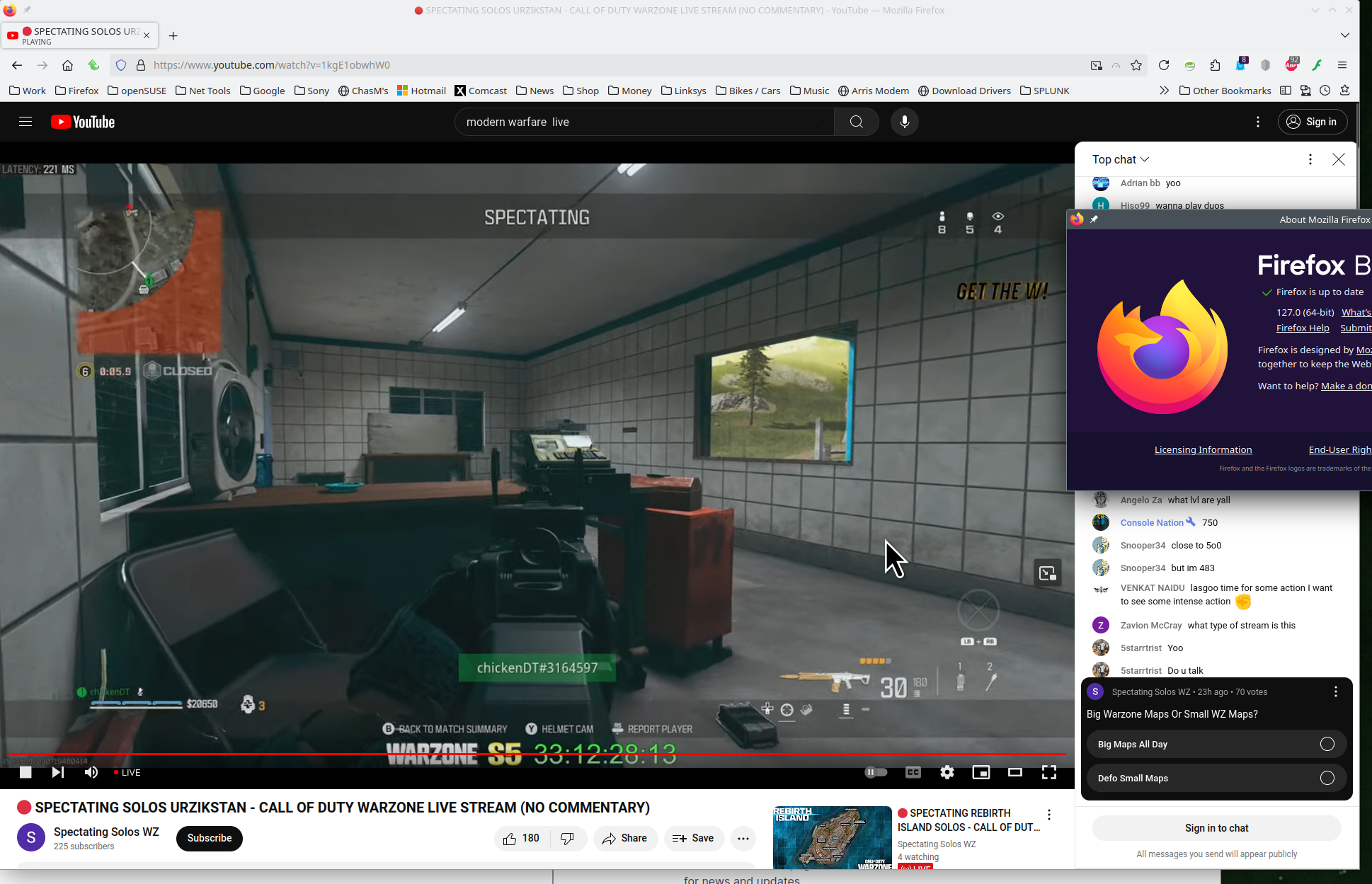
Provide links and screenshots of the issue. I have no issues with live. see screenshot https://www.youtube.com/watch?v=1kgE1obwhW0
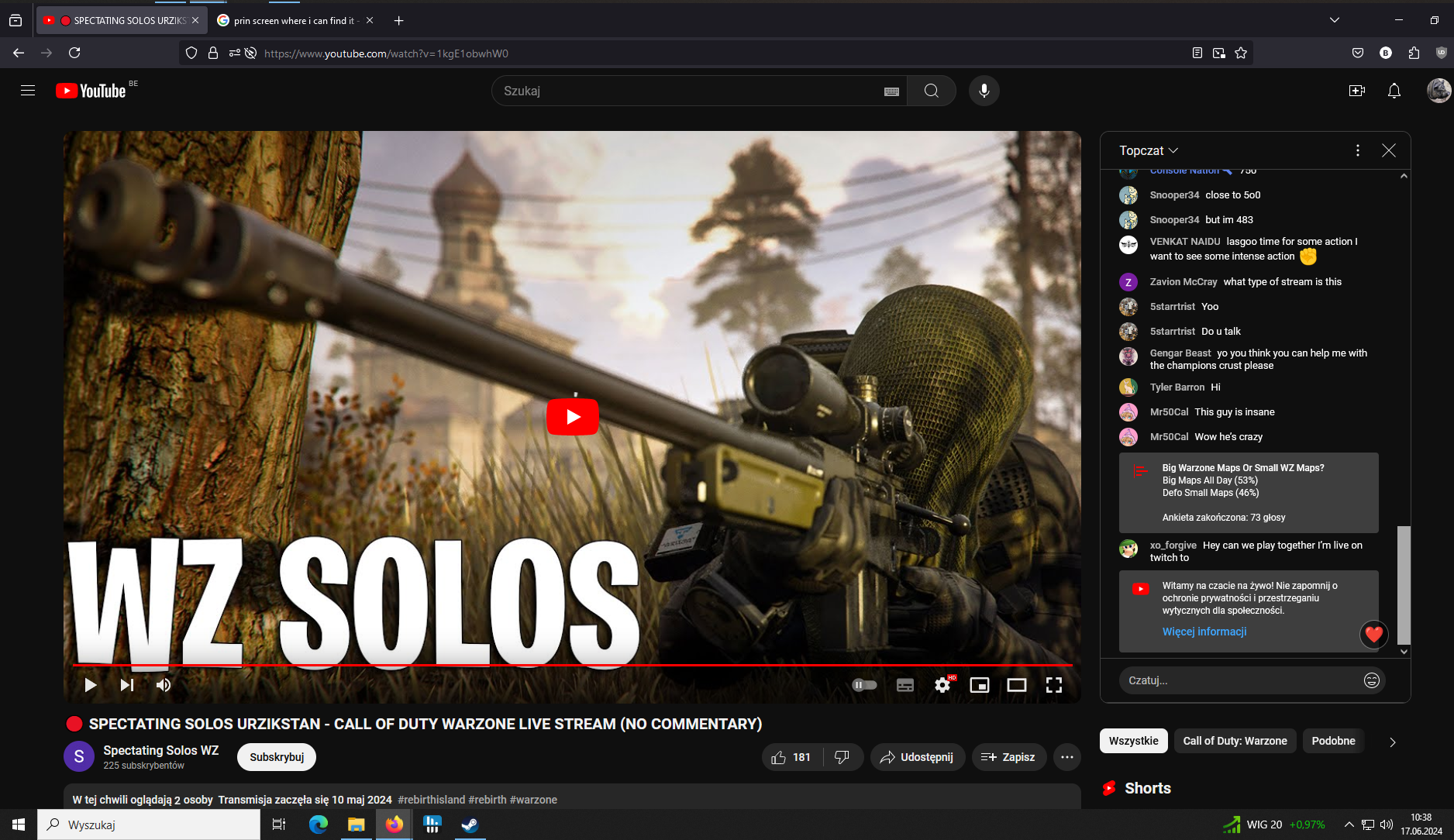
Play button doesnt work. Refreshing page also.
השתנתה ב־ על־ידי bigi162
פתרון נבחר
Also no issues for me with the Kanał Sportowy live stream. see screenshot https://www.youtube.com/watch?v=gc9jXia93Xg
Do you have the same issue with Firefox in Troubleshoot Mode?
What security software are you running?
Are you running pro or home version of Windows? If pro, you should have sandbox enabled for testing. https://www.howtogeek.com/399290/how-to-use-windows-10s-new-sandbox-to-safely-test-apps/
Try downloading a different version of Firefox and see if you have the same issue. Remember to install in a different directory than your current install. https://www.mozilla.org/en-US/firefox/channel/desktop/
You can also Refresh Firefox. https://support.mozilla.org/en-US/kb/refresh-firefox-reset-add-ons-and-settings
In troubleshoot mode everything fork fine. After turning it off there is no issue anymore. Thanks for help.