


Getting a 403 on addons.mozilla.org
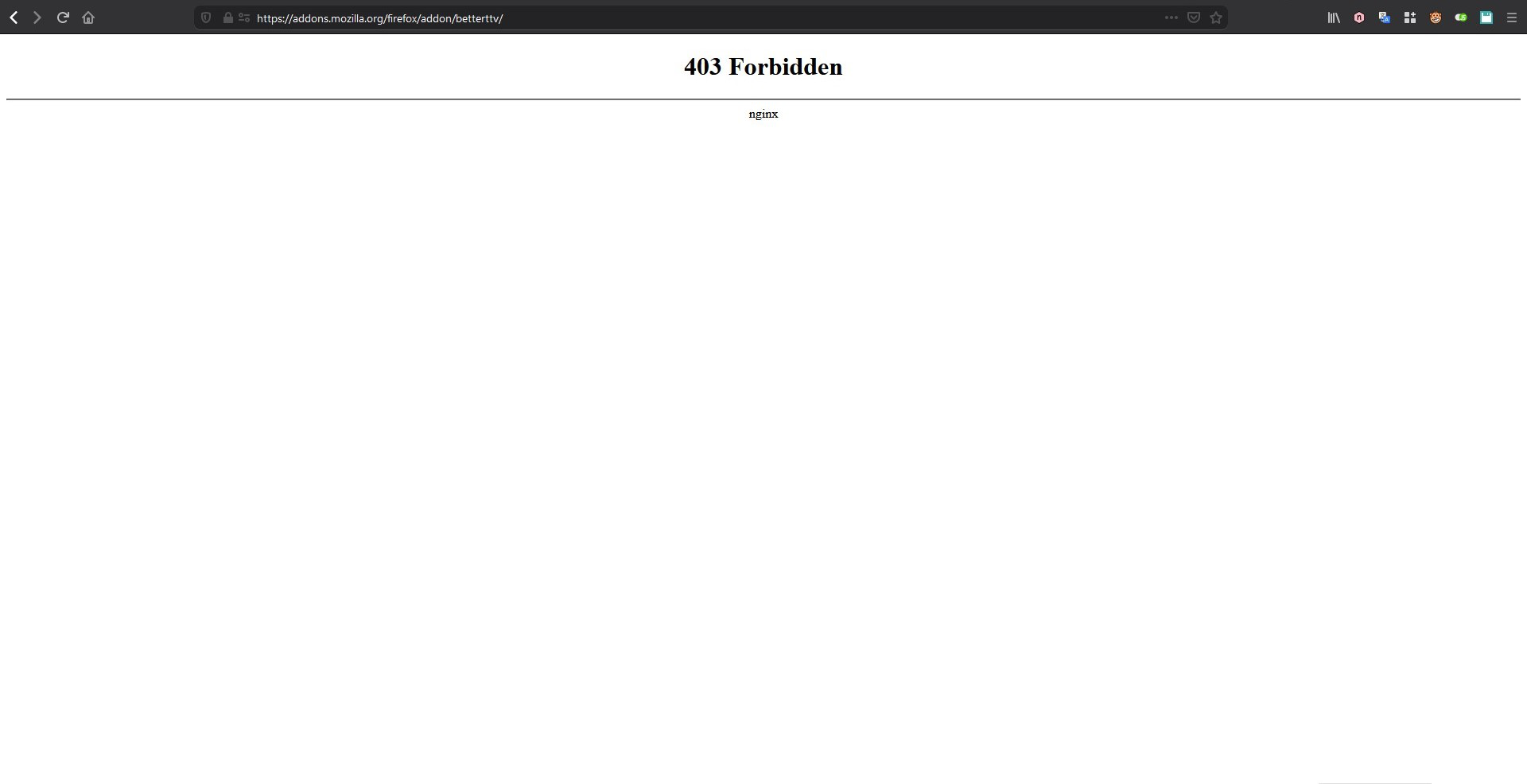
Hi, I'm getting a forbidden message when I tried to access the addon store just now. I tried accessing it with a VPN and it works. So I'm getting a feeling that I am banned or blacklisted. But WHY?! Can anyone help?
פתרון נבחר
This issue can be caused by corrupted cookies or cookies that are blocked.
- check the permissions on the about:permissions page and in "Tools > Page Info > Permissions"
- https://support.mozilla.org/kb/fix-login-issues-on-websites-require-passwords
Clear the cache and remove cookies only from websites that cause problems.
"Clear the Cache":
* Edit > Preferences > Advanced > Network > Cached Web Content: "Clear Now"
"Remove Cookies" from sites causing problems:
* Edit > Preferences > Privacy > "Use custom settings for history" > Cookies: "Show Cookies"
Start Firefox in Safe Mode to check if one of the extensions (Firefox/Tools > Add-ons > Extensions) or if hardware acceleration is causing the problem.
- Switch to the DEFAULT theme: Firefox/Tools > Add-ons > Appearance
- Do NOT click the Reset button on the Safe Mode start window
כל התגובות (4)
Hello acclotephoacc, Try this article: http://bit.ly/htg403FFF It might help! If not, tell me. Stay Safe!
Hi Tommy, Thanks for helping me out. But no, it doesn't help. Firefox had banned me somehow to access the addon page. I have an extension listed on the store. Maybe it was the reason I got banned? But it still doesn't make sense coz I can access it with a VPN.
השתנתה ב־ על־ידי acclotephoacc
פתרון נבחר
This issue can be caused by corrupted cookies or cookies that are blocked.
- check the permissions on the about:permissions page and in "Tools > Page Info > Permissions"
- https://support.mozilla.org/kb/fix-login-issues-on-websites-require-passwords
Clear the cache and remove cookies only from websites that cause problems.
"Clear the Cache":
* Edit > Preferences > Advanced > Network > Cached Web Content: "Clear Now"
"Remove Cookies" from sites causing problems:
* Edit > Preferences > Privacy > "Use custom settings for history" > Cookies: "Show Cookies"
Start Firefox in Safe Mode to check if one of the extensions (Firefox/Tools > Add-ons > Extensions) or if hardware acceleration is causing the problem.
- Switch to the DEFAULT theme: Firefox/Tools > Add-ons > Appearance
- Do NOT click the Reset button on the Safe Mode start window
acclotephoacc said
I have an extension listed on the store. Maybe it was the reason I got banned?
The administrators of the Add-ons site monitor a different forum: