Lastpass login Two-factor Authentication not loading
I have the Lastpass extension on Firefox 69.0.1 (64-bit). I always used Two-factor Authentication on Chrome to access Lastpass from a browser extension, but on both the Firefox extension and the Lastpass webpage in Firefox, when I put in my user name and master password, it does not open a the Lastpass window to input the google authentication code, instead it just hangs on the webpage and does nothing on the Firefox extension ... Any help would appreciated...
כל התגובות (5)

One should remove and reinstall the plugin to see if it isn't causing problem.
If you use extensions ("3-bar" menu button or Tools -> Add-ons -> Extensions) that can block content (Adblock Plus, NoScript, Disconnect, Ghostery, Privacy Badger, uBlock Origin) always make sure such extensions do not block content.
- make sure your extensions and filters are updated to the latest version
- https://support.mozilla.org/en-US/kb/troubleshoot-extensions-themes-to-fix-problems
Firefox shows the shield icon at the left end of the location/address bar in case Content Blocking is blocking content.
- click the shield icon for more details and possibly disable the protection
You can check the Web Console about what content is blocked
- "3-bar" menu button or Tools -> Web Developer
- https://support.mozilla.org/en-US/kb/content-blocking
Clear the Cache and remove the Cookies for websites that cause problems via the "3-bar" Firefox menu button (Options/Preferences).
"Remove the Cookies" for websites that cause problems:
- Options/Preferences -> Privacy & Security
Cookies and Site Data -> Manage Data
"Clear the Cache":
- Options/Preferences -> Privacy & Security
Cookies and Site Data -> Clear Data -> Cached Web Content: Clear
WestEnd said
One should remove and reinstall the plugin to see if it isn't causing problem.
I tried this and it didn't change anything from my original issues :(
cor-el said
If you use extensions ("3-bar" menu button or Tools -> Add-ons -> Extensions) that can block content (Adblock Plus, NoScript, Disconnect, Ghostery, Privacy Badger, uBlock Origin) always make sure such extensions do not block content.Firefox shows the shield icon at the left end of the location/address bar in case Content Blocking is blocking content.
- make sure your extensions and filters are updated to the latest version
- https://support.mozilla.org/en-US/kb/troubleshoot-extensions-themes-to-fix-problems
You can check the Web Console about what content is blocked
- click the shield icon for more details and possibly disable the protection
- "3-bar" menu button or Tools -> Web Developer
- https://support.mozilla.org/en-US/kb/content-blocking
Clear the Cache and remove the Cookies for websites that cause problems via the "3-bar" Firefox menu button (Options/Preferences).
"Remove the Cookies" for websites that cause problems:
- Options/Preferences -> Privacy & Security
Cookies and Site Data -> Manage Data"Clear the Cache":
- Options/Preferences -> Privacy & Security
Cookies and Site Data -> Clear Data -> Cached Web Content: Clear
Tried this but makes no difference to the original issues :(
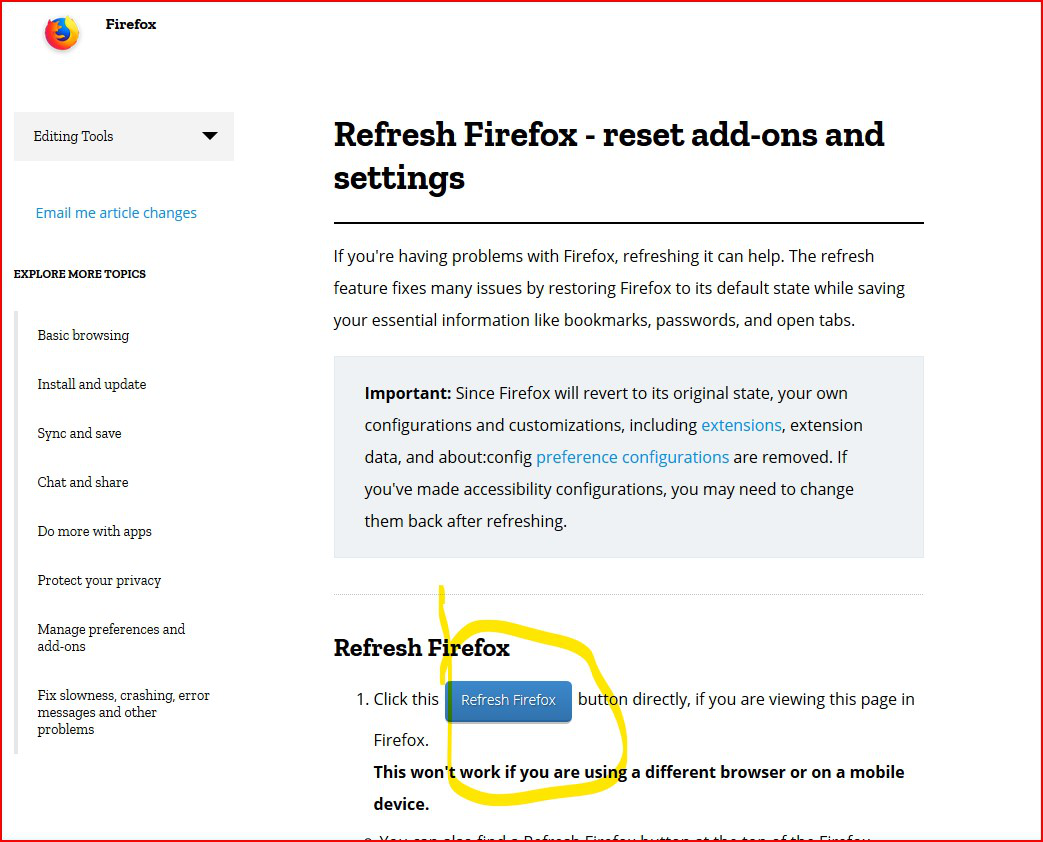
This resolved it... don't know what it changed in the background but it worked and reinstalled my extensions...