


Firefox using too much CPU (40-50%)

Hello all! For the past few weeks, Firefox seems to be a large CPU hog. It uses around 30-50% of the CPU for seemingly no reason. I have ADBlock off (As you can see) There are only two tabs open (I am running Opera as well) I've cleared the cache, I've refreshed the download of Firefox as well. Could someone give me any other suggestions?
By the way, my laptop is a Dell XPS 12 (2014) with an Intel Core i5 4200U and 4GB of RAM Thanks!

כל התגובות (6)

Start Firefox in Safe Mode {web Link} by holding down the <Shift>
(Mac Options) key, and then starting Firefox. Is the problem still there?
https://support.mozilla.org/en-US/kb/firefox-slow-how-make-it-faster
https://support.mozilla.org/en-US/kb/firefox-uses-too-many-cpu-resources-how-fix
https://support.mozilla.org/en-US/kb/firefox-hangs-or-not-responding
Unfortunately, yes it's still there. This was in safe mode.
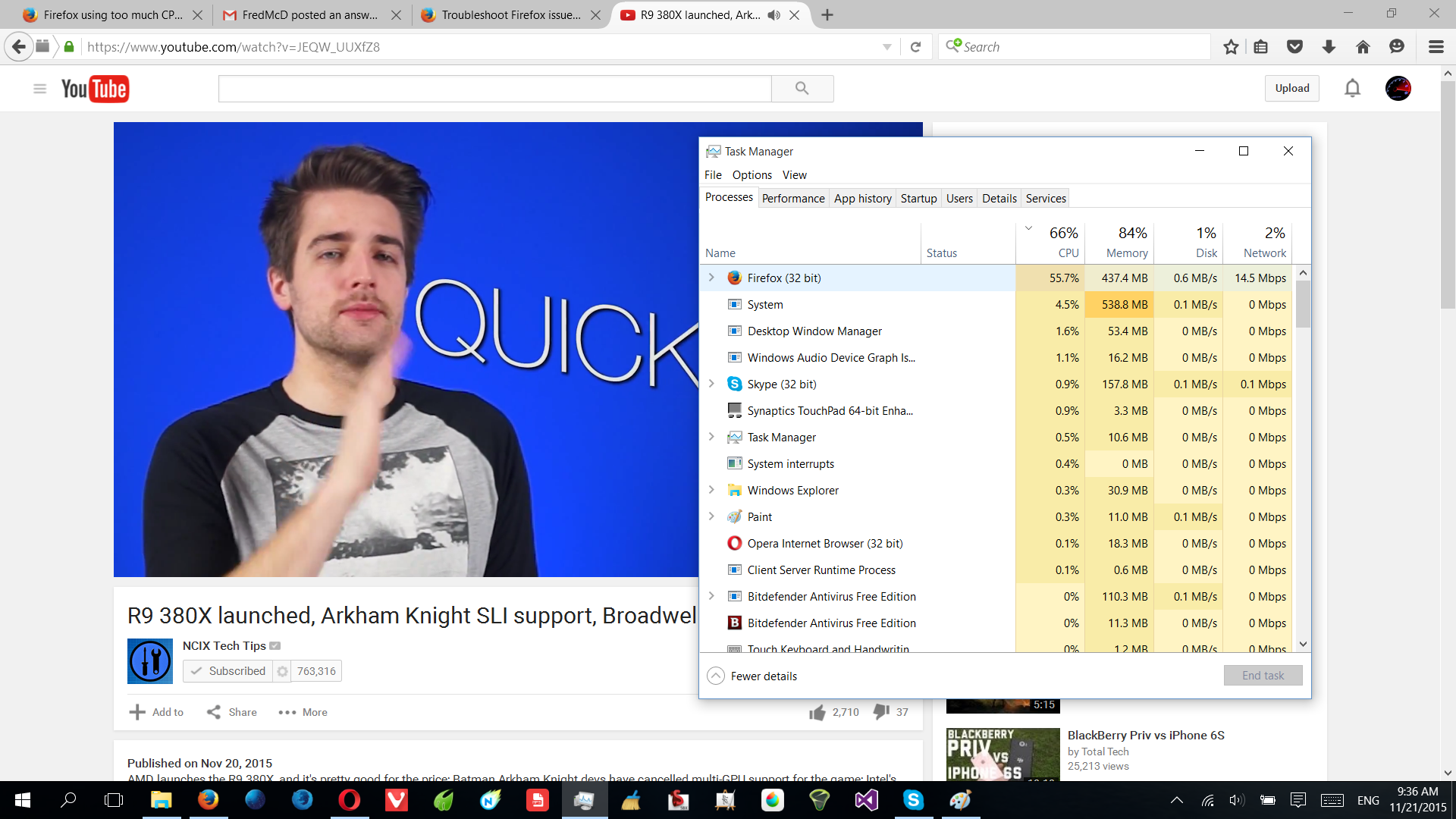
Did you check out the above links?
Start your Computer in safe mode with networking. Then start Firefox. Try Safe web sites. Is the problem still there?
That seems to have kinda fixed it. (Still using 20% cpu on youtube)
As a test, disable your protection programs.

TheGhzGuy said
That seems to have kinda fixed it. (Still using 20% cpu on youtube)
This usage looks quite roughly reasonable when comparing to your CPU. On my Celeron D 2,8Ghz (single thread/core) im going 100% for 1-3 seconds on normal webpages, youtube is frozing & 100% cpu even on medium video quality).