


Avoid support scams. We will never ask you to call or text a phone number or share personal information. Please report suspicious activity using the “Report Abuse” option.

Learn More
Open

When playing a video, the screen often fades to black while playing.

Deja

Okay posted this into iOS but never got any proper help, so I'm guessing that was the wrong place to put this.

Whilst I'm watching a video, if said video is playing in fullscreen, it'll often fade to black during different parts, as whenever a flash happens or quick cuts (e.g. a film with lightning strikes, causes it to fade to black and it stays like that - then fades back in super slowly). It is SUPER annoying and it causes me to have to rewind if I miss something because of it (only for it to do it again and again)! I don't watch YouTube in fullscreen because of it, but it even does it in streaming services - but worse! I honestly have had enough of this, it is genuinely infuriating.

I'm on MAC air 2022 M2, macOs Tahoe 26.6.2 - and the most recent up-to-date Firefox update: Version 157.0 I usually put off updating Firefox because it signs me out of everything! Meaning I have to resign into all of my school things, streaming, YouTube, and even this page itself!

Now I've gone into a private window and tested it to see if it does the same thing - yes, yes it does do the same thing, I put on the same two YouTube videos and it did the exact same fading in the middle of it at the same exact timestamp!

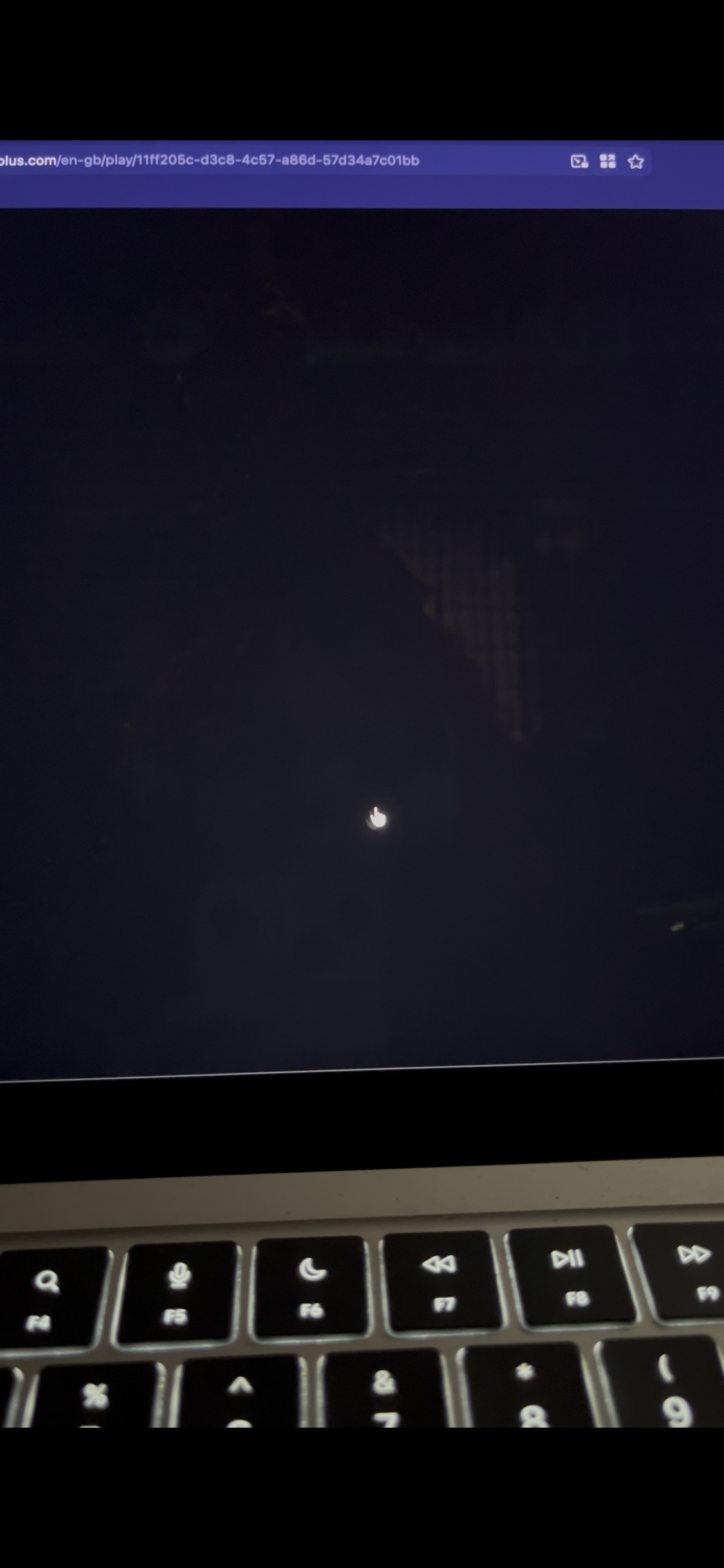
Took this photo of the movie Cruella because I knew there was loads of flashing lights at one scene. You can see that the video is faded but the rest isn't. The second image is when I click multiple times to try and stop it! But it happens again directly after.

Please help me, this is really annoying and I've put up with it for too long :(
Okay posted this into iOS but never got any proper help, so I'm guessing that was the wrong place to put this. Whilst I'm watching a video, if said video is playing in fullscreen, it'll often fade to black during different parts, as whenever a flash happens or quick cuts (e.g. a film with lightning strikes, causes it to fade to black and it stays like that - then fades back in super slowly). It is SUPER annoying and it causes me to have to rewind if I miss something because of it (only for it to do it again and again)! I don't watch YouTube in fullscreen because of it, but it even does it in streaming services - but worse! I honestly have had enough of this, it is genuinely infuriating. I'm on MAC air 2022 M2, macOs Tahoe 26.6.2 - and the most recent up-to-date Firefox update: Version 157.0 I usually put off updating Firefox because it signs me out of everything! Meaning I have to resign into all of my school things, streaming, YouTube, and even this page itself! Now I've gone into a private window and tested it to see if it does the same thing - yes, yes it does do the same thing, I put on the same two YouTube videos and it did the exact same fading in the middle of it at the same exact timestamp! Took this photo of the movie Cruella because I knew there was loads of flashing lights at one scene. You can see that the video is faded but the rest isn't. The second image is when I click multiple times to try and stop it! But it happens again directly after. Please help me, this is really annoying and I've put up with it for too long :(

Hoton allon fuska da aka liƙa

You must log in to your account to reply to posts. Please start a new question, if you do not have an account yet.