


Lost all tabs, and sessions when FF updated to 157

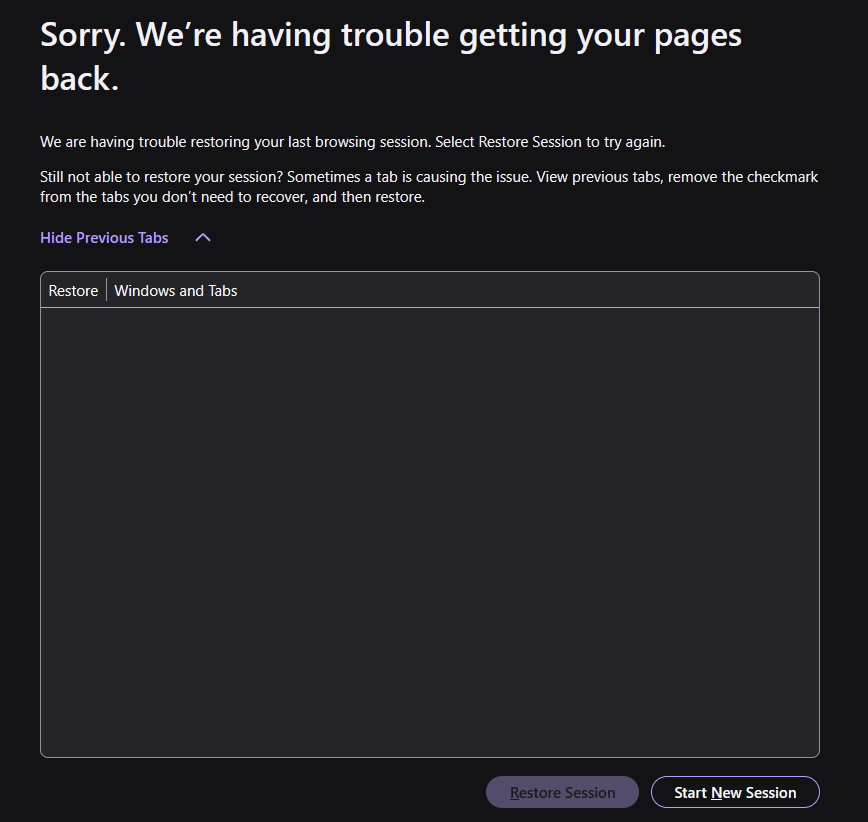
I restarted my computer, and when FF loaded all the tabs across the top where weirdly blank. I could see that there were tabs but no info. I restarted FF and then there were no tabs. Then I looked to history to restore previous session, and nothing. I've gone through all the various methods I can find about restoring sessions, and there are no sessions. See attached image. Session restore can not find a previous session. When looking for backup files, and using session scrounger https://www.jeffersonscher.com/ffu/scrounger.html I get a few tabs but nothing from my my most recent browsing. I had 28 tabs open, some in groups, and all of it is gone. I've had issues with losing tabs before but always got it back with the session scrounger, and now I can't find anything. What is going on?
All Replies (2)

Have you tried to Refresh Firefox: https://support.mozilla.org/en-US/kb/refresh-firefox-reset-add-ons-and-settings
I tried so many different things I found on this help site. the only solve ended up being a found a back up session called "upgrade" which got created when the new version installed, and I manged to use one of the methods to rename that as the active session, and got everything back. It's just that this kind of thing is not supposed to happen.