


Hello. I have tried to copy my Thunderbird account to my MacBook. This has happened but it has only copied an empty saved e mail Folder. I was hoping for all my e mails, being my records.

I have saved relevant e mails to local folders in my Thunderbird account on my Applemac. I opened up Thunderbird on my MacBook and downloaded my Thunderbird account but it did not copy those local folders, merely 1 empty folder. Without these also shown in my Thunderbird account when I am away from home, I cannot see those records. I am struggling to find a solution. Are you able to help please? Alan Dowler
All Replies (20)

Did the error message appear in the status bar at the bottom of Thunderbird's window? Try again and watch the status bar closely.
It did not appear in the status box but on the desktop there is a warning. Jetsam event - 2026.
I am not familiar with that error. The internet tells me that is has to do with insufficient memory.
I also do not know if that error relates to our copying of e-mail folders.
What is your computer model, macOS version, and amount of memory? You can get all that information by clicking on the apple in the menu bar and selecting "About this Mac".
graphics 4gb memory 16gb storage available 637gb my computer browser also says that the operation was ended because of insufficient memory.
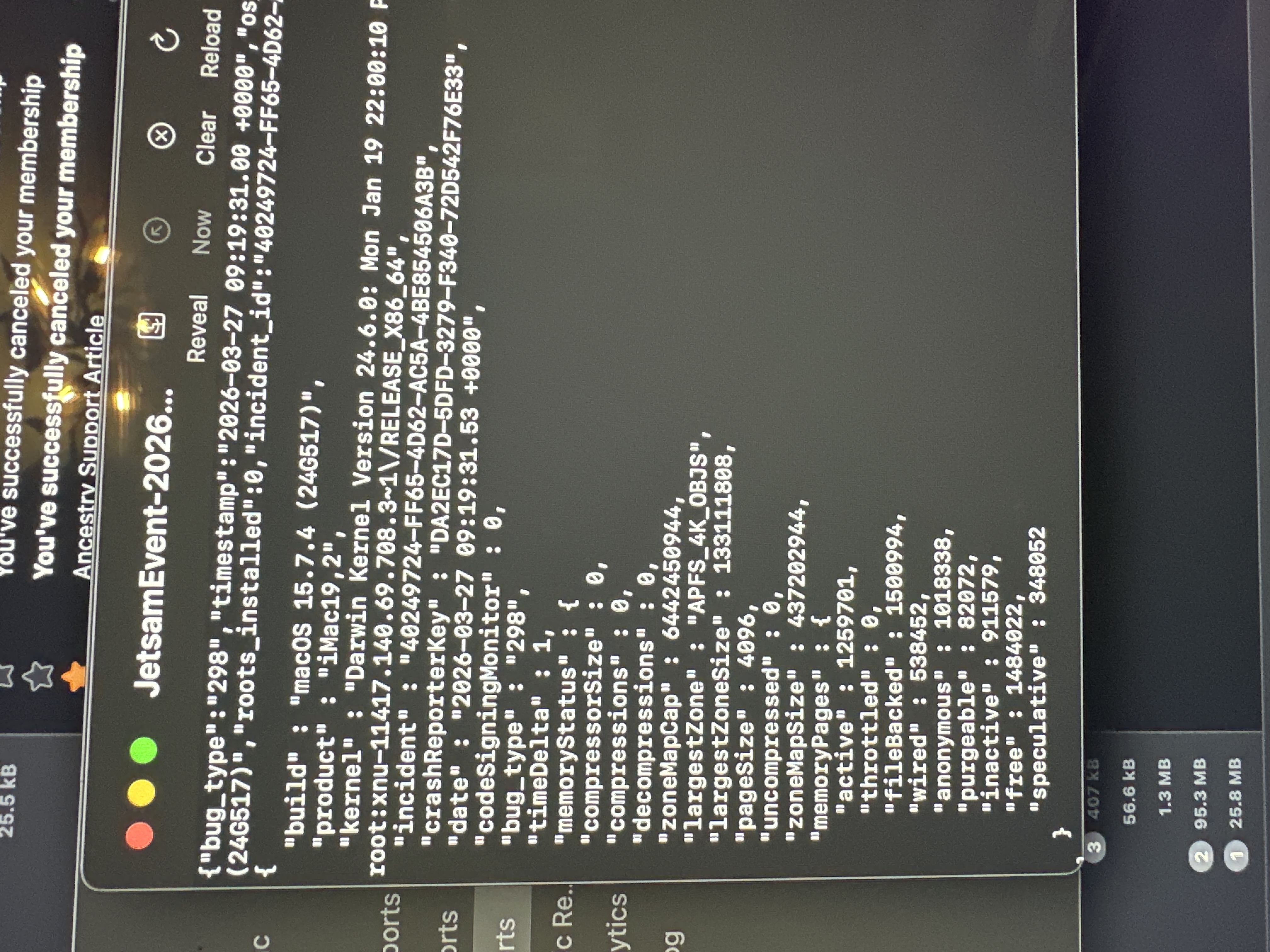
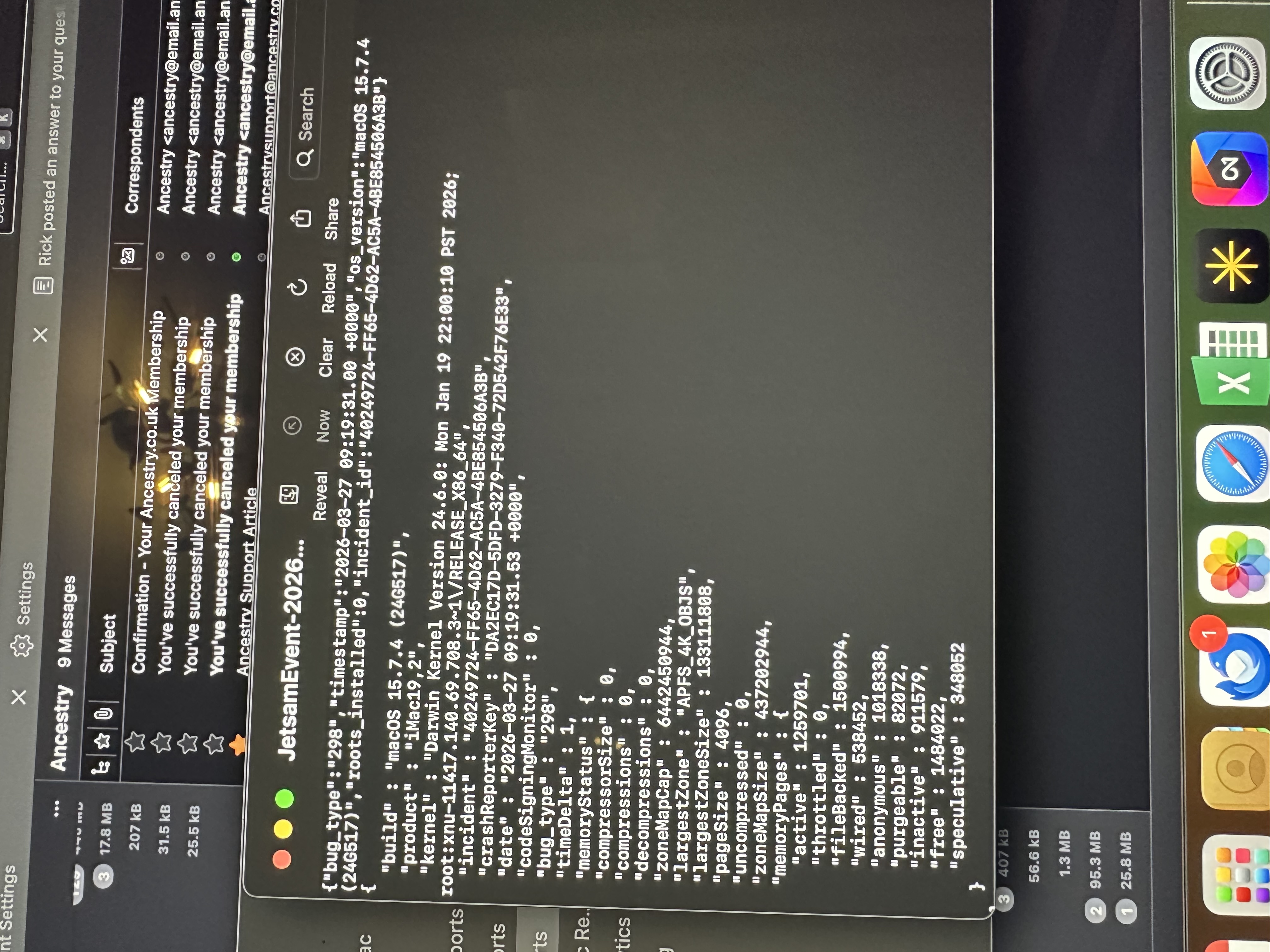
Thanks.
Apparently, you are trying to do too much at one time on that computer. Your model is seven years old and uses an Intel chip instead of Apple's system-on-a-chip ("Apple silicon"), which uses memory more efficiently.
All I can recommend is that you shut down your computer, start it up again, run only Thunderbird and a browser, and try copying e-mail folders again.
Thanks Rick for all your help all evening. I am sure what you are saying right. Could we not copy the local files across to my new latest MacBook and then copy from that computer into the server.
Alan Dowler said
Thanks Rick for all your help all evening. I am sure what you are saying right. Could we not copy the local files across to my new latest MacBook and then copy from that computer into the server.
We could do that. I don't know if it would make any difference. It would mean learning how to transfer files and then you would still have all the work of copying folders.
There really should not be a problem if you re-start your iMac, run only the programs that we need for this operation, and do what you have already learned how to do. How about doing that and seeing if you can copy more folders before we consider a different approach?
I wrote earlier and then deleted: if your MacBook is newer, you could consider using only it. If you want to use it with a larger screen, you could buy an external display for it. I make no assumptions about affordability. Just mentioning the option. Then we could transfer files through an external drive and be done.
You've done much difficult work on a long day. And you suceeded in copying a folder and getting it to appear on your MacBook. Well done!
Rick Have persevered again snd managed to get a few more folders into the server. Now the same problem, frustrating but I will try each day until it clogs up finally. At least it is moving.i will keep you informed. Alan
Good. I was hoping that you would. But I feel bad if the process is time-consuming and frustrating. All the copying could be done in a single step. I believe that trying to do it that way is not advisable when the computer has a memory problem.
Make sure that you check each folder after copying. If the process is not reliable, we should indeed use a different process.
Re-starting your computer to clear memory and running only Thunderbird should help.
You could also look at the Mac’s activity monitor and try to identify the source of the memory problem. Some app is using too much memory. I hope that Thunderbird itself is not the problem. Maybe there is a memory leak.
When you are done, let us talk about deleting the old folders on the iMac and setting folder properties on the MacBook.
I am checking as I go but it will be a very long process i think. I will keep pursuing until impracticable.
Remember to copy only top-level folders. Sub-folders will be copied with them.
Alan Dowler said
I am checking as I go but it will be a very long process i think. I will keep pursuing until impracticable.
You can copy as many folders as you want at one time. The constraint is that memory issue. Try three at a time to speed things up?
Rick this process is really struggling. It has stalled after a couple of files. In fact worse; on the desktop It is showing 4 or 5 files have copied into the server but on my macbook only 1 file is showing.
Alan Dowler said
Rick this process is really struggling. It has stalled after a couple of files. In fact worse; on the desktop It is showing 4 or 5 files have copied into the server but on my macbook only 1 file is showing.
Downloading messages to the MacBook while you are uploading them from your iMac could be slowing the process at the server. I would turn off the MacBook for now. And another step may be needed on the MacBook to make the folders appear.
All we care about now is the copy process. Is Thunderbird copying folders to the server? What makes you say that the process has stalled?
Rick I am up to g in the alphabet after encountering two files that will not copy, others that arrive in the wrong place or the wrong level and I am constantly opening snd shutting the computer. A boot of a nightmare to say the least.
Hi Alan.
Darn.
What makes you say that some folders do not get copied? You know now that copying messages to the server takes time, right?
Except for the memory problem, I believe that the other problems can be overcome. Where the folders end up may have to do with how Gmail stores them. I don't know. I do not use Gmail. Once the folders are on the server, they can be moved, so that should not be a big problem.
Is the memory problem causing you to shut down the computer frequently?
Do you want to continue or abandon?
Rick I rarely concede.I have to shut down the computer every 5 minutes to get rid of the error message in activity. It is strange as sometimes it moves on, sometimes it is stubborn.
I wonder if we save this local folder on an external disk and then transfer it to my macbook it would easy to move into local folders and that the remaining exercise would be much easier and quicker. What do you think?
Alan Dowler said
I wonder if we save this local folder on an external disk and then transfer it to my macbook it would easy to move into local folders and that the remaining exercise would be much easier and quicker. What do you think?
Yes, I believe so. Do you know how to do that?
If you are going to transfer the whole "Local folders" directory, make sure that your MacBook does not have anything in local folders that you want to keep. Does it?
Close Thunderbird on both computers.
Your whole profile is already on the iMac's desktop. You might as well copy from there. Drill down to the "Mail" directory and open it. You will see "Local folders". Copy it to your external drive.
Then copy it from the external drive to ~/Library/Thunderbird/Profiles/[the name of your profile]/Mail/. It will replace the existing "local folders" folder.
"~" means the top level of your user account.
Open Thunderbird and check that everything is in order. Then you can re-start copying to the server.
We should have done this when you first suggested it. I didn't know that the memory problem is as severe as it is.