Lost ability to play music from the browser
I can no longer play music in my browser how do I fix it?
All Replies (8)
More detail please??? What site and steps to replicate? X11 or wayland? What OS? What desktop? What version of Firefox?

An gyara daga jonzn4SUSE
Step to replicate: Attempt to play songs from you tube music X 11 Debian Testing MATE 1.26 Firefox ESR 140.7.0esr There seems to be no way to enable sound from any websites in settings how do I fix this? It quit working for no apparent reason.
Tim said
I can no longer play music in my browser how do I fix it?
What happens when Firefox is in Troubleshoot mode? I have no issues on this old mac running 115ESR, but have seen issues with YT since 145 on my newer laptops. In Troubleshoot mode it does work for me with no issue. Looks like google is cracking down on adblockers.
An gyara daga jonzn4SUSE
It fails in troubleshooting mode as well, but thanks for the reminder to try that. I can get it to play on my Virtual Machines, even the same distro in a VM. But not on the actual machine, so yes,I'm really confused.
There's no error messages just no sound at all. Youtube shows it's playing but no sound.
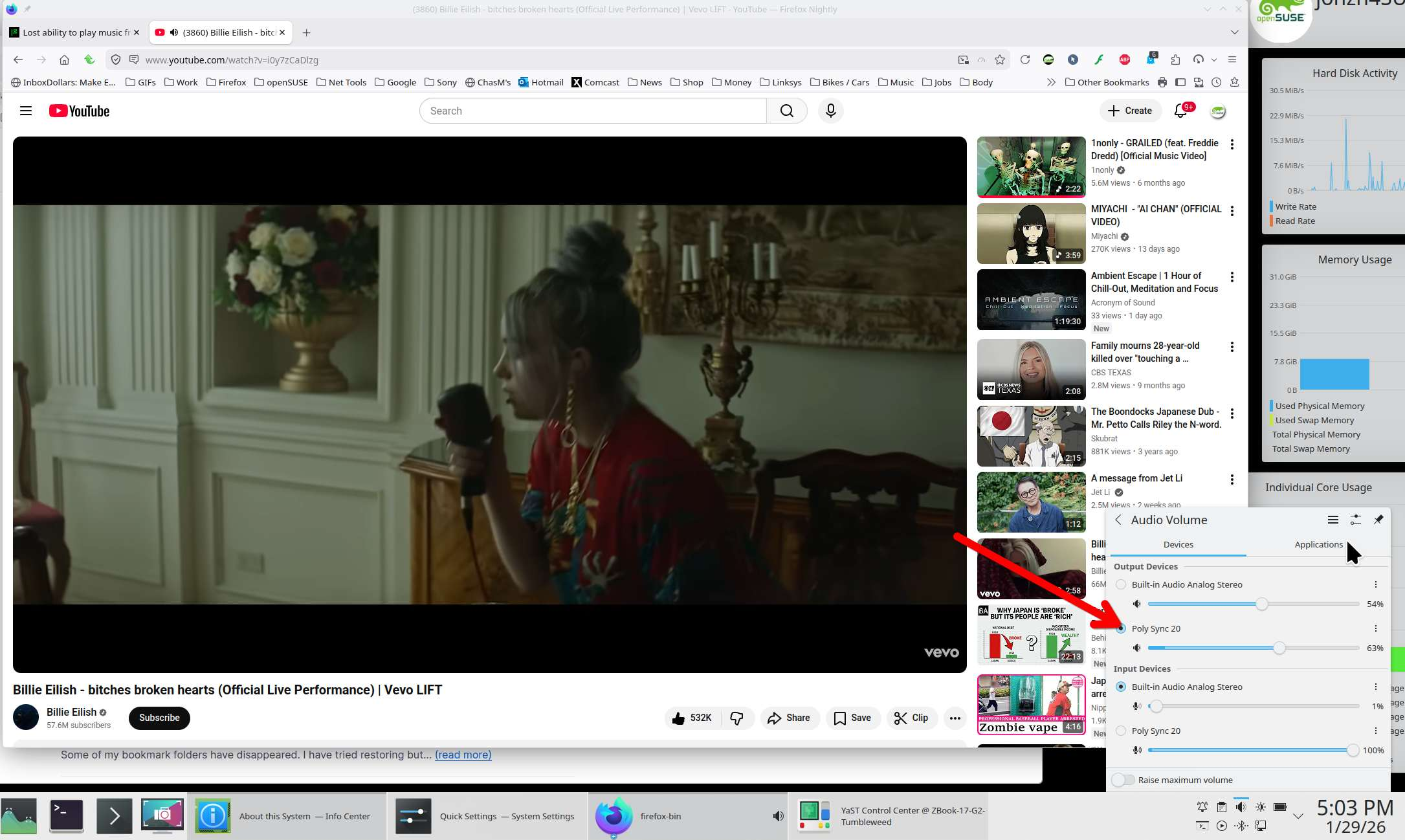
Check your output device from the speaker icon in the systray or settings.
It plays from my music player just not from the browser, it has no sound but system sounds and the music will play just not via Firefox.
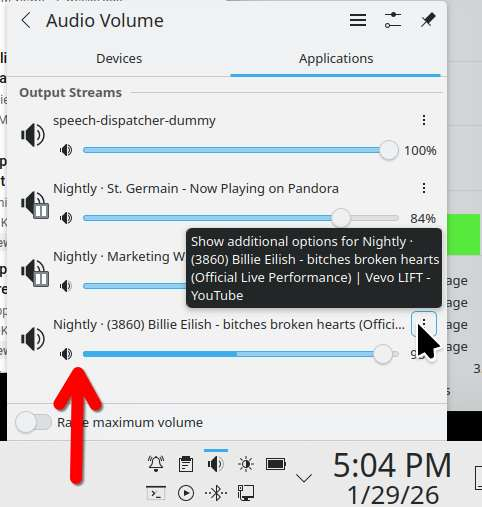
When I want to change the sound output from my laptop speakers to my usb speaker, I'm not making the change in the browser, the OS controls sound output. see screenshots I'm using a usb speaker for sound output from Nightly.
Try downloading Firefox from Mozilla, run firefox-bin from the folder and see if you have the same issue. https://www.mozilla.org/en-US/firefox/all/#product-desktop-release