


Problems with website https://1app.planningapplications.gov.wales/app

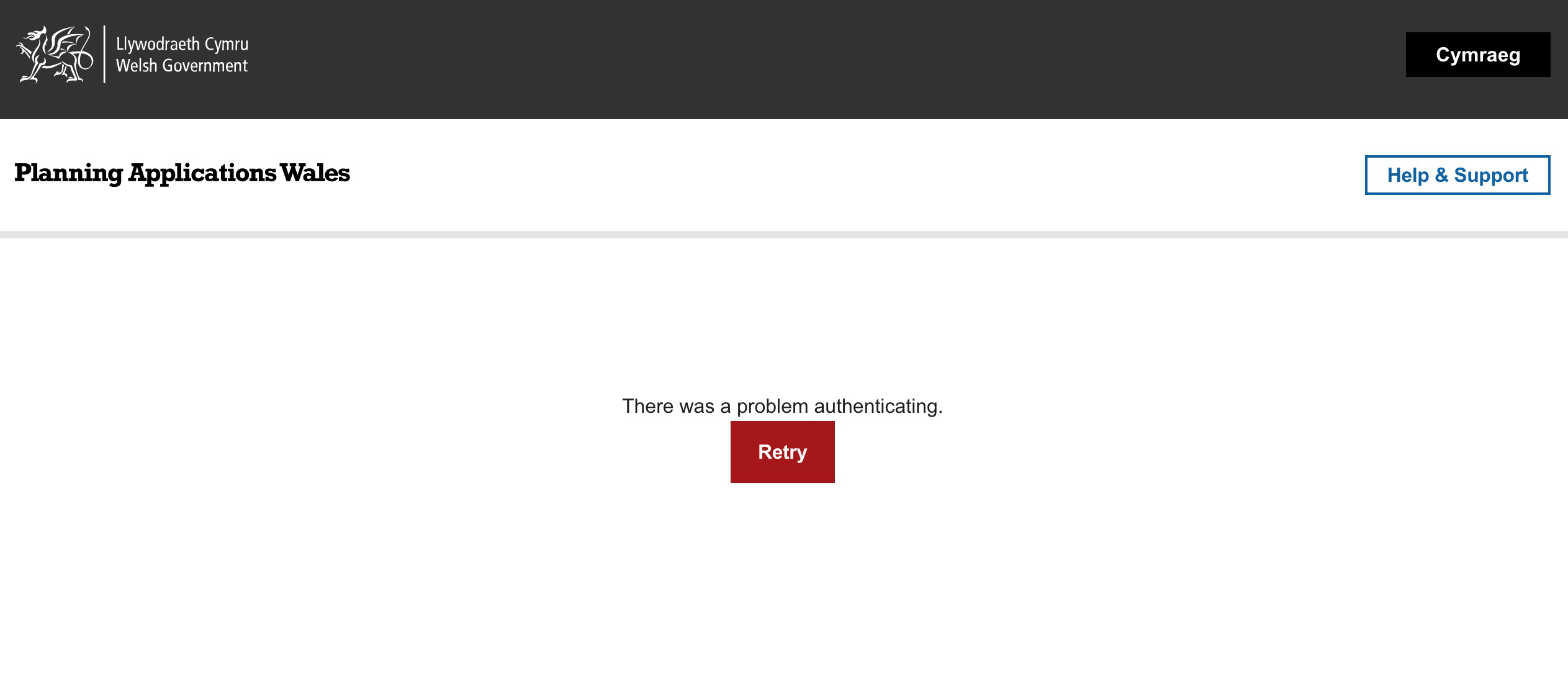
I can visit the home page, but when I click on the button "Start now" I get an error message - There was a problem authenticating - and a "Try again" button appears but nothing changes if I try again.
All Replies (2)

Make sure you are not blocking content.
https://support.mozilla.org/en-US/kb/enhanced-tracking-protection-firefox-desktop also see https://blog.mozilla.org/security/2021/03/23/introducing-smartblock/
https://support.mozilla.org/en-US/kb/smartblock-enhanced-tracking-protection
Diagnose Firefox issues using Troubleshoot(Safe) Mode {web link}
A small dialog should appear. Click Start In Troubleshoot(Safe) Mode (not Refresh). Is the problem still there?
Many site issues can be caused by corrupt cookies or cache.
Warning ! ! This will log you out of sites you're logged in to. You may also lose any settings for that website.
- How to clear the Firefox cache {web link}
There is a change in Firefox 96 related to cookies and insecure sites.
See also:
- /questions/1363998 blocked 3rd party cookies
As a workaround for now you can modify this pref on the about:config page to revert this change.
- about:config => network.cookie.sameSite.laxByDefault = false
You can open the about:config page via the location/address bar. You can accept the warning and click "I accept the risk!" to continue.