


Solved
Option missing in Settingd

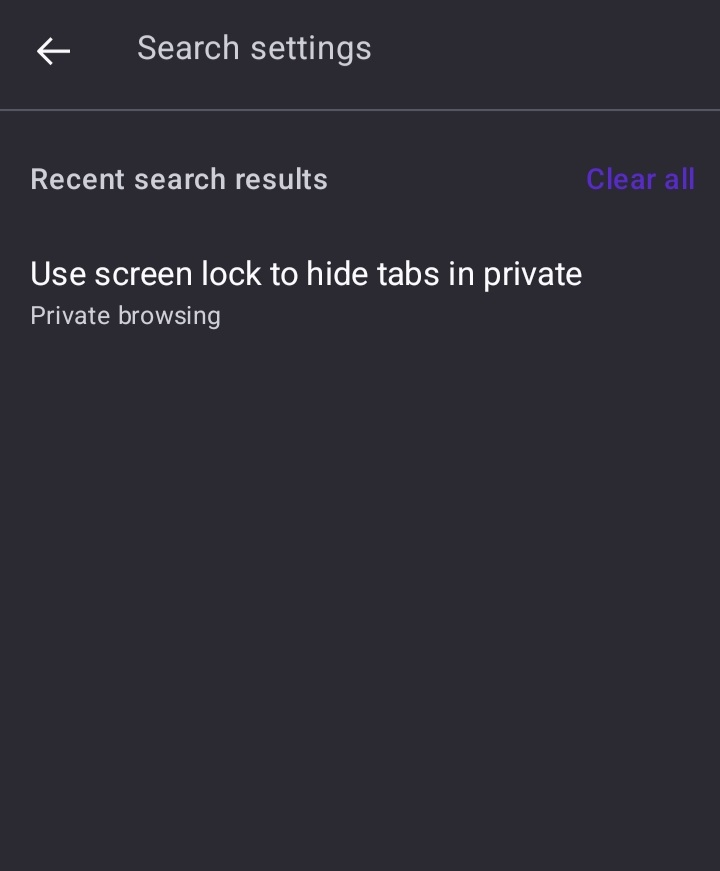
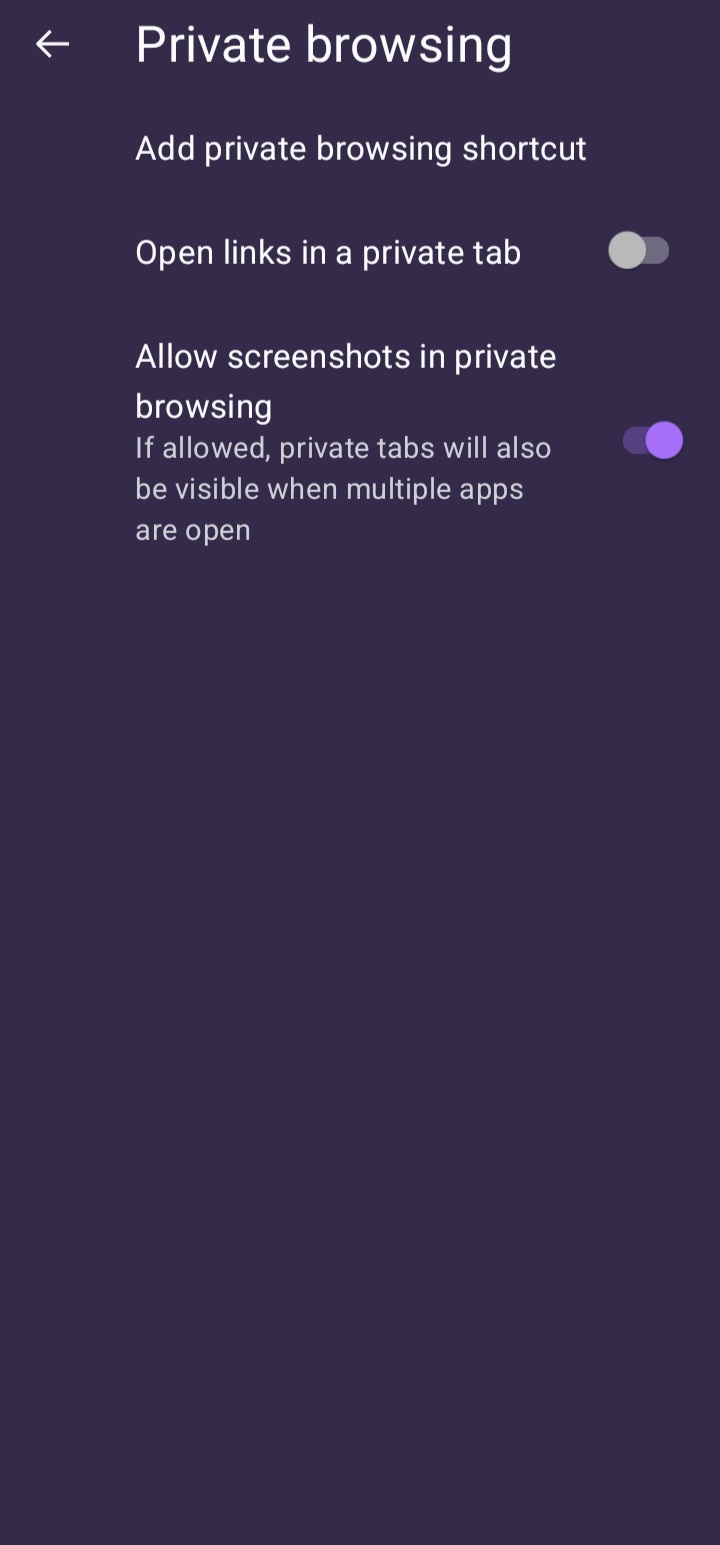
I cannot see the lock privaze tabs option in the settings. It does show up when I search for it but when I click it, it takes me to the options menus (as seen in the screenshot) but the option is not there.
I cannot see the '''lock privaze tabs ''' option in the settings. It does show up when I search for it but when I click it, it takes me to the options menus (as seen in the screenshot) but the option is not there.
All Replies (1)
Chosen Solution
The private browsing lock setting was not shown in version 149 on devices without biometric hardware, even if they supported device credentials (PIN, pattern, or password).
Please update to 156.
Modified by TyDraniu