How do I switch off Thunderbird Calendar, so I can use Apple iCal instead?

I don't wish to use the calendar that comes with Thunderbird, but instead continuing with my Macintosh iCal.
1) How do I switch off the Thunderbird calendar function? 2) How do I get the calendar invitations sent to me as an ICS file attachments, that I can open in Mac iCal. Just like in Airmail and in Microsoft Outlook.
Jonas Möller Nielsen Sweden
All Replies (5)
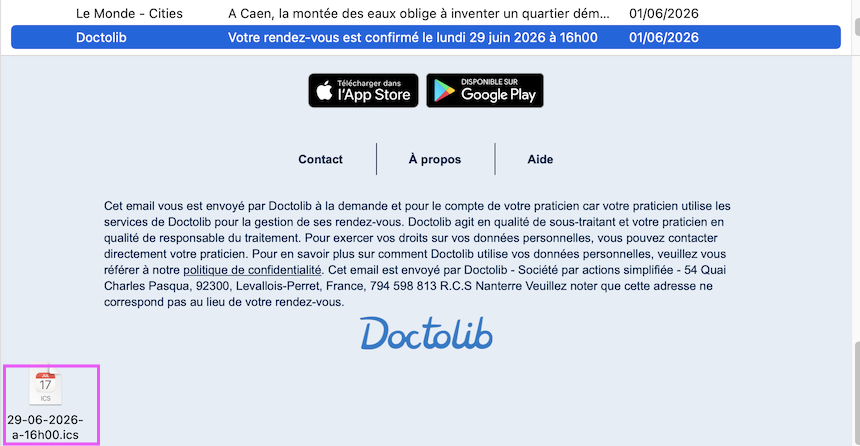
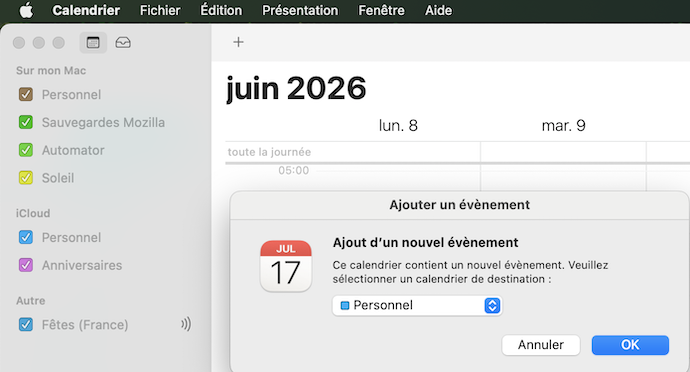
You are not obliged to use the Thunderbird calendar. If you've already opened the Calendar tab just close it. In France I get many "event" invitations as .ics files attached to emails. When I double-click the .ics file my Mac opens the 'Calendar' app (formerly 'iCal') and shows a popup box which asks me to which of my different calendars I want to add this event.
Modified by Mapenzi
Mapenzi said
You are not obliged to use the Thunderbird calendar. If you've already opened the Calendar tab just close it. In France I get many "event" invitations as .ics files attached to emails. When I double-click the .ics file my Mac opens the 'Calendar' app (formerly 'iCal') and shows a popup box which asks me to which of my different calendars I want to add this event.
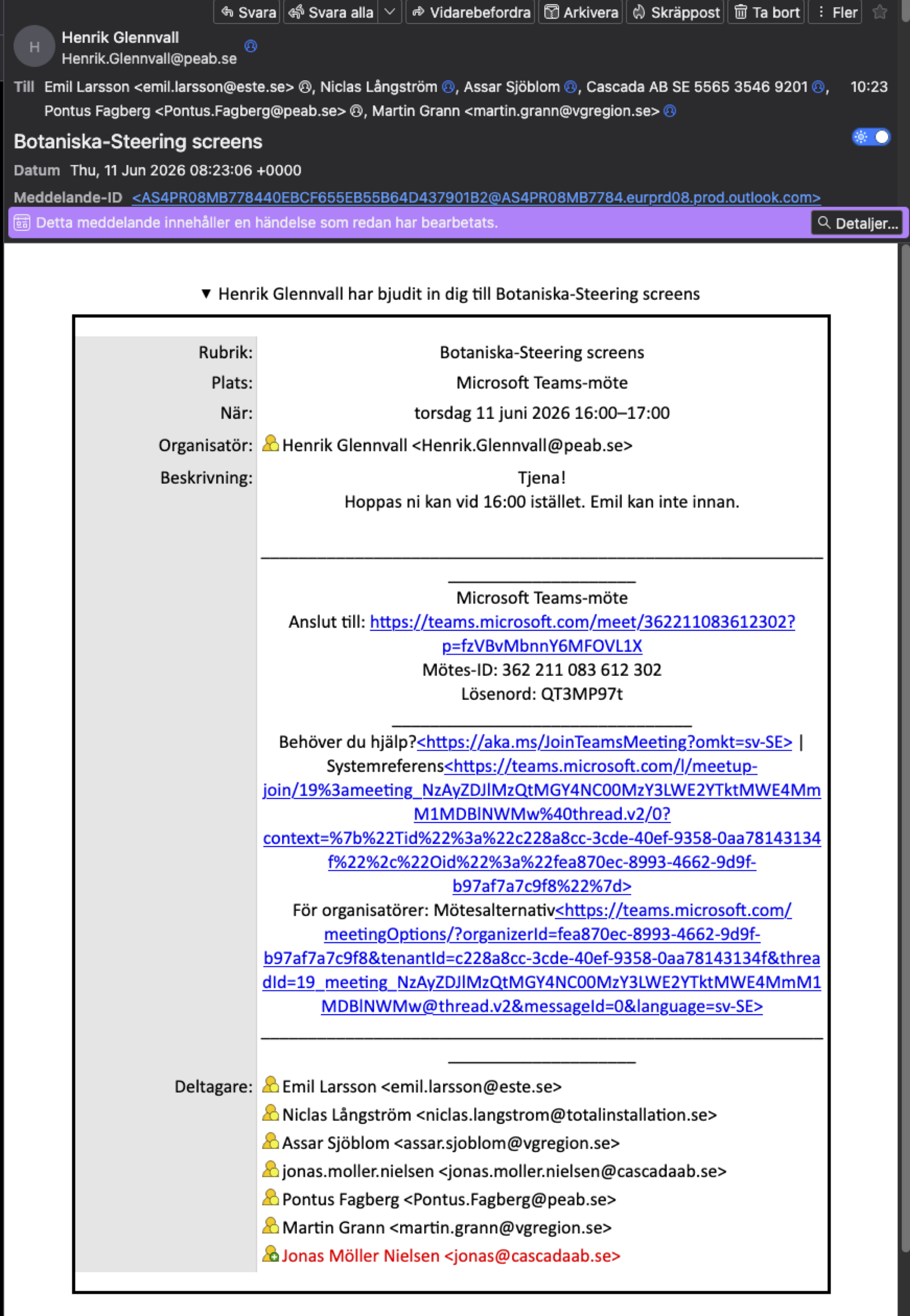
How do you do to get the .ics file? I do not get any .ics file with the invitation when I open the e-mail in Thunderbird. This is what it looks like:
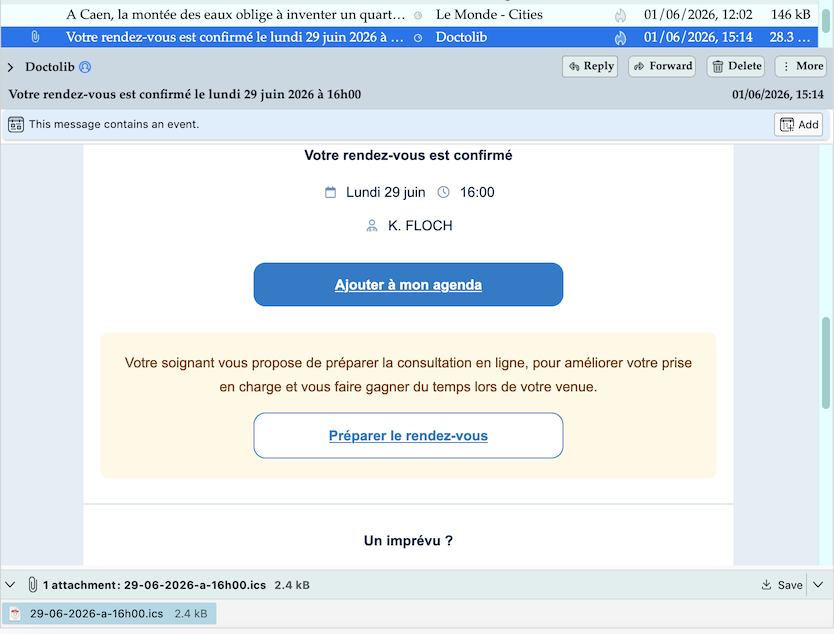
My professional activity is behind me and I mainly get emails with .ics files for appointments with administration or my physiotherapist (image)
Mapenzi said
My professional activity is behind me and I mainly get emails with .ics files for appointments with administration or my physiotherapist (image)
That is what I would like to get, the .ics file as an attachment. Well, I guess I just have to continue using several different e-mail clients, just as I have before. Thunderbird seems to behave differently on different computers apparently.
Thanks for trying to help. Jonas
jonas.moller.nielsen said
That is what I would like to get, the .ics file as an attachment.
I think that cannot get it as an .ics file attachment if people don't join the file to their emails. You may try the following: go to View and enable ✓"Display Attachments Inline", but I' afraid that this won't change anything. In my Thunderbird installation the .ics files are always shown in the attachment pane, whether I enable or disable "Display Attachments Inline"
<p>jonas.moller.nielsen saidWell, I guess I just have to continue using several different e-mail clients, just as I have before.
I opened again the same email with the .ics file I'd shown in my previous answer, but this time in Apple Mail. Same result: the .ics file is present and can be saved (see new image)