


How to disable this navigation shortcut
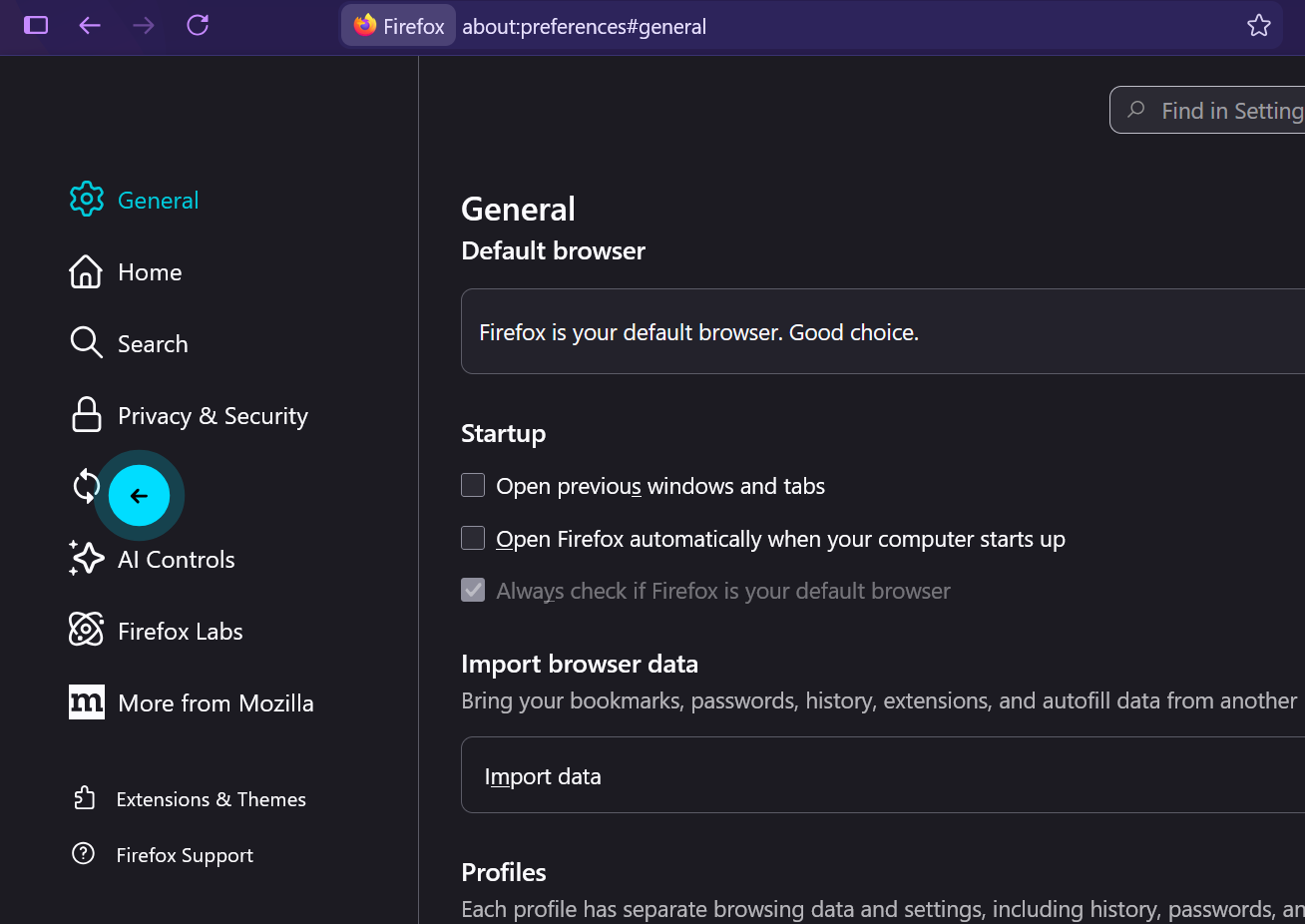
the go back to previous page shortcut is annoying and it kept messing with my work and I want to disable it I use touchpad and accidentally goes back to previous page all the time and sometimes I have to redo my unsaved work because of this. Please disable this arrow in a blue circle thing
the go back to previous page shortcut is annoying and it kept messing with my work and I want to disable it
I use touchpad and accidentally goes back to previous page all the time and sometimes I have to redo my unsaved work because of this. Please disable this arrow in a blue circle thing
All Replies (1)
Hi,
You should be able to do it as follows:
- Enter about:config in the address bar and press Enter.
- Click Accept.
- Search for browser.gesture.swipe.left
- Click the Edit
 button and change the value to cmd_scrollLeft or just an empty string.
- Click the Save
 button.
Note: I used ChatPGT to get this info, but after testing it seems to work fine for me. There's a corresponding pref for the right swipe (browser.gesture.swipe.right, the value would be cmd_scrollRight) which you can also change, but in my case it wasn't necessary.