Folders missing after installing TB on new W11 computer

I followed the recommended procedure to transfer the TB profile from an older W10 computer to a new W11 computer (both using POP accounts ), via a USB Flash Drive. The folders are all listed on the USB profile copy and observed during the scrolling detailed view while being copied to the new computer. Nevertheless, they are NOT listed in Local Folders on the new profile. Instead, ALL the messages (approx 700 of them!) are presented as UNREAD in the inbox folder. How can I restore the original folder sorting?
All Replies (1)
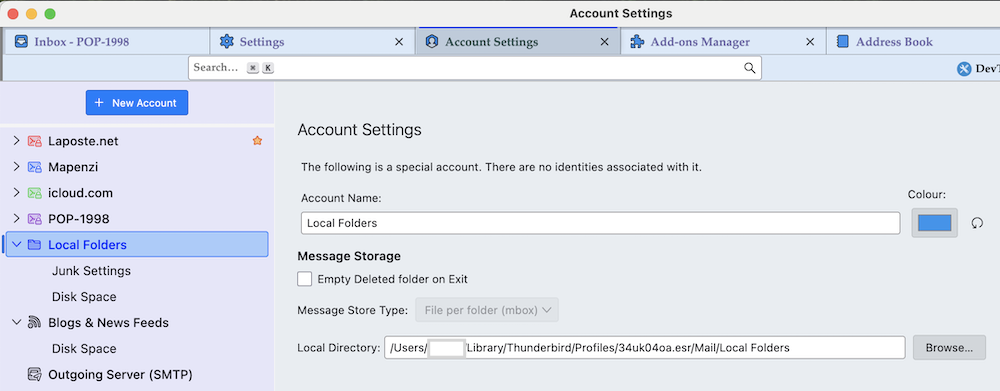
Which is the "recommended procedure to transfer the TB profile" you followed? On the new Win11 computer go to Help > Troubleshooting information > Profile Folder > Open Folder, then quit Thunderbird. In the profile folder go the Mail > Local Folders and make a screen shot of its contents. Also go to Account Settings > Local Folders > Message Storage > Local Directory and make make a screen shot of the path to the local directory of Local folders....