access to SSA.gov via either login.gov or idme

When I attempt to log into my ssa.gov account thru either login.gov or id.me with firefox browser i get the following message. "Your browser sent a request that this server could not understand. Size of a request header field exceeds server limit." I can access both with google or edge. I am running windows 11 with most recent firefox update What do I need to change in my firefox settings?
Opaite Mbohovái (1)

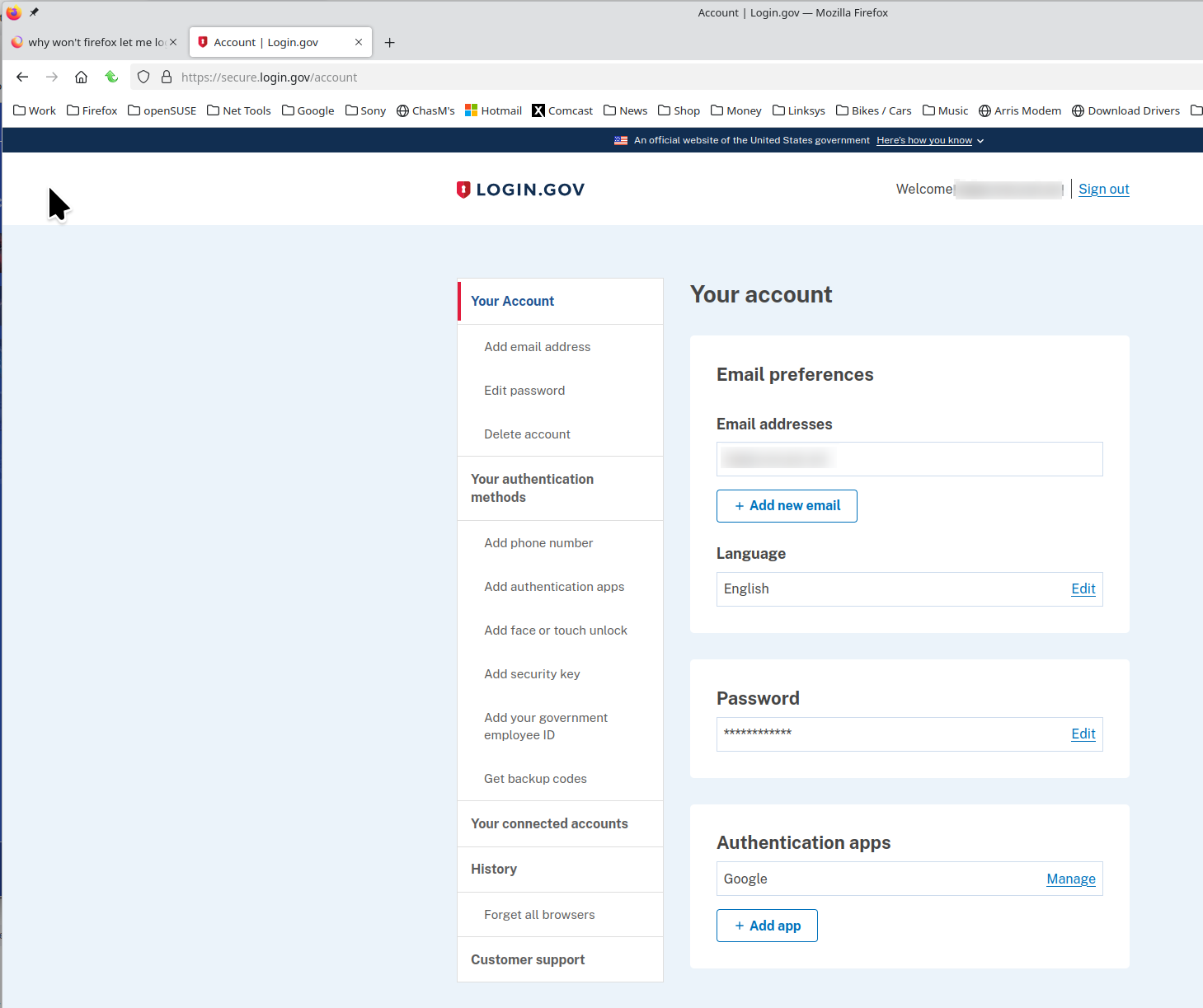
i can get into my login.gov account. see screenshot Are you running any security software besides MS Defender?
Have you tried with Firefox in Troubleshoot Mode? https://support.mozilla.org/en-US/kb/diagnose-firefox-issues-using-troubleshoot-mode#w_how-to-start-firefox-in-4troubleshoot-modesf5safe-modesf
Did you clear your browser cache? https://support.mozilla.org/en-US/kb/clear-cookies-and-site-data-firefox