


Solved
attachment button(s) no longer responsive | TB 153.4.0

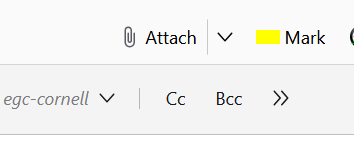
As of the latest update, the attachment toolbar button in a new mail window does....nothing. Nada. Click it, nothing. I have to drag the attachments from (say) Desktop to the new message window. Works, but...so should the toolbar buttons, which used to.
Tried turning off all addons (i.e., troubleshooting mode) - made no difference.
As of the latest update, the attachment toolbar button in a new mail window does....nothing. Nada. Click it, nothing. I have to drag the attachments from (say) Desktop to the new message window. Works, but...so should the toolbar buttons, which used to.
Tried turning off all addons (i.e., troubleshooting mode) - made no difference.
All Replies (3)

Bug - https://bugzilla.mozilla.org/show_bug.cgi?id=2077526. As a workaround, you can drag and drop the file to be attached into the message.
Chosen Solution
Beyond drag and drop there is another workaround.
- At the top right of the Thunderbird window, click the menu button ≡ > Settings > General
- Scroll down to the bottom and click 'Config Editor'.
- Search for the preference mail.compose.attach.dir.
- The value (Path) here must be changed to one that is still available (for example C:).
- Restart Thunderbird.
That should fix it.
Good workaround. Thanks. Does the trick for now.