


It does not clear all private data

I’m using Firefox 156.0 (76745) on iOS 26.7. I cleared all private data, including website data, but when I reopen Firefox, it still shows the previously opened website on the splash screen. I tested this more than three times, and the issue occurs consistently.
All Replies (5)
Shortcut tiles can be either pinned (you've added those manually so you'd need to remove these manually as well), or are the most frequent/recent sites from your history. Removing site data does not change your history itself.
Have you deleted all your history as well?
I have disabled Shortcuts. Nothing is pinned. Deleted all the history. I have attached some screenshots for reference.
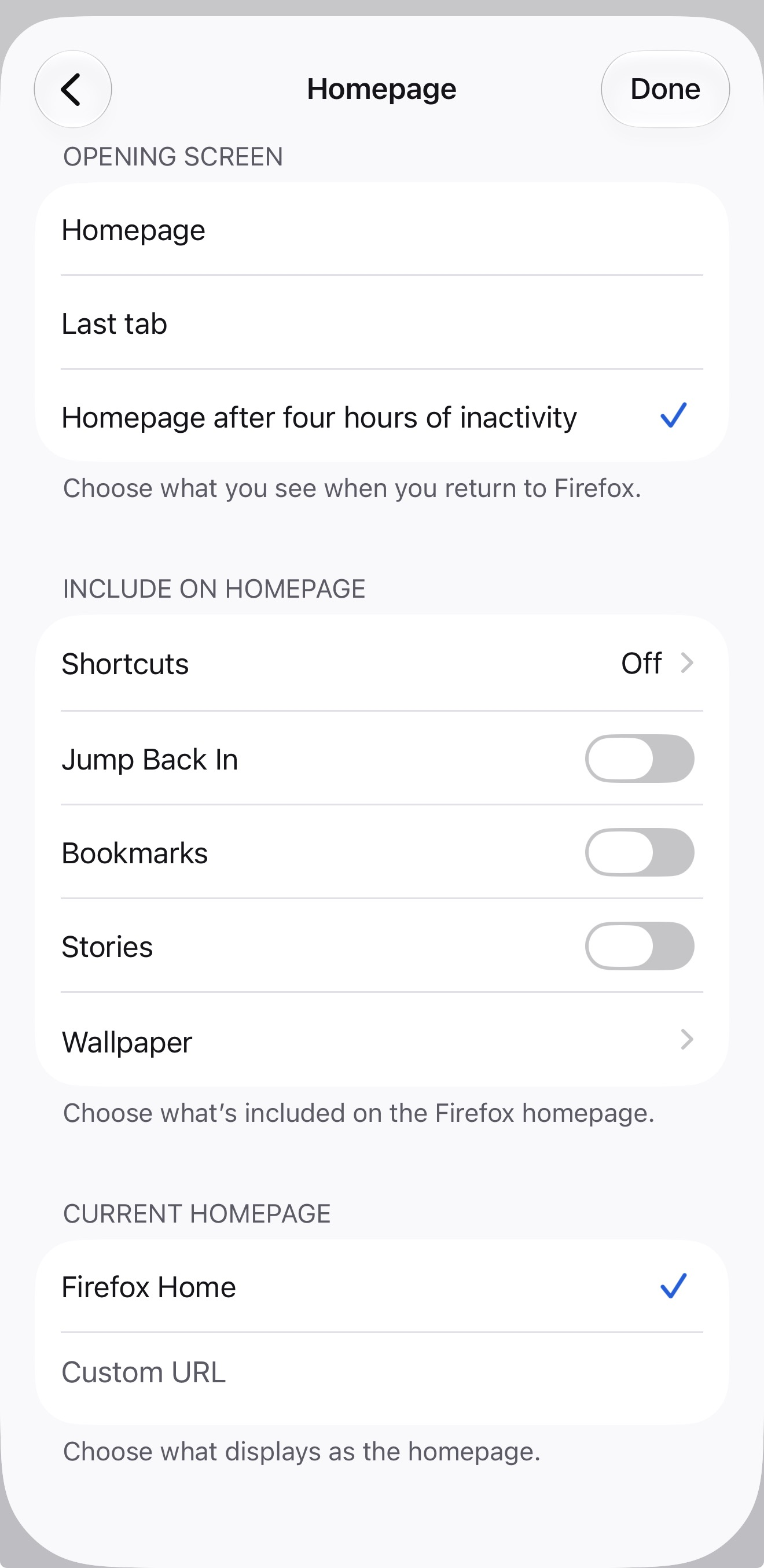


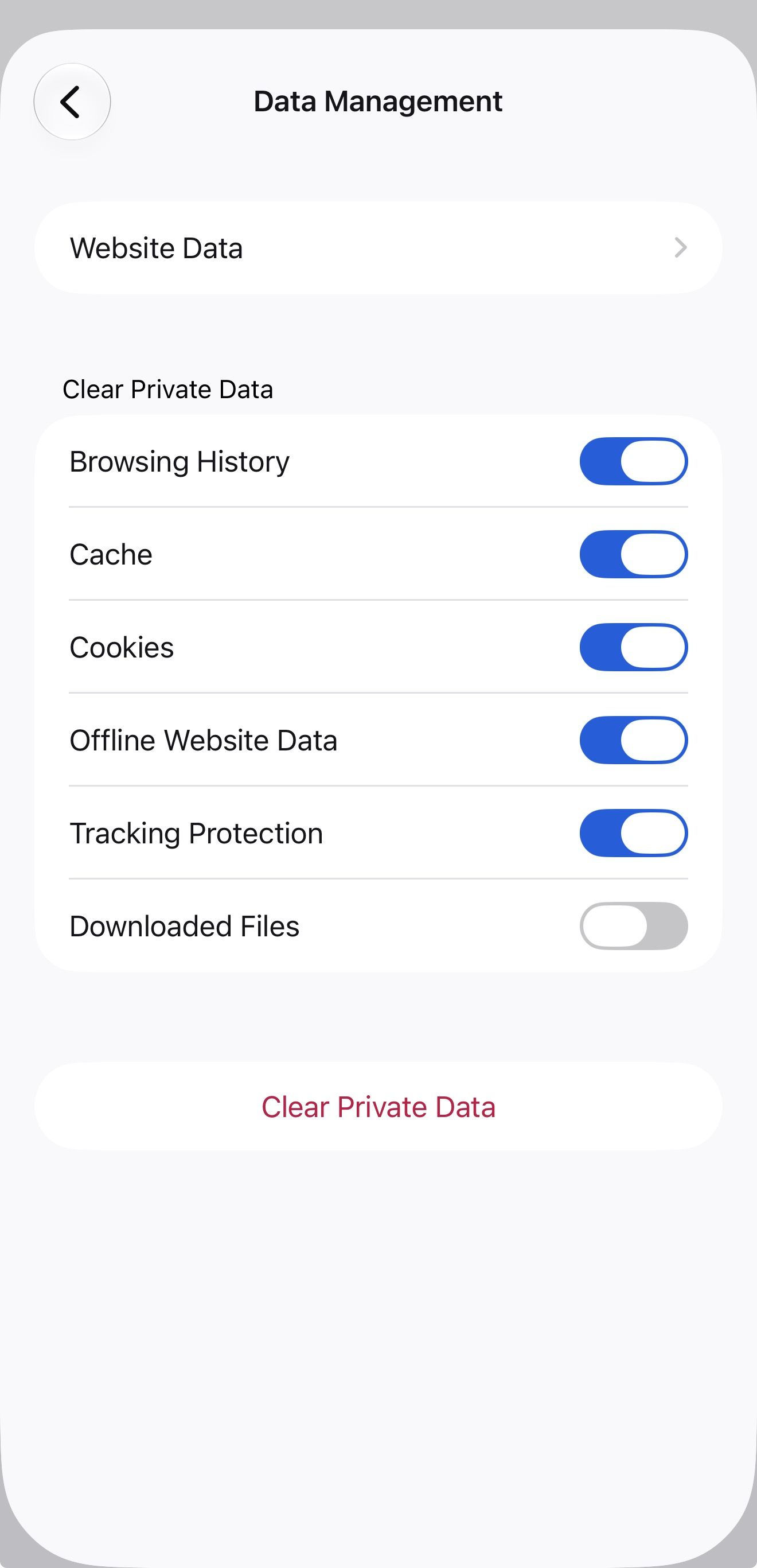
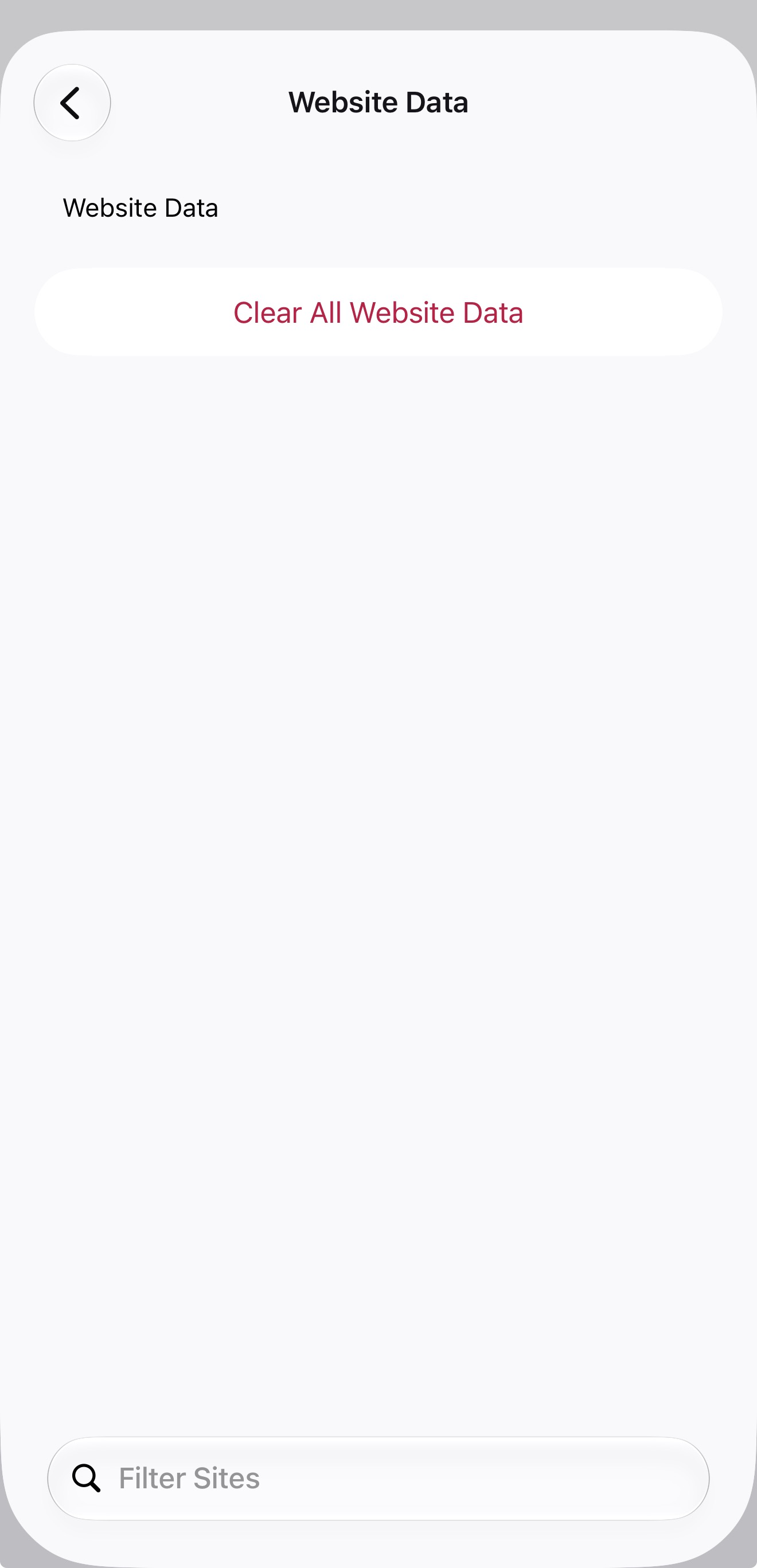
The screenshot shows you have nothing shown on the home tab if that's what you call "splash screen". The only other "splash screen" being a loading animation only has Firefox brand logo and no content.
Can you elaborate a bit more where exactly you see your previous content? Thanks!
I know that’s the Home tab. I didn’t call it the splash screen. I always close Firefox from memory. As soon as I reopen it, that’s where it briefly shows the previously opened website for just a second.
Could you record a video and upload it with a bug report to github.com/mozilla-mobile/firefox-ios/issues please?
I'm suspecting what you're seeing is a stale iOS–level app screen snapshot that's shown when the app is not active (yet), so any data captured there from earlier is in the hands of the device/OS at that point.