


Cannot receive emails
I am using the latest version of Thunderbird 148.0 on a MacBook Air with latest OS Tahoe 26.3.
Yesterday I was unable to receive messages via Thunderbird app but could log in to my provider and view the messages on webmail. Checked my account configuration and changed the port to 110 which seemed to fix the problem.
However, this morning I again cannot receive emails but I can send them. When I click on Get Messages, the bottom pane which normally shows the app contacting the server and downloading messages instead only shows the blue 'thinking' line (sorry, don't know what proper terminology for this is) for a few seconds then stops.
When I go to Server settings for incoming and check connection to server it is fine.
Any ideas why this is happening?
All Replies (6)
Does your Thunderbird become unresponsive ("freeze")? If not go to Tools > Developer Tools > Error Console and make a screen shot of its contents.
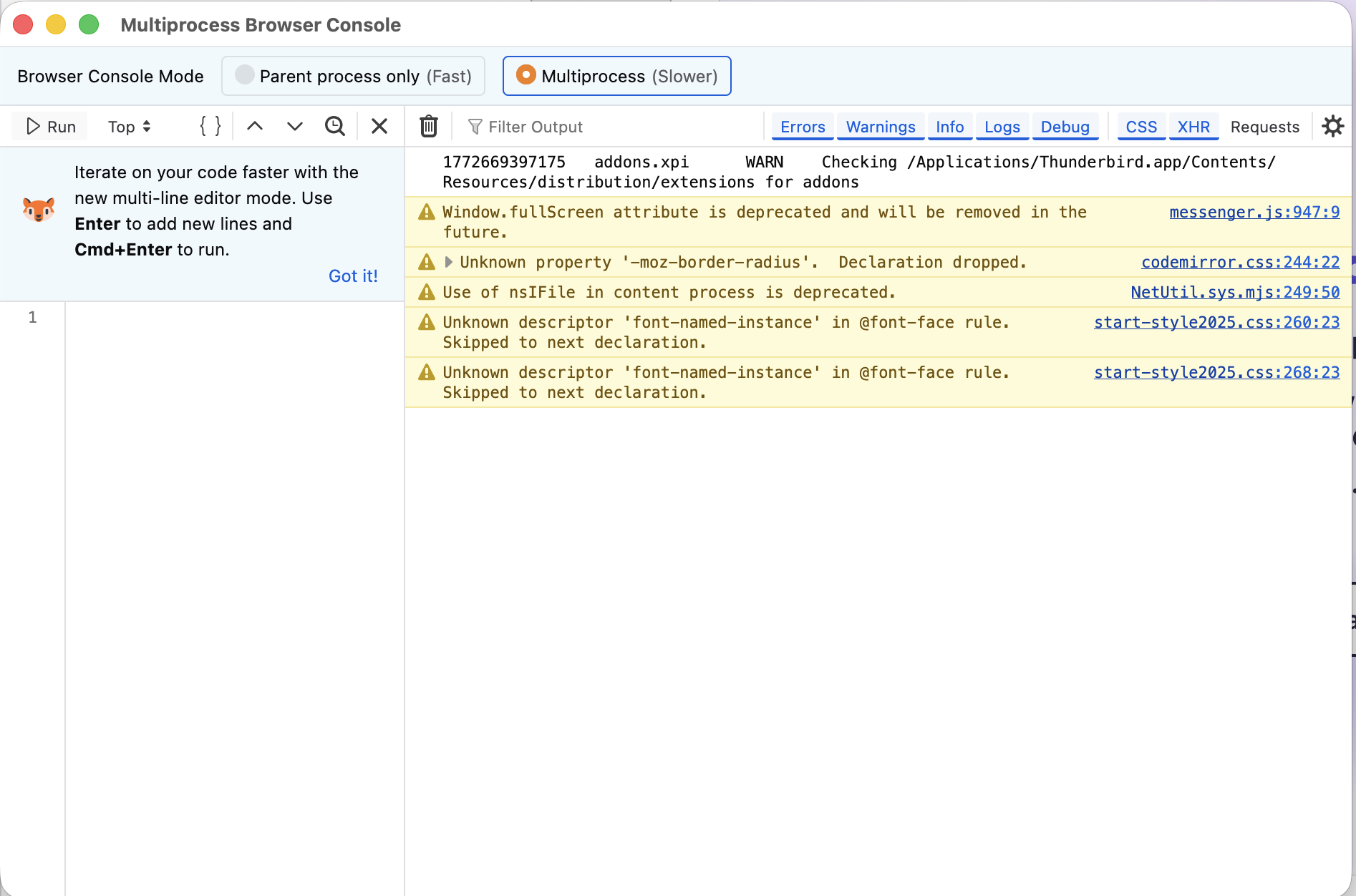
After leaving it alone for a few hours, I've just tried checking emails again and it's working. No idea what caused it or why it now works!
> When I go to Server settings for incoming and check connection to server it is fine.
Please list (or screen shot) the Server Settings.
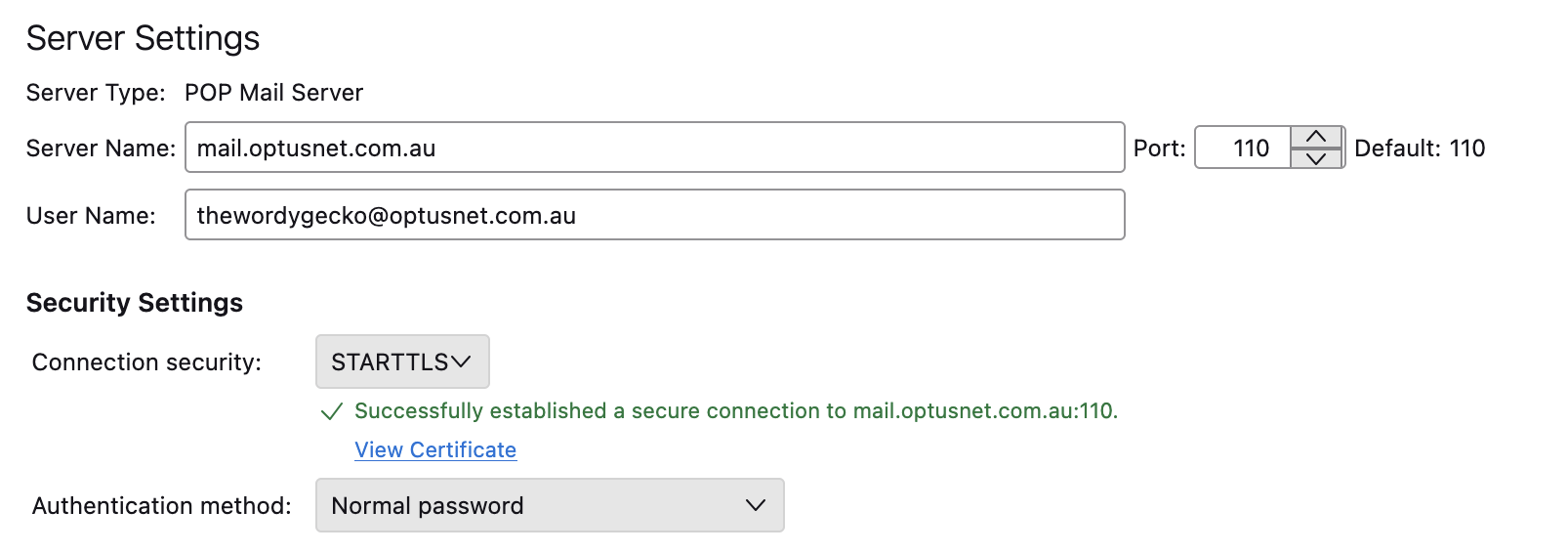
Try with port 995 and SSL/TLS as connection security https://www.optus.com.au/support/answer/using_an_email_application_with_optusnet_email_1434